CHAPTER 7 Listening to Music
Tungsten™ E2 Handheld
62
4
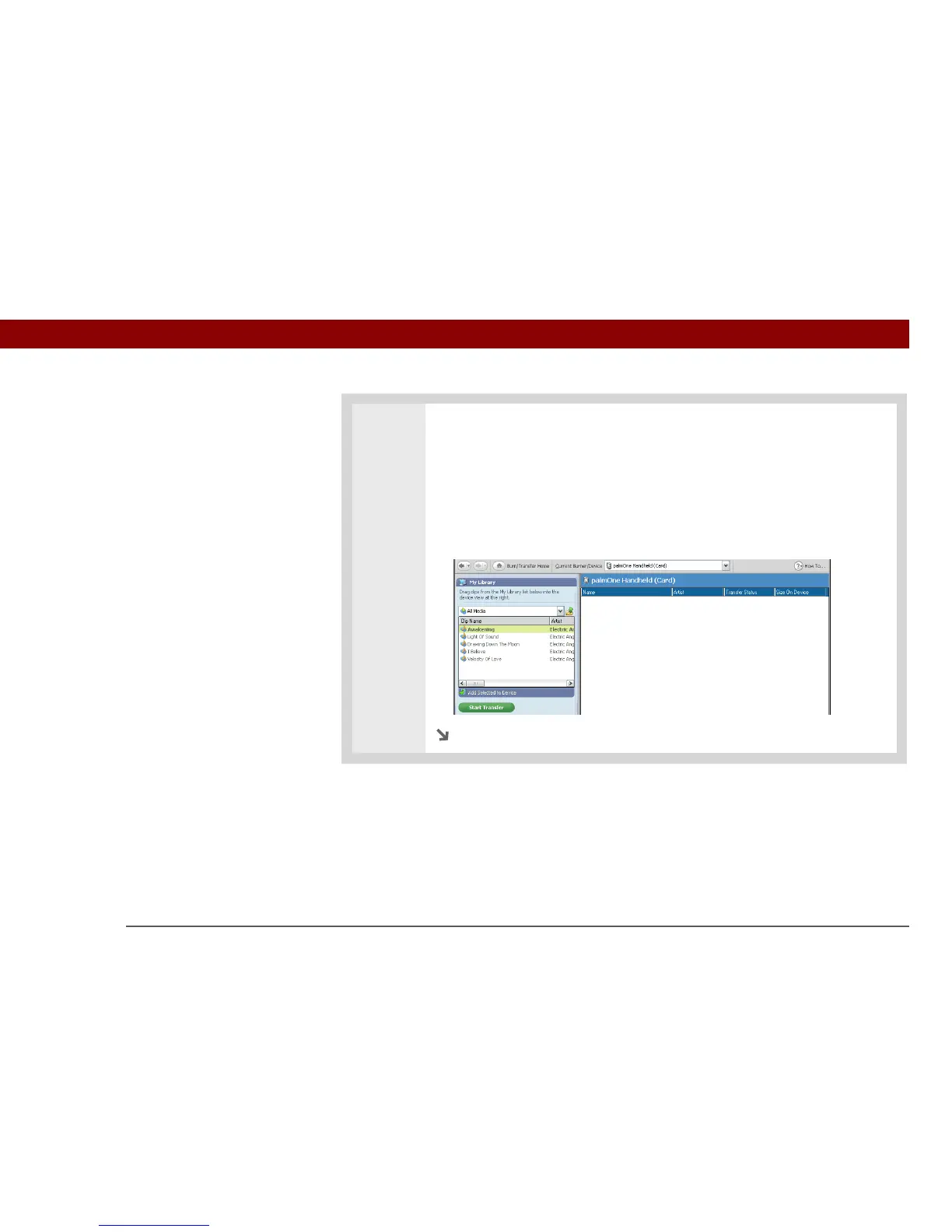
Select the songs you want to transfer:
a. In RealPlayer on your computer, click Burn/Transfer.
b. If necessary, select palmOne Handheld (Card) from the Current Burn/Transfer
Device drop-down list.
c. Drag the song files you want from the My Library window on the left into the
palmOne Handheld window on the right.
Continued



 To Next Page