4.2 Configuration Settings
4.2.1 Configuration of Analog Output Unit
Use the FPWIN GR7 configuration menu to make analog output unit settings, such as output
range, offset, and gain settings.
4.2.2 Setting method
The following steps are described on the condition that the analog output unit has been already
allocated on the I/O map.
1. Select Options>FP7 Configuration from the menu bar.
2. Select "I/O Map" from the field.
3. Select the slot where the analog output unit is registered and press the [Set details] button.
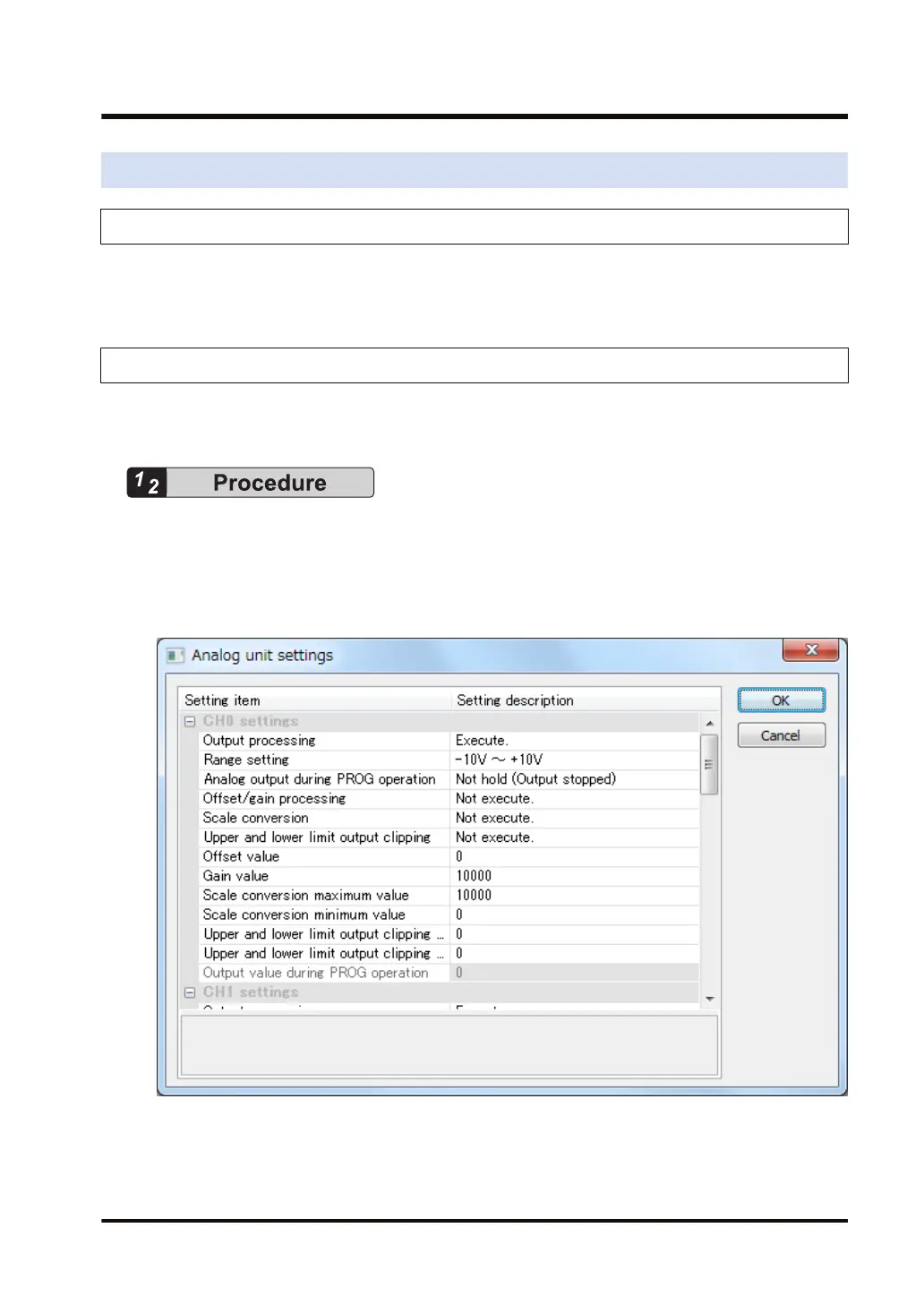
The "Analog unit settings" dialog box is displayed.
4. Select the "Output processing" and "Range setting".
Select option setting as required.
5.
Press the [OK] button.
4.2 Configuration Settings
WUME-FP7AOH-03 4-5



 To Next Page