6.2 Scale Conversion Settings
■
Overview of functions
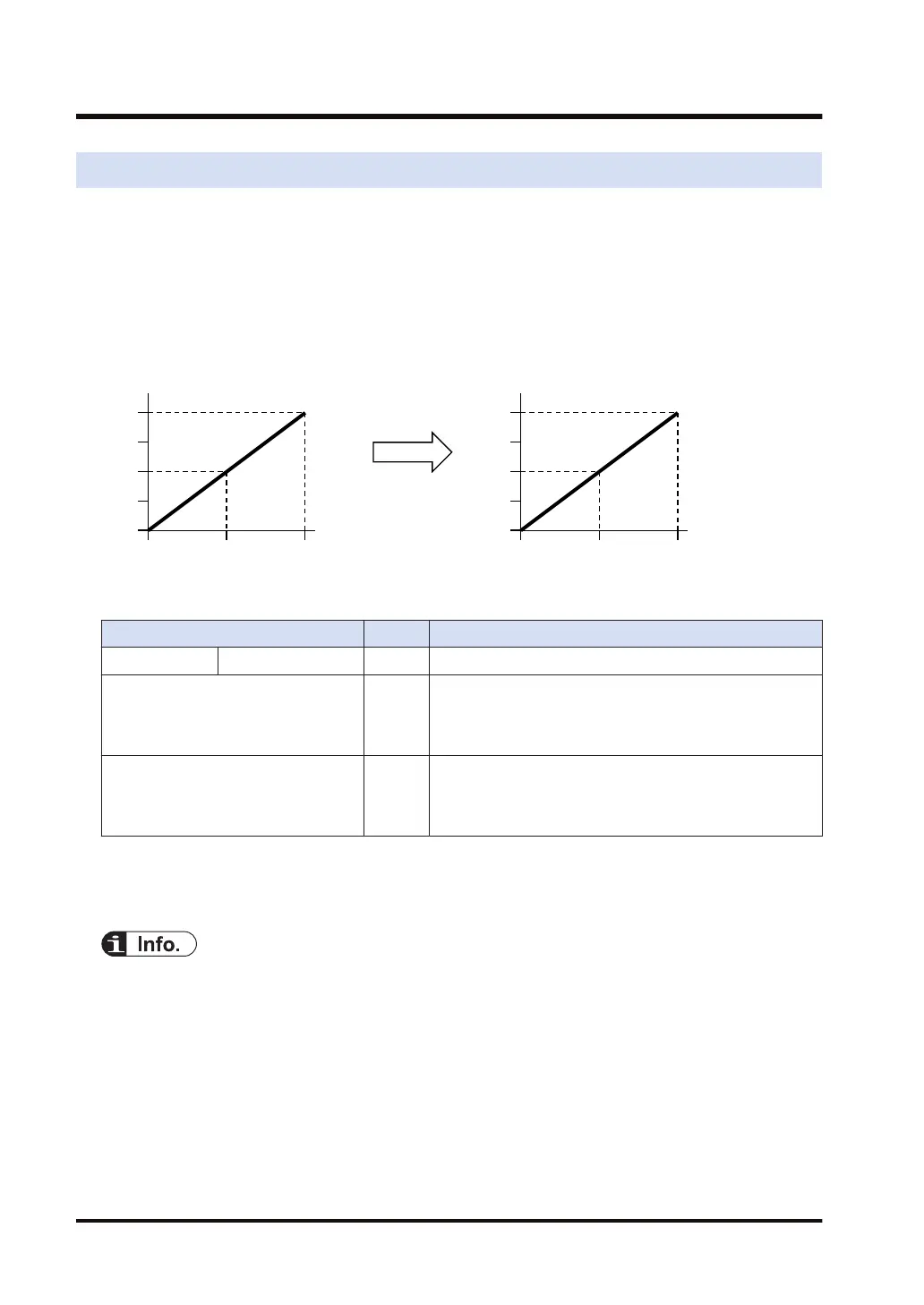
This function makes it possible to set an easy-to-use analog output range. D/A conversion is
made in a scale of preset minimum and maximum values to store the data in the I/O area. This
function is convenient if used for unit conversion.
● Scale conversion processing is performed for each channel.
● Digital input values to the analog output unit include fractions. Therefore, convert the values
to easy-to-handle figures if needed.
■
Configuration
Name Default Setting range and description
Function setting Scale conversion No Select "Execute".
Scale conversion max. value K10,000 Set the maximum value at the time of using the scale
conversion function.
Setting range: -30,000 to +30,000 (Specified with a signed
integer)
Scale conversion min. value K0 Set the minimum value at the time of using the scale
conversion function.
Setting range: -30,000 to +30,000 (Specified with a signed
integer)
(Note 1) An error will occur and the function will be disabled if the minimum value of scale conversion is larger
than the maximum value of scale conversion.
(Note 2) An error will occur and the function will be disabled if values outside the allowable range are set.
● The output at the maximum and minimum values of scale conversion will be clipped if values
outside the allowable range are set with the scale conversion function.
6.2 Scale Conversion Settings
6-4 WUME-FP7AOH-03



 To Next Page