18
(EN)
1
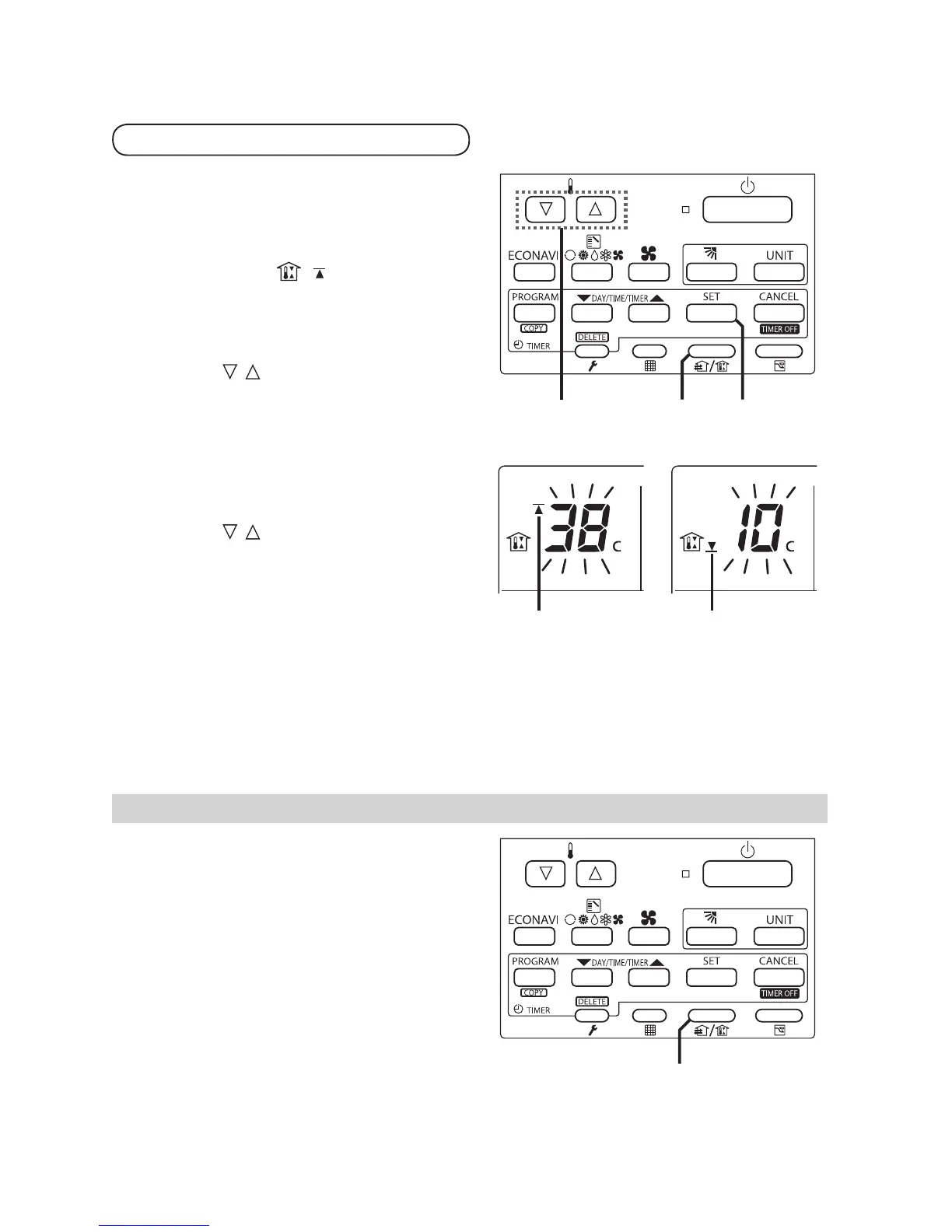
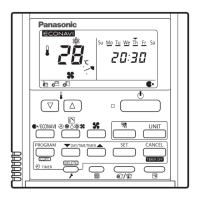
Press and hold [Ventilation] for more
than 2 seconds to display
the upper limit temperature setting
screen.
[SETTING], , and the upper limit
temperature start fl ashing.
(The default value of the upper limit
temperature is 38 °C.)
A
1 2 / 32 / 3
°
2
°
3
2
Press [ / ] to select the upper
limit temperature, and press [SET]
to fi x the value. The lower limit
temperature setting screen is
displayed.
3
Press [ / ] to select the lower limit
temperature, and press [SET] to
fi x the value. The outing function
setting is completed.
(The default value of the lower limit
temperature is 10 °C.)
* The unit returns to the normal mode if [CANCEL] is pressed or there is no operation
made for 3 minutes during the setting. In this case, all the settings in progress will be
lost.
Canceling the outing function
1. Press and hold [Ventilation] for more
than 2 seconds while the outing
function is set.
A
1
Outing Function
Setting the Outing Function



 To Next Page