EasyManua.ls Logo

Panasonic CZ-RTC4 - Menu List; Flap Setting for each Indoor Unit; Flap

Panasonic CZ-RTC4
68 pages
Print Icon
To Next Page IconTo Next Page
To Previous Page IconTo Previous Page
Loading...
9
(EN)
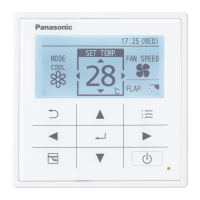
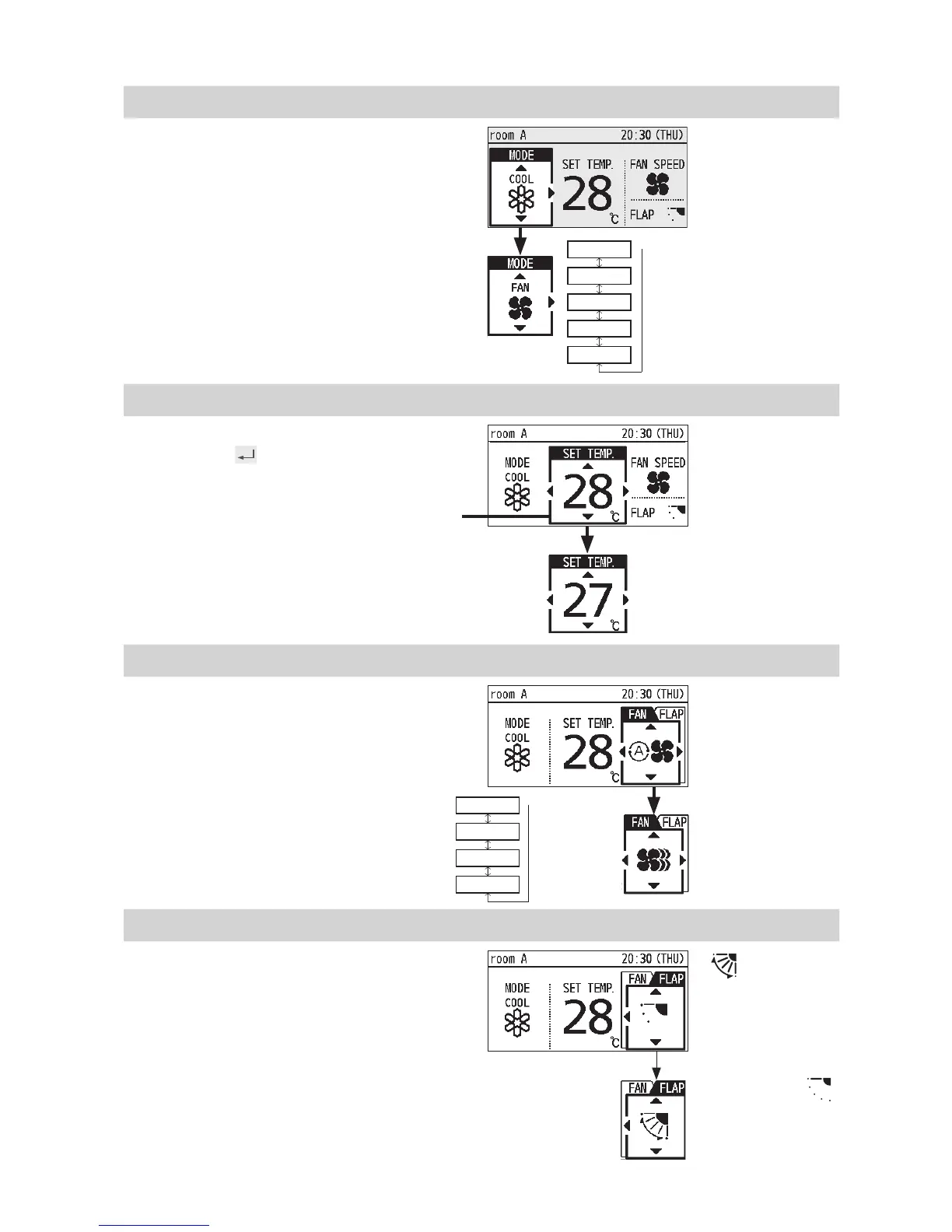
Perform the following operations in step 2 on page 8.
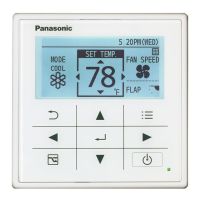
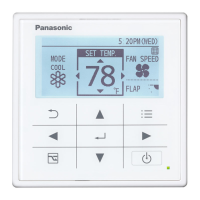
Operation mode (e.g. Cool, Heat, etc.)
Press ◄.
* Auto:
The mode is
automatically
switched to
Cool or Heat to
achieve the set
temperature.
↓
Heat
Dry
Cool
Fan
Auto
Set temperature
Press . (When the cursor is not
visible)
• Cool/Dry : 18 °C to 30 °C
• Heat : 16 °C to 30 °C
• Auto : 17 °C to 27 °C
Fan speed
Press ►.
Flap
Press ► 2 times.
Flap Setting for Each Indoor
Unit
(P.12)
• : Swing
• Pressing ▲▼
during swing can
stop the fl ap at your
preferred position.
• 5-level adjustment
is possible
during Heat,
Fan and Auto
(Heat) modes.
Cursor
* Auto:
Cannot be
selected in
Fan mode.
↓
High
Medium
Low
Auto