EasyManua.ls Logo

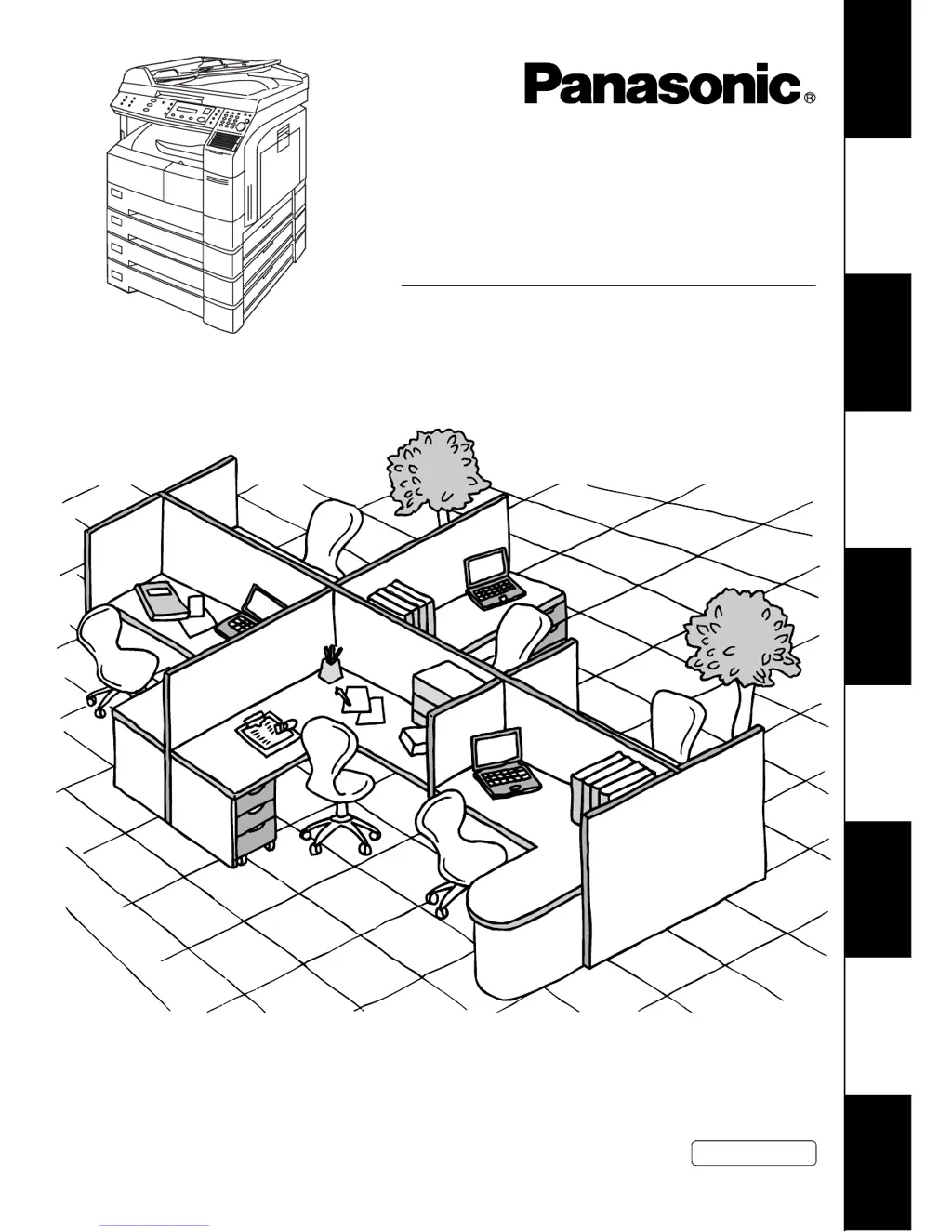
Panasonic DP-1810F - User Manual

Panasonic DP-1810F
155 pages
Print Icon
To Next Page IconTo Next Page
Loading...
DP-1810F
Getting to Know
Your Machine
Installing Your
Machine
Programming
Your Machine
Basic OperationsAdvanced
Features
Network FeaturesPrintout Journals
and Lists
Problem Solving Appendix
Operating Instructions
Digital Imaging System
Model No.
English
Before operating this equipment, please read these instructions completely and keep these operating instructions for future reference.
(For Facsimile)

Table of Contents

Questions and Answers

  • D
    Darryl GreeneAug 31, 2025
    What causes memory overflow in the LAN Interface of a Panasonic All in One Printer?
    • C
      Carla DelacruzAug 31, 2025
      Memory overflow in the LAN Interface of your Panasonic All in One Printer happens because the document data exceeded 1.6 MB/page and cannot be sent.
  • K
    Kevin WardAug 25, 2025
    What to do if my Panasonic All in One Printer is adding toner?
    • D
      Diamond CooleyAug 25, 2025
      If your Panasonic All in One Printer indicates that you need to add toner, replace the toner bottle.
  • A
    Anthony RuizAug 25, 2025
    Why does TCP/IP connection time out on my Panasonic All in One Printer?
    • H
      Heather StewartAug 26, 2025
      A TCP/IP connection timeout may occur with your Panasonic All in One Printer if the Internet Fax parameter settings are not correct. Verify the IP Address, Default Router IP Address, and SMTP Server IP Address.
  • A
    Andrew GomezAug 26, 2025
    What to do if the Panasonic All in One Printer page memory overflows while receiving printing data?
    • C
      Christian FarmerAug 26, 2025
      If a page memory overflow occurs while your Panasonic All in One Printer is receiving printing data, check the document size and resolution. You can also ask the originator to re-send the data in a supported size and resolution.
  • S
    samueljeffersonAug 27, 2025
    Why can't I log on to the LAN on my Panasonic All in One Printer?
    • J
      Joshua RamosAug 27, 2025
      If you cannot log on to the LAN with your Panasonic All in One Printer, check the 10Base-T/100Base-TX cable connection. If the issue persists, there may be an unexpected LAN problem, and you should contact the Network Administrator.
  • B
    Bruce ZavalaAug 27, 2025
    Why can't I connect to the POP Server on my Panasonic All in One Printer due to a User Name or Password error?
    • K
      Kimberly McdanielAug 27, 2025
      If you cannot connect to the POP Server on your Panasonic All in One Printer due to a User Name or Password error, check the POP User Name and Password. If problems persist, contact the Network Administrator.
  • U
    uortizAug 28, 2025
    What to do if my Panasonic All in One Printer receives data via LAN in an unsupported format?
    • S
      shannonrushAug 28, 2025
      If your Panasonic All in One Printer receives data via LAN in a format that is not supported, ask the originator to re-send the data with a supported file attachment format, such as TIFF-F, or as image data conforming to the recording paper size.
  • M
    Michael MurphyAug 28, 2025
    How to fix DNS Server connection timeout on Panasonic DP-1810F All in One Printer?
    • M
      Morgan FinleyAug 29, 2025
      If the DNS Server connection times out on your Panasonic All in One Printer, check the DNS Server IP Address. If the problem persists, contact the Network Administrator.
  • M
    Michael CarrilloAug 29, 2025
    Why can't I log on to the designated SMTP Server on my Panasonic DP-1810F All in One Printer?
    • G
      galvanjacobAug 29, 2025
      If you cannot log on to the designated SMTP Server with your Panasonic All in One Printer, check the SMTP Server IP Address setting. If problems persist, contact the Network Administrator.
  • M
    mwilliamsAug 30, 2025
    How to resolve incorrect email address error on Panasonic DP-1810F?
    • B
      Bobby LittleAug 30, 2025
      To resolve an incorrect email address error on your Panasonic All in One Printer, check the registered email address and the IP Address of the SMTP Server with the Network Administrator.

Summary

Getting to Know Your Machine

Safety Information

Important safety precautions for operating the machine to prevent hazards.

Function Key

Explanation of the function key and its use to access various machine operations.

External View

Illustration and description of the machine's external components and connections.

Control Panel

Overview and function of the machine's control panel buttons and display.

Installing Your Machine

Setting the Dialling Method (Tone or Pulse)

Procedure to set the machine's dialling method between Tone and Pulse.

Adjusting the Volume

How to adjust the monitor and ringer volume levels for better audio feedback.

User Parameters

Setting basic machine parameters like date, time, logo, and identification numbers.

Programming Your Machine

One-Touch;Abbreviated Dialling Numbers

Step-by-step guide to store telephone numbers for One-Touch and Abbreviated dialling.

Printing Out Directory Labels

Instructions for printing labels to identify One-Touch keys on the machine.

Setting the Fax Parameters

How to adjust various Fax Parameters to customize machine behavior and settings.

Basic Operations

Loading Documents

Instructions on how to place documents into the Automatic Document Feeder or on the Platen Glass.

Basic Transmission Settings

How to adjust scan settings like contrast, resolution, and original type before transmission.

Sending Documents

Methods for sending faxes, including Memory, Direct, Rotated, Voice Mode, and Reservation.

Receiving Documents

Modes for receiving faxes, including automatic, manual, and handling of oversize documents.

Advanced Features

Batch Transmission

Transmitting multiple documents to the same destination in a single call.

Timer Controlled Communications

Setting up transmissions or polling to occur at a later, specified time.

Polling

Retrieving documents from other stations by initiating a call to them.

Program Keys

Using special keys to store sequences for dialling, polling, or deferred transmissions.

Edit File Mode

Features for modifying, printing, or deleting stored communication files in memory.

Access Code

Setting and using an access code to restrict unauthorized operation of the machine.

Network Features

Password Communications

Using passwords for secure fax transmission and reception with compatible machines.

Confidential Mailbox

Storing and retrieving confidential faxes using a secure 4-digit code.

Sub-Addressing

Routing documents to specific recipients using sub-address information.

Printout Journals and Lists

Transaction Journal

Printing or viewing records of the last 100 fax transactions.

Individual Transmission Journal (IND. XMT JOURNAL)

Printing the journal containing information on the latest transmission.

Communication Journal (COMM. JOURNAL)

Printing or viewing the journal to verify transmission or polling success.

One-Touch;Abbreviated and Directory Search List

Printing lists of stored One-Touch, Abbreviated, and Directory Search numbers.

Program List

Printing the list of programmed keys and their associated settings.

FAX Parameter List

Printing a list of all available fax parameters and their current settings.

Problem Solving

Troubleshooting

Guide to identify and resolve common problems encountered during operation.

Information Codes

List of information codes displayed by the machine and their meanings/actions.

Verification Stamp

How to replace or refill the verification stamp ink.

Checking the Telephone Line

Steps to diagnose issues related to dial tone or incoming calls.

Appendix

Specifications

Technical details and capabilities of the machine.

Options and Supplies

List of available optional accessories and consumables for the machine.

Regulatory Information

Compliance information, warnings, and network compatibility details.

Glossary

Definitions of technical terms and features used in the manual.

Index

Alphabetical listing of topics and their corresponding page numbers for quick reference.

Panasonic DP-1810F Specifications

General IconGeneral
TypeAll in One Printer
FunctionsPrint, Copy, Scan, Fax
Printing TechnologyLaser
Black Print Speed18 ppm
Print Resolution600 x 600 dpi
Max Resolution (B&W)1200 x 1200 dpi
Copying Speed18 cpm
Copy Resolution (B&W)600 x 600 dpi
Copy Resolution600 x 600 dpi
Max. Copies99 copies
Scanning Resolution600 x 600 dpi
Modem Speed33.6 kbps
Paper Capacity250 sheets
Maximum Paper SizeA4
Memory32 MB
ConnectivityUSB
InterfaceUSB
Zoom Range50% - 200%

Related product manuals