Setting up
33
4
5
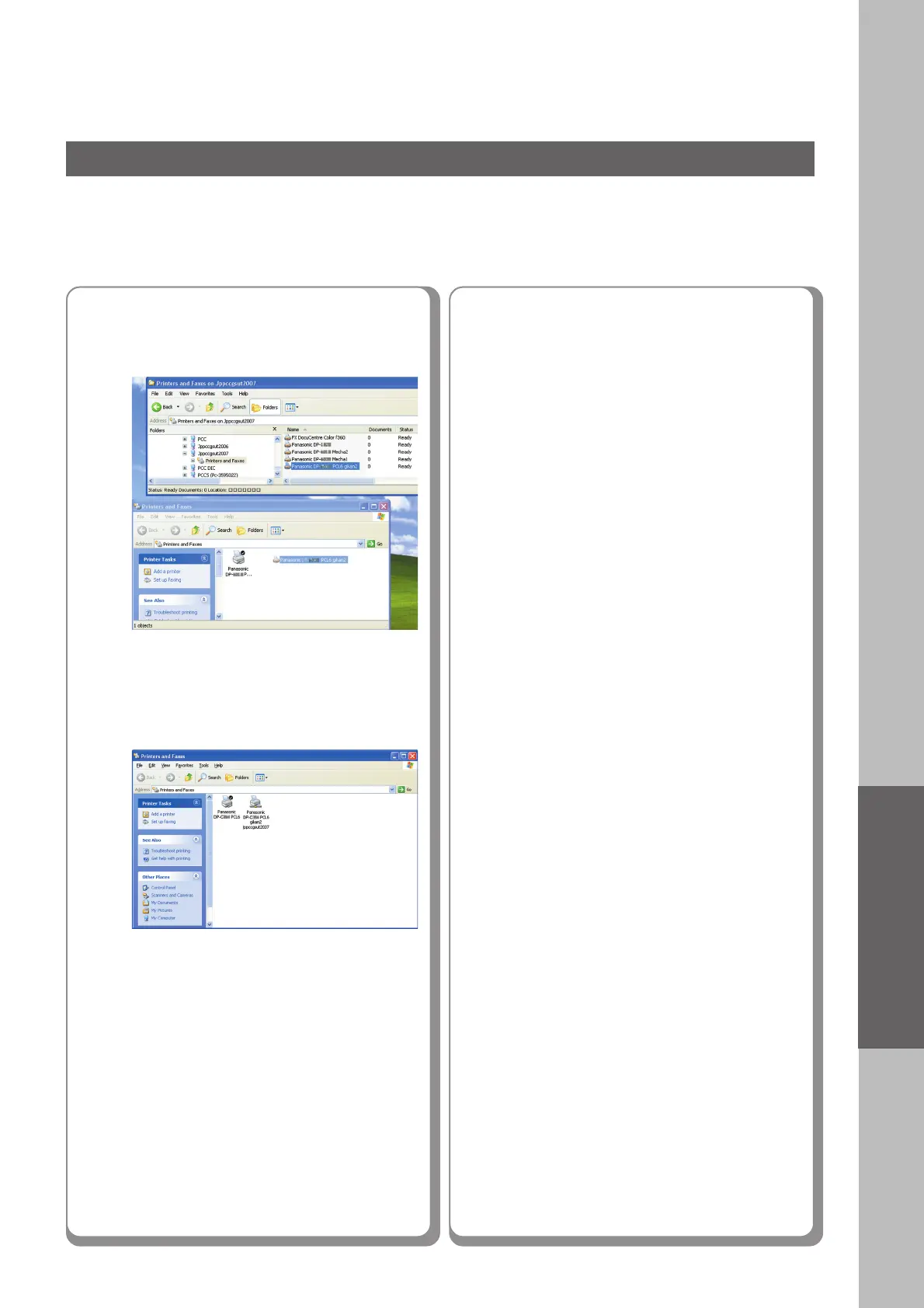
Verify that the printer icon is
copied onto the window.
● The illustrations shown for the previous steps are
for Windows XP.
The procedures for other Windows operating
systems are basically the same, even though the
screen displays may differ.
Drag-and-drop the printer icon onto
the “Printers and Faxes” window.
Memo:











 To Next Page