72
VQT3K43
The higher the number of pixels, the higher the clarity of the picture when printing.
≥ The number of recording pixels that can be set changes depending on selected screen
aspect ratio. (l 73)
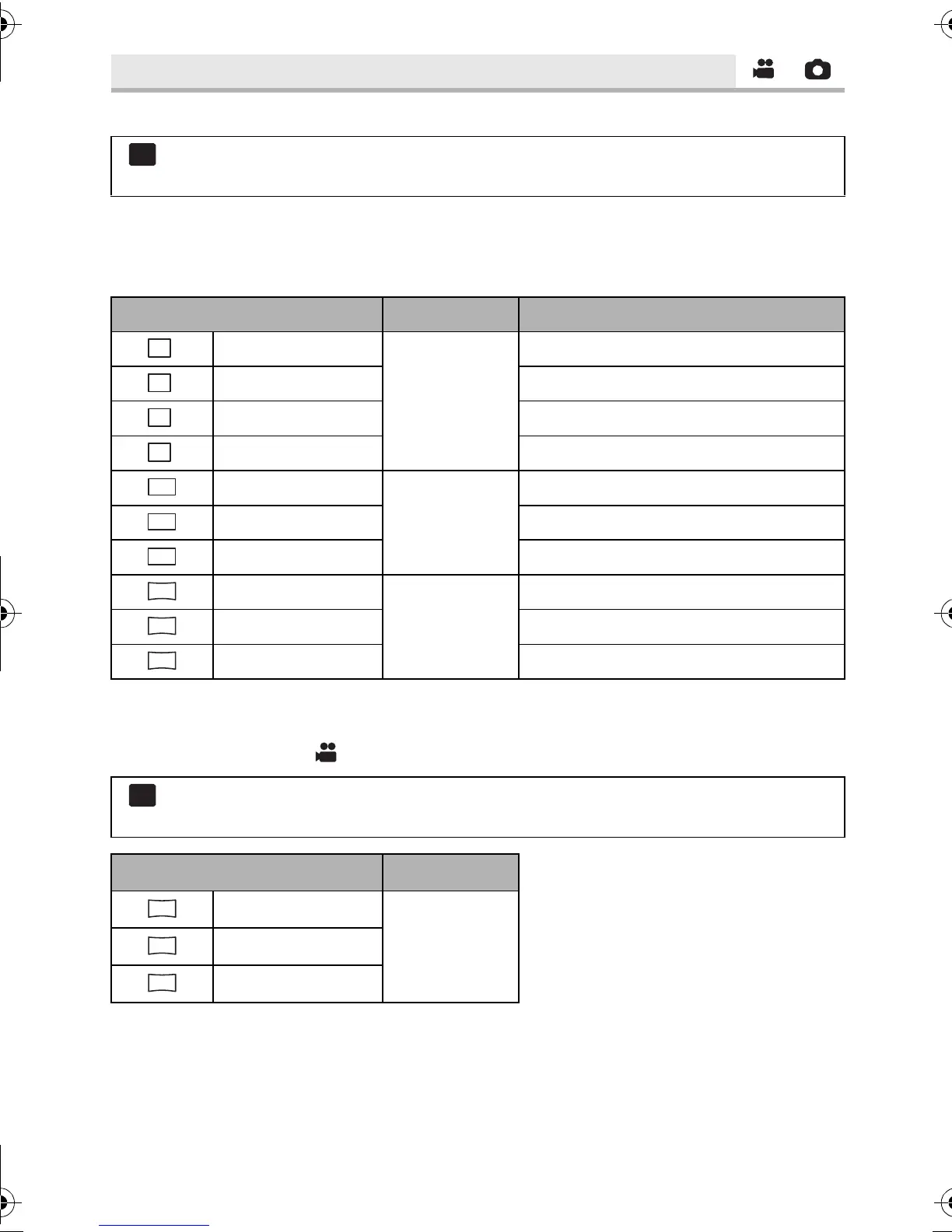
∫ Picture size and Maximum zoom ratio
* Extra optical zoom cannot be used. The maximum zoom magnification is 12k.
∫ Picture size in motion picture recording mode
≥ Change the mode to .
[PICTURE SIZE]
: [PICTURE] # [PICTURE SIZE] # desired setting
≥ It is possible to set from the quick menu. (l 37)
Picture size Aspect ratio Extra optical zoom (l 47)
4032k3024
[4:3]
–
*
3200k2400 13.2k
2560k1920 16.5k
640k480 25k
4608k3072
[3:2]
–
*
3600k2400 13.2k
2880k1920 16.5k
4864k2736
[16:9]
–
*
3840k2160 13.2k
3072k1728 16.5k
: [PICTURE] # [PICTURE SIZE] # desired setting
≥ It is possible to set from the quick menu. (l 37)
Picture size Aspect ratio
4864k2736
[16:9]3840k2160
1920k1080
HDC-SD800EB_eng.book 72 ページ 2010年12月24日 金曜日 午前9時9分















 To Next Page