79
VQT3K43
Manual focus adjustment
If auto focusing is difficult due to the conditions, then use manual focus.
≥ Press the iA/MANUAL button to switch to manual mode. (l 76)
1 (When MF assist function is used)
Select the menu.
≥ Touch to display the manual icon.
2 Touch [FOCUS].
3 Touch [MF] to change to manual focus.
≥ MF appears on the screen.
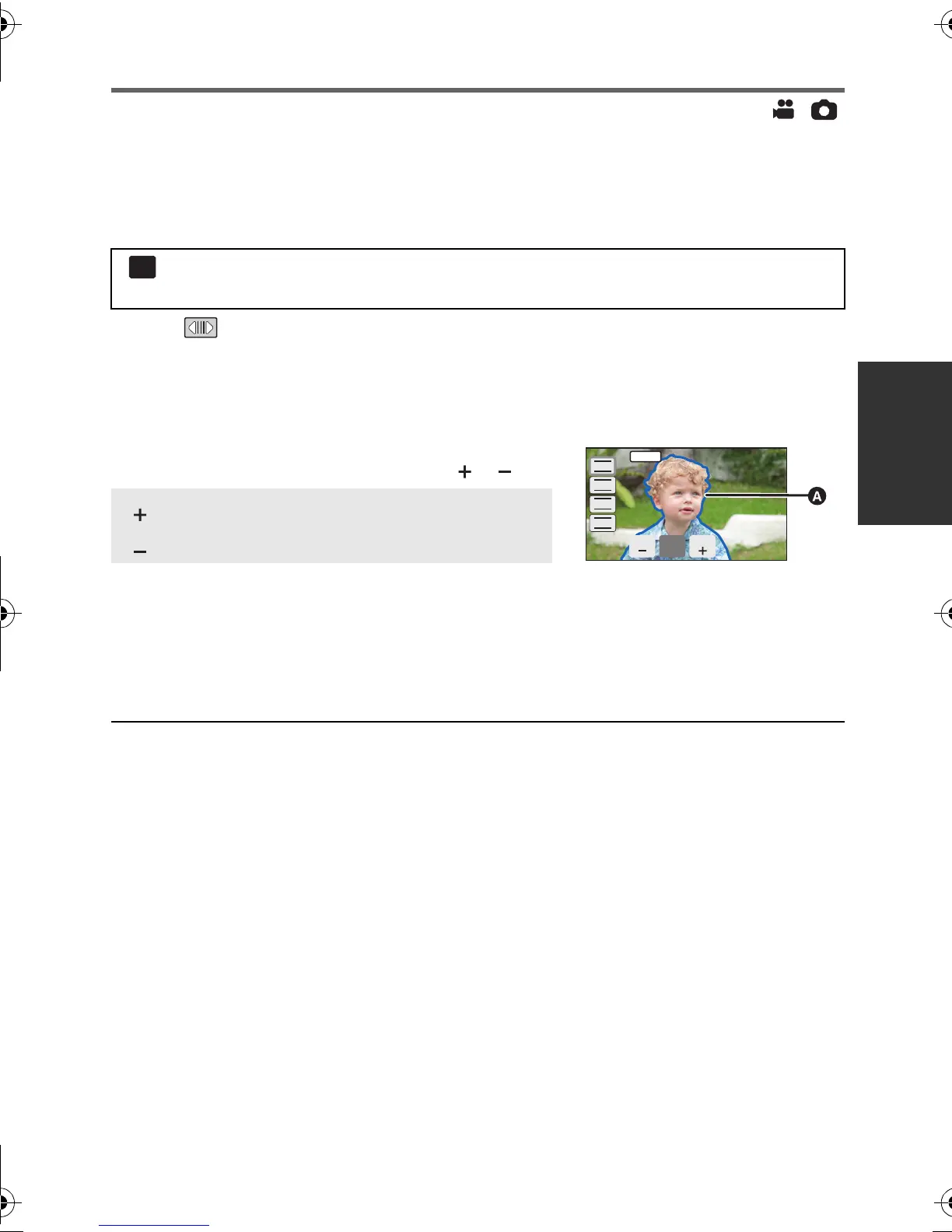
4 Adjust the focus by touching / .
The in-focus area is displayed in blue. The normal
screen returns approximately 2 seconds after you finish
bringing the subject into focus.
≥ Touch [FOCUS] to complete the adjustments.
≥ When [MF ASSIST] is [OFF], the blue area is not displayed.
≥ To restore auto focus, touch [AF] in step 3 or press the iA/MANUAL button again.
≥ The blue display does not appear on the images actually recorded.
: [RECORD SETUP] # [MF ASSIST] # [ON]
≥ It is possible to set from the quick menu. (l 37)
: To focus on a close subject
: To focus on a faraway subject
MENU
FOCUS
WB
SHTR
IRIS
MF
HDC-SD800EB_eng.book 79 ページ 2010年12月24日 金曜日 午前9時9分















 To Next Page