75
VQT3K43
Illuminating the subject makes it easier for the camera to focus when recording in low light
conditions that make focusing difficult.
≥ Switch to manual mode. (l 76)
≥ The available distance of the AF assist lamp is approx. 1.5 m.
≥ A conversion lens (optional) can block the AF assist lamp, and it will become harder to
adjust the focus.
≥ When switching to intelligent auto mode, the setting is fixed to [AUTO] and cannot be
changed.
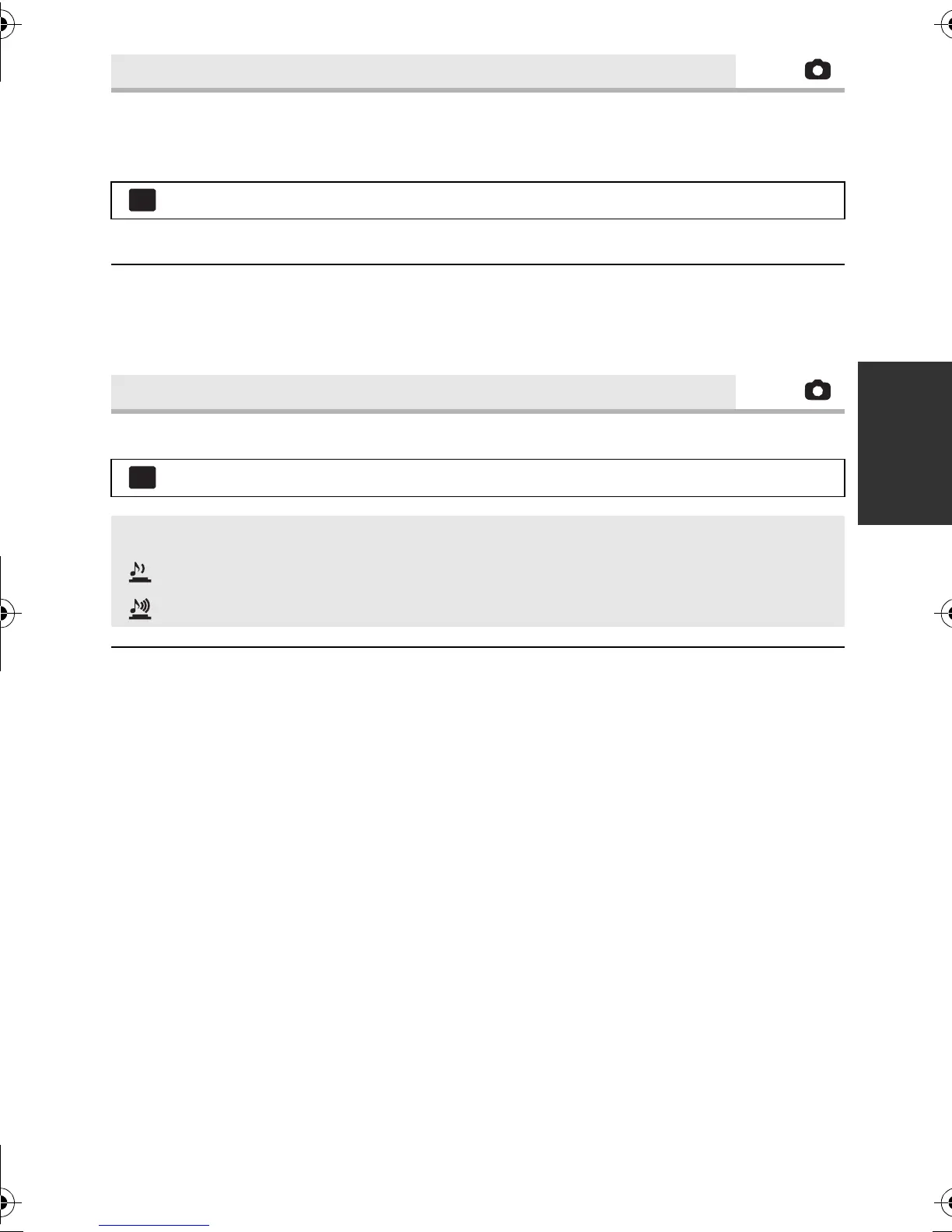
You can add a shutter sound when recording still pictures.
≥ No shutter sound is emitted in motion picture recording mode.
[AF ASSIST LAMP]
: [PICTURE] # [AF ASSIST LAMP] # [AUTO]
[SHTR SOUND]
: [PICTURE] # [SHTR SOUND] # desired setting
[OFF]: Cancel the setting.
: Volume low
: Volume high
MENU
MENU
HDC-SD800EB_eng.book 75 ページ 2010年12月24日 金曜日 午前9時9分















 To Next Page