76
VQT3K43
≥ The manual focus, white balance, shutter speed, brightness (Iris and Gain) settings
are retained when you change between motion picture recording mode and still
picture recording mode.
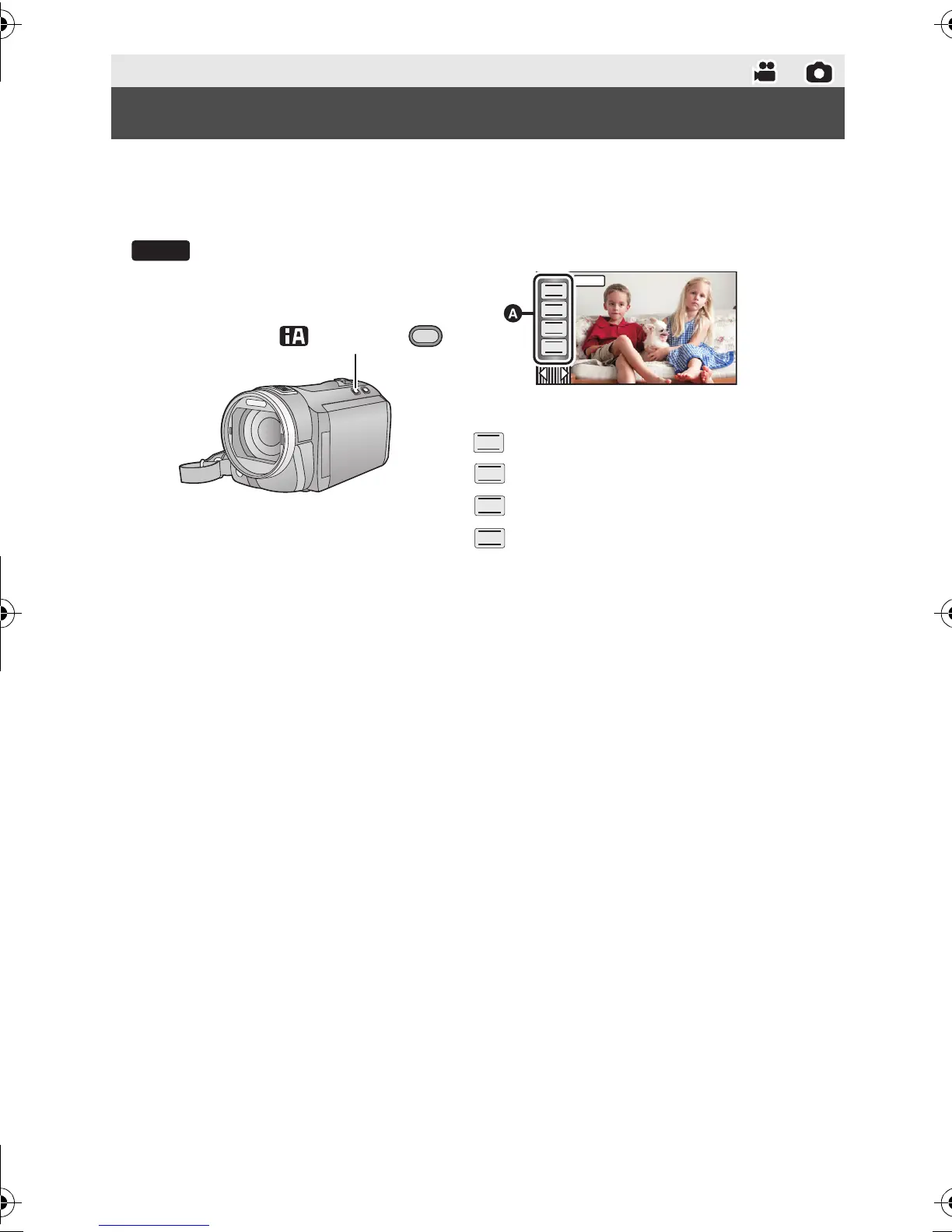
Press the iA/MANUAL button to switch to manual mode.
≥ appears on the screen.
Perform the setting by touching the desired item to be set.
Advanced (Recording)
Manual recording
Focus (l 79)
White balance (l 77)
Manual shutter speed (l 78)
Iris adjustment (l 78)
HDC-SD800EB_eng.book 76 ページ 2010年12月24日 金曜日 午前9時9分















 To Next Page