84 VQT4F67
2 (For auto focus only)
Press the button halfway.
3 Press the button fully.
≥ During recording, lights up in red.
≥
The auto focus works to fix the focus when the button is pressed halfway.
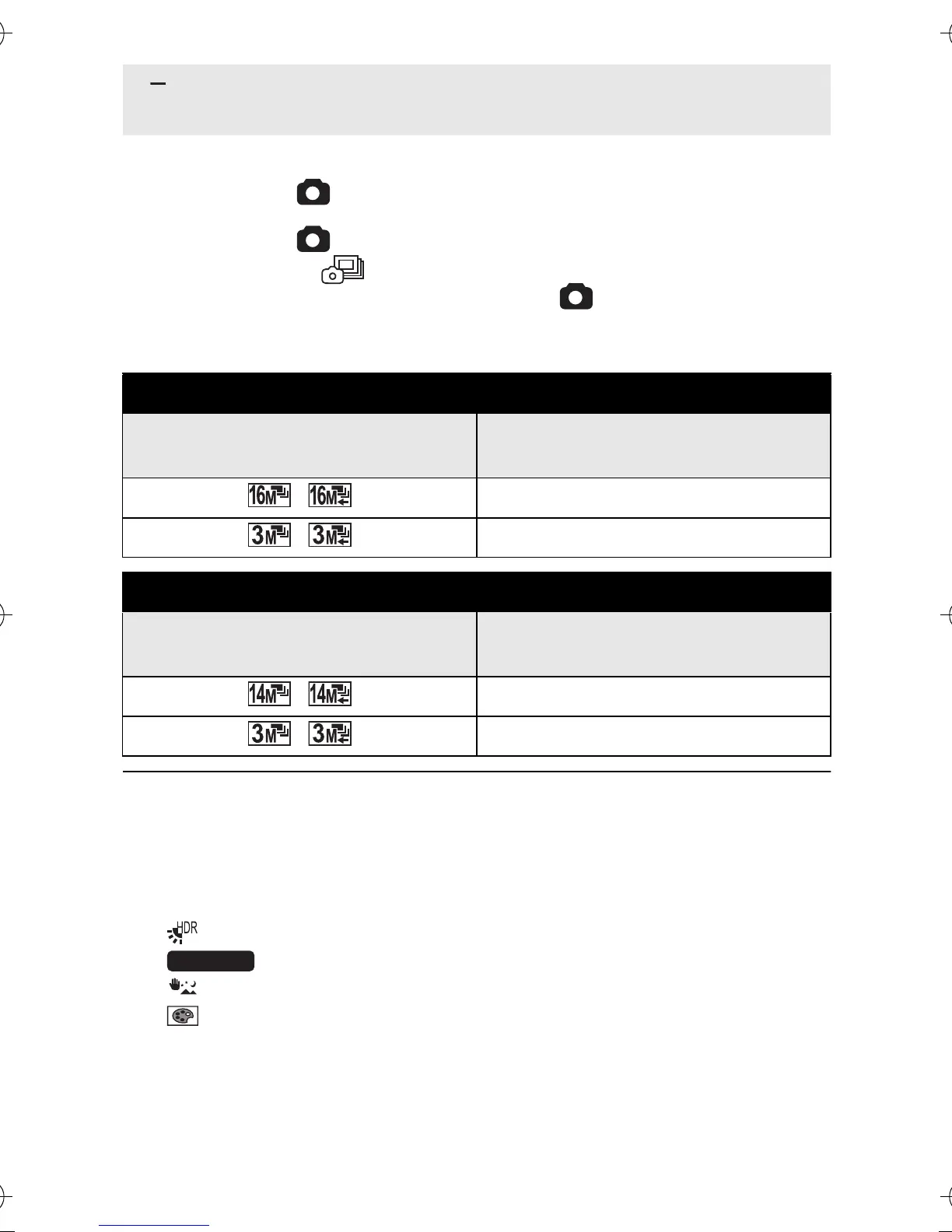
∫ Maximum number of pictures in the burst
≥ When recording with the self-timer, the recording ends when the
maximum number of pictures in the burst is reached.
≥ When burst recording, the following functions are disabled and cannot
be used.
j[FLASH]
j [HDR (Backlight Comp.)] in [SCENE MODE]
j
(HANDHELD NIGHT SHOT) in [SCENE MODE]
j (HDR (Paint)) in [COLOUR MODE]
j[PANORAMA]
≥ The following functions cannot be used with burst recording.
j[E.I.S.(PICTURE)]
j[FACE CHASER]
≥ With burst recording, the shutter speed is faster than 1/30.
(OFF):
Cancel the setting.
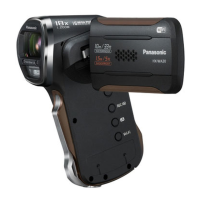
HX-WA20
[BURST] setting
Maximum number of pictures
in the burst
/10
/13
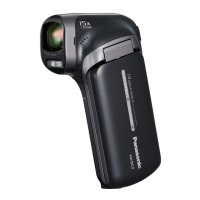
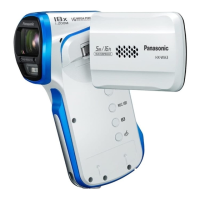
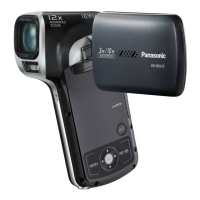
HX-WA2/HX-DC2
[BURST] setting
Maximum number of pictures
in the burst
/8
/40
HX-WA20EB-VQT4F67_mst.book 84 ページ 2012年2月13日 月曜日 午後3時57分





 To Next Page