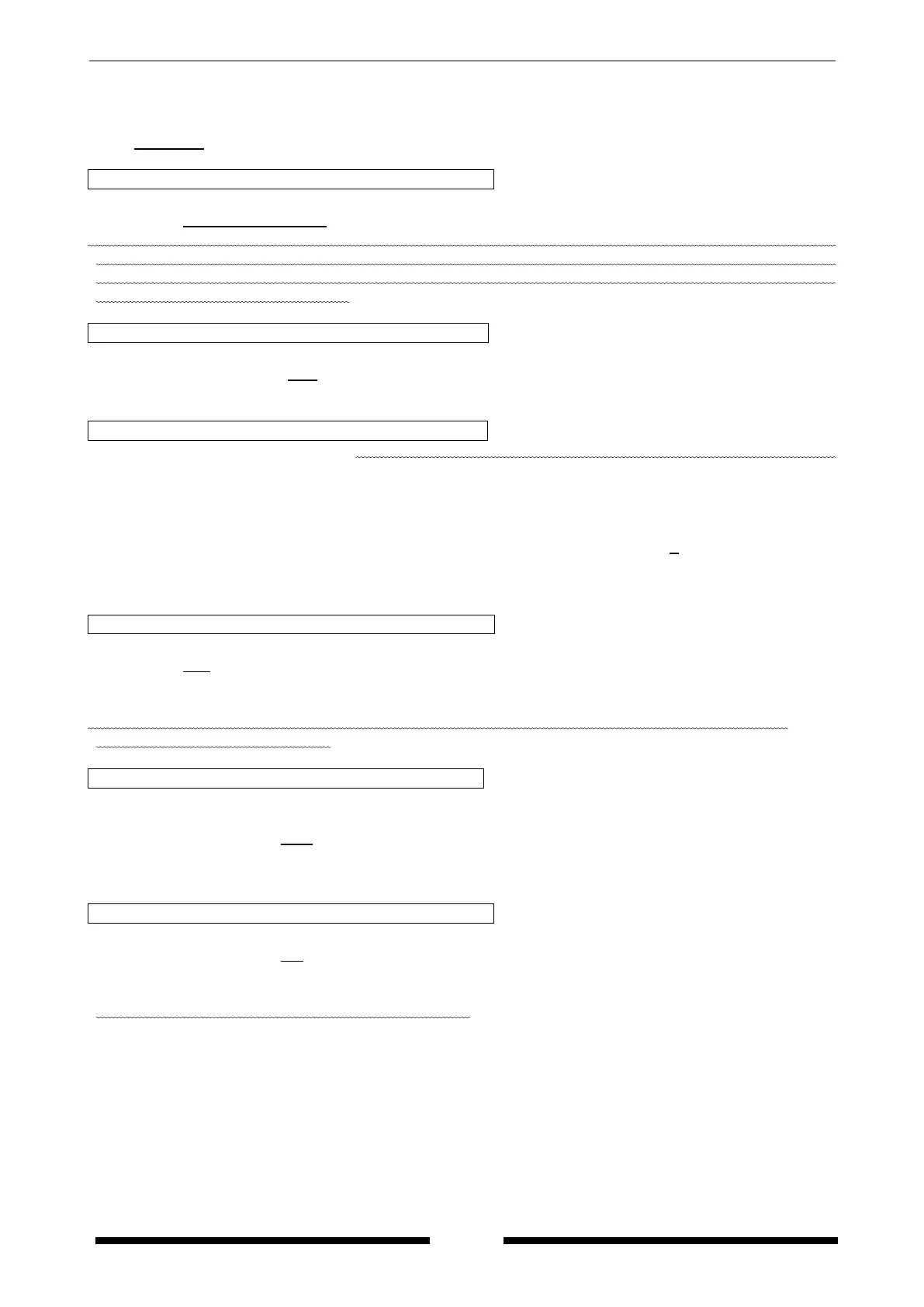
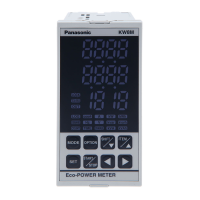
KW8M Eco-POWER METER
15
4.2 Setting Mode Explanation
■The value with under line is initial setting among each setting value. ☆Set before measurement.
4.2.1 MODE1
(Mode for setting each parameter for power measurement.)
Phase/Wire system setting mode SYST
Mode defines phase and wire system to measure.
・Select from Single-phase 2-wire / Single-phase 3-wire / Three-phase 3-wire / Three-phase 4-wire.
*When Single-phase 3-wire or Three-phase 3-wire is selected, it doesn’t measure Single-phase 2-wire
system correctly. And when Three-phase 4-wire is selected, it doesn’t measure Single-phase 2-wire,
Single-phase 3-wire, Three-phase 3-wire system correctly. Select the accurate phase and wire system
according to the measured system.
CT type setting mode CT-T
Mode defines input current type of the dedicated CT.
・Select from the type of 5A/50A/100A/250A/400A/600A.
・When the secondary current of CT is 5A, select “5A”.
Primary side current of CT setting mode CT-1
*This mode is only when “5A” is selected on CT type setting mode.
Mode defines primary side current when measuring by combination with existing CT, its
secondary current of 5A.
It is possible to use as the second step for combination with existing CT by selecting “5A” in
the CT type setting mode. In this case, it is necessary to set the primary side current.
・Primary side current of the existing CT can be set the range of 1 to 4000 (Initial 5).
・When connecting 5ACT directly and measure with 5A range, set to “5”.
ex) If primary current of measured existing CT is 400A (secondary side is 5A), set to “400”.
Voltage range setting mode VOLT
Mode defines voltage range of Eco-Power Meter.
・Select from 400/200.
・When it measures load of 400V system, select “400”.
When it measures load of 100/200V system, select “200”.
*In case measuring the load of 100/200V system with selecting “400”, the resolution will be down.
Select the correct voltage range.
VT setting mode VT
Mode defines voltage input method to the main unit, input voltage directly or uses a voltage
transformer (VT) (over 440V system).
・It can be set the range of 1.00 to 99.99.
“1.00” should be set when voltage input directly without connecting VT.
“1.01 to 99.99” should be set when VT is used to input voltage.
Current for time measurement setting mode HM-A
Mode defines for time measured current. It measures ON-time and OFF-time by setting value.
・It can be set the range of 1.0 to 100.0%F.S.
ex) When 10.0 is set, the current exceeds 10.0%F.S is measured as ON-time, the current under
10.0%F.S is measured as OFF-time.
*Measured current is the current of L1 (CT1)-phase.









 To Next Page