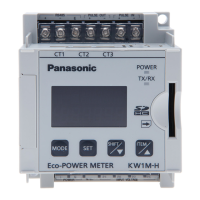
KW8M Eco-POWER METER
23
4.2.2 MODE2
(Mode for setting of each parameter for pulse measurement)
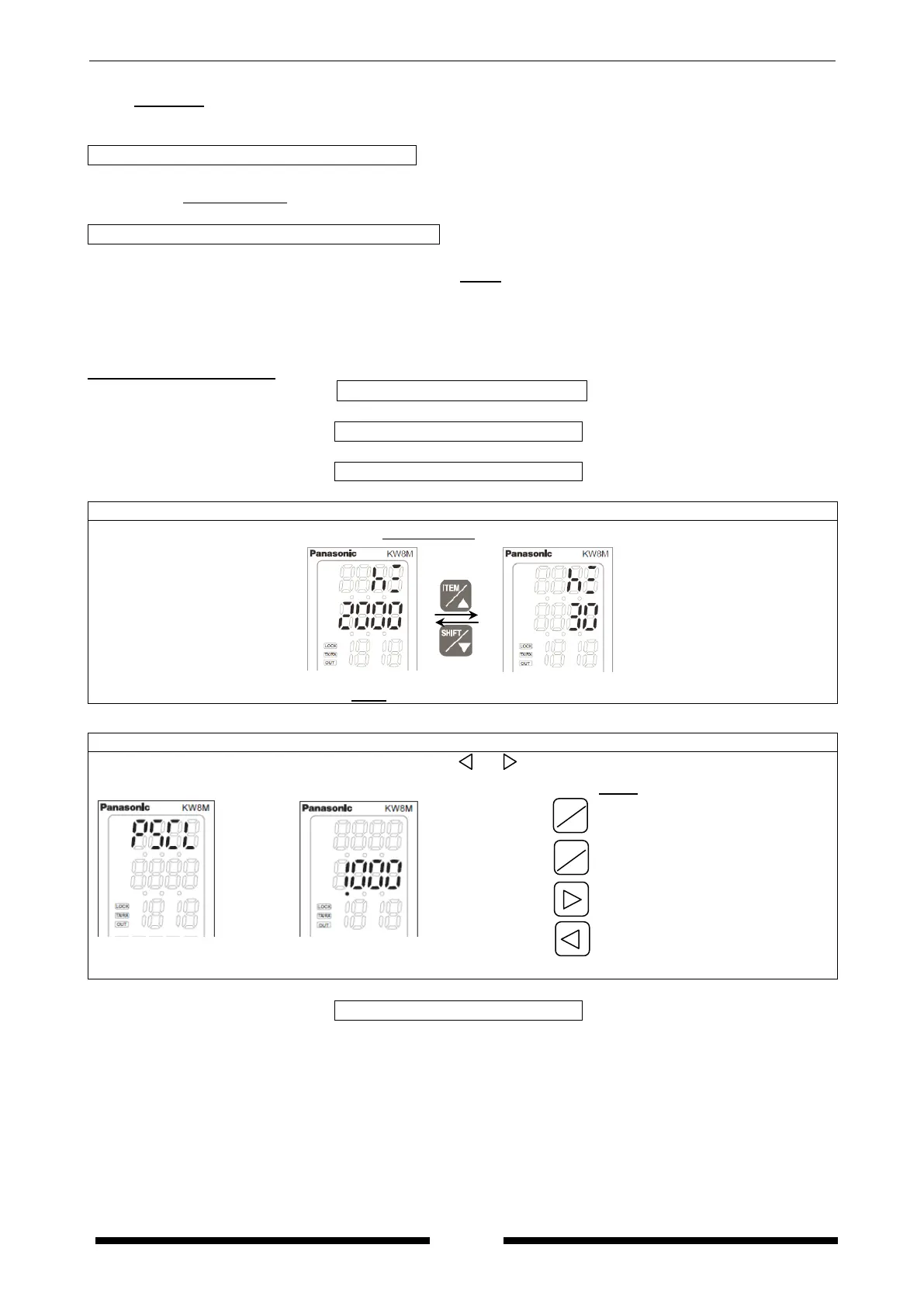
Max. counting speed setting mode Hz
Mode defines max. counting speed.
・Select from 2000Hz(2kHz)/30Hz
Pre-scale setting mode PSCL
Mode defines pre-scale value used for changing count value.
・It can be set the range of 0.001 to 100.000. (Initial 1.000)
・The position of decimal point set with this mode is applied to count value and preset value.
ex) When 0.01 (Last 2-digit) is set, the decimal point of count value and preset value has 2 digit
under decimal point.
MODE2 Setting flow chart
Max. counting speed setting mode
△
▽
⇔
Set pre-scale value using <ITEM/△>, <SHIFT/▽>, < >, < >.
After 1sec.
(0.001~100.000, initial: 1.000)
Increase value
Decrease value
Shift place to set
Shift place to set
*The decimal point set with this mode is applied to count value and preset value.
ITEM
△
SHIFT
▽









 To Next Page