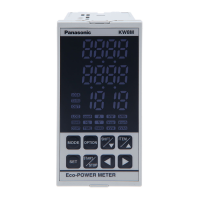
KW8M Eco-POWER METER
22
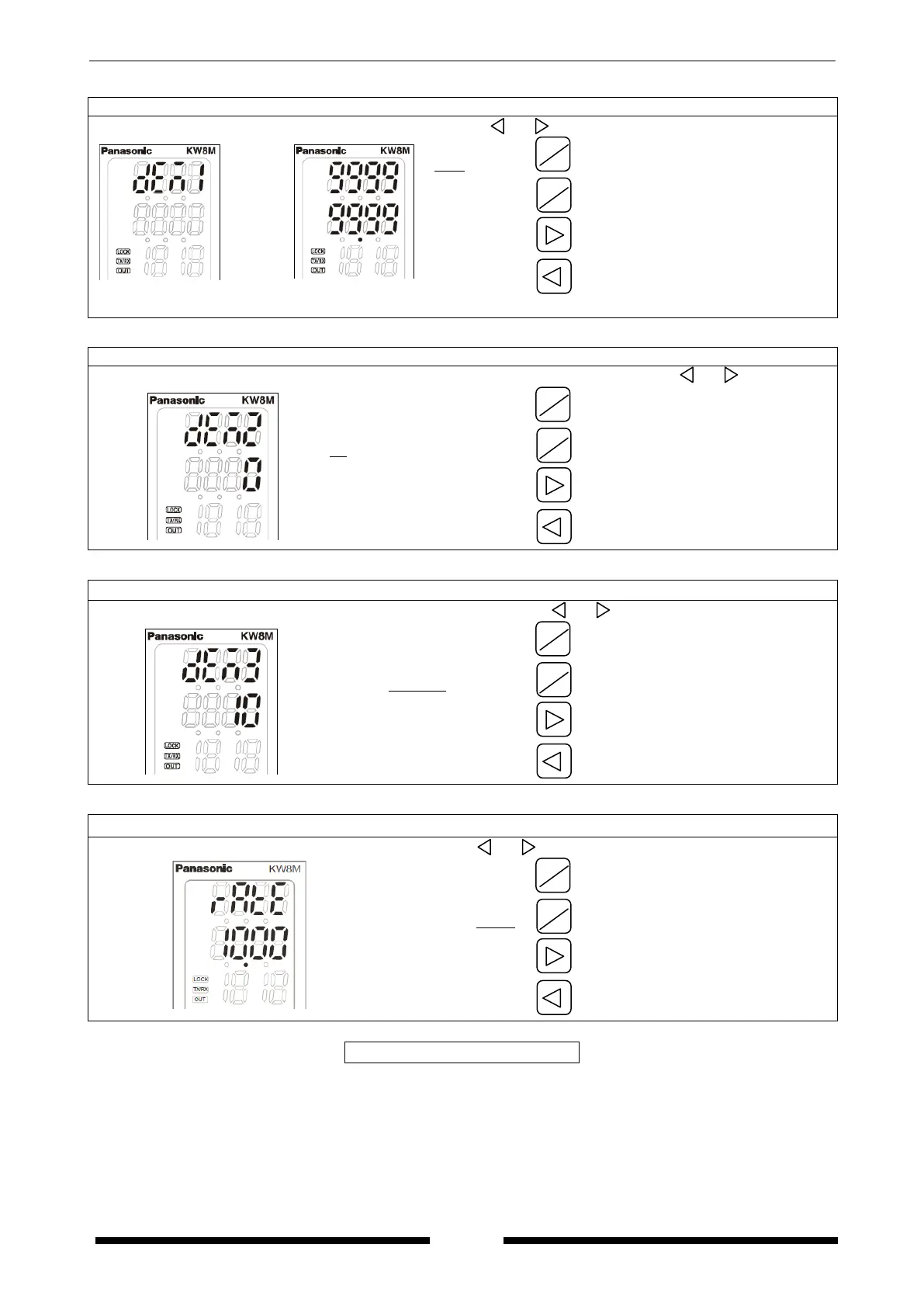
Demand alarm setting mode 1
Set target value for alarm using <ITEM/△>,<SHIFT/▽>,< >, < >.
(0.00 to
999999.99)
after
1 sec.
Increase value
Decrease value
Shift place to set
Shift place to set
*In case of that “DEM1” is set to 0.00kW, it doesn’t output alarm and it doesn’t indicate.
Demand alarm setting mode 2
Set the hysteresis to use for decide alarm off timing using <ITEM/△>, <SHIFT/▽>, < >, < >.
( 0 to 100.0)
Increase value
Decrease value
Shift place to set
Shift place to set
Demand alarm setting mode 3
Set time to start demand monitor using <ITEM/△>, <SHIFT/▽>, < >, < >.
( 1 to 30 initial 10)
Increase value
Decrease value
Shift place to set
Shift place to set
Electricity charge setting mode
Set the rate per 1kWh using <ITEM/
△
▽
(0.00 to 99.99, Initial 10.00)
Increase value
Decrease value
Shift place to set
Shift place to set
<SET>
SHIFT
△
SHIFT
▽
ITEM
△
ITEM
△



 To Next Page