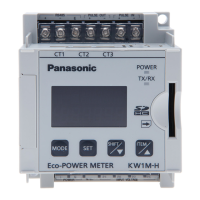
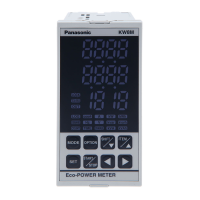
KW8M Eco-POWER METER
21
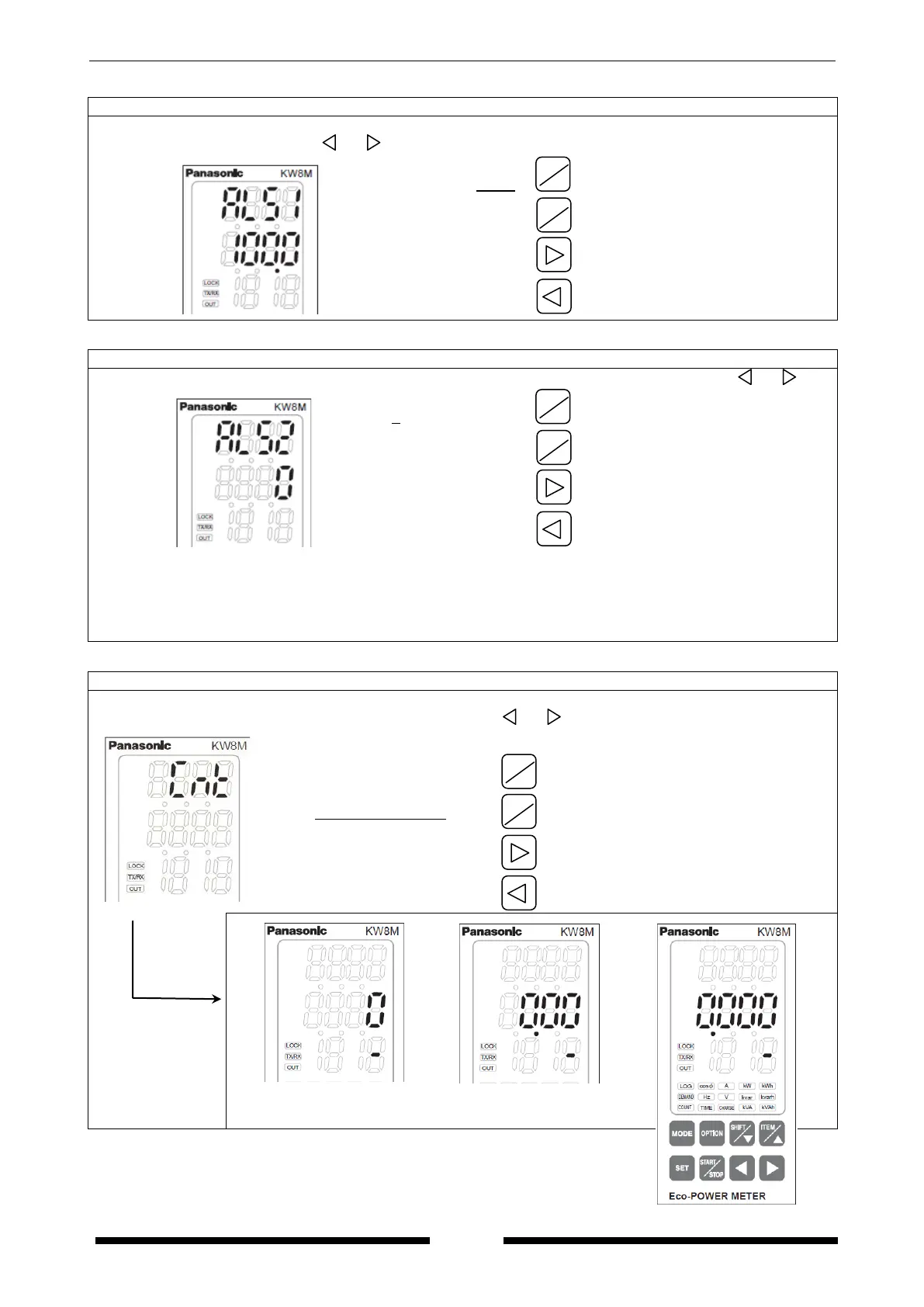
Stand-by alarm setting mode 1
*It is only when “AL-S” is selected on unit for pulse output setting mode.
Set a ratio (for the rated current) of current used for threshold value to judge stand-by power
using <ITEM/△>, <SHIFT/▽>, < >, < >.
(1.0 to 100.0)
Increase value
Decrease value
Shift place to set
Shift place to set
Stand-by alarm setting mode 2
*It is only when “AL-S” is selected on unit for pulse output setting mode.
Set a time used for threshold value to judge stand-by power using <ITEM/△>, <SHIFT/▽>, < >, < >.
( 0 to 9999 minutes)
Increase value
Decrease value
Shift place to set
Shift place to set
* “0”: Alarm is always output at the time when judging the stand-by power.
* “1 to 9999”:
Alarm is output at the time when passing the setting time with the stand-by power.
The alarm can be reset by pressing <SET> with display of instantaneous electric power, current, voltage,
frequency and PF. After reset the alarm, start to monitor the stand-by power again.
Preset value setting mode
*It is only when “Cnt” is selected on unit for pulse output setting mode.
Display changes to set an alarm value after “Cnt” is displayed at the upper line for 1 sec.
Set preset value to output using <ITEM/△>, <SHIFT/▽>, < >, < >
( 0 x Prescale value to
99999999 x Prescale value)
Increase value
Decrease value
Shift place to set
Shift place to set
Over 9 digits, it shifts to the upper digit.
After
1sec.
When prescale value is an
integer.
When prescale value is to two
places of decimals.
When prescale value is to three
places of decimals.
SHIFT
▽
▽









 To Next Page