EasyManua.ls Logo

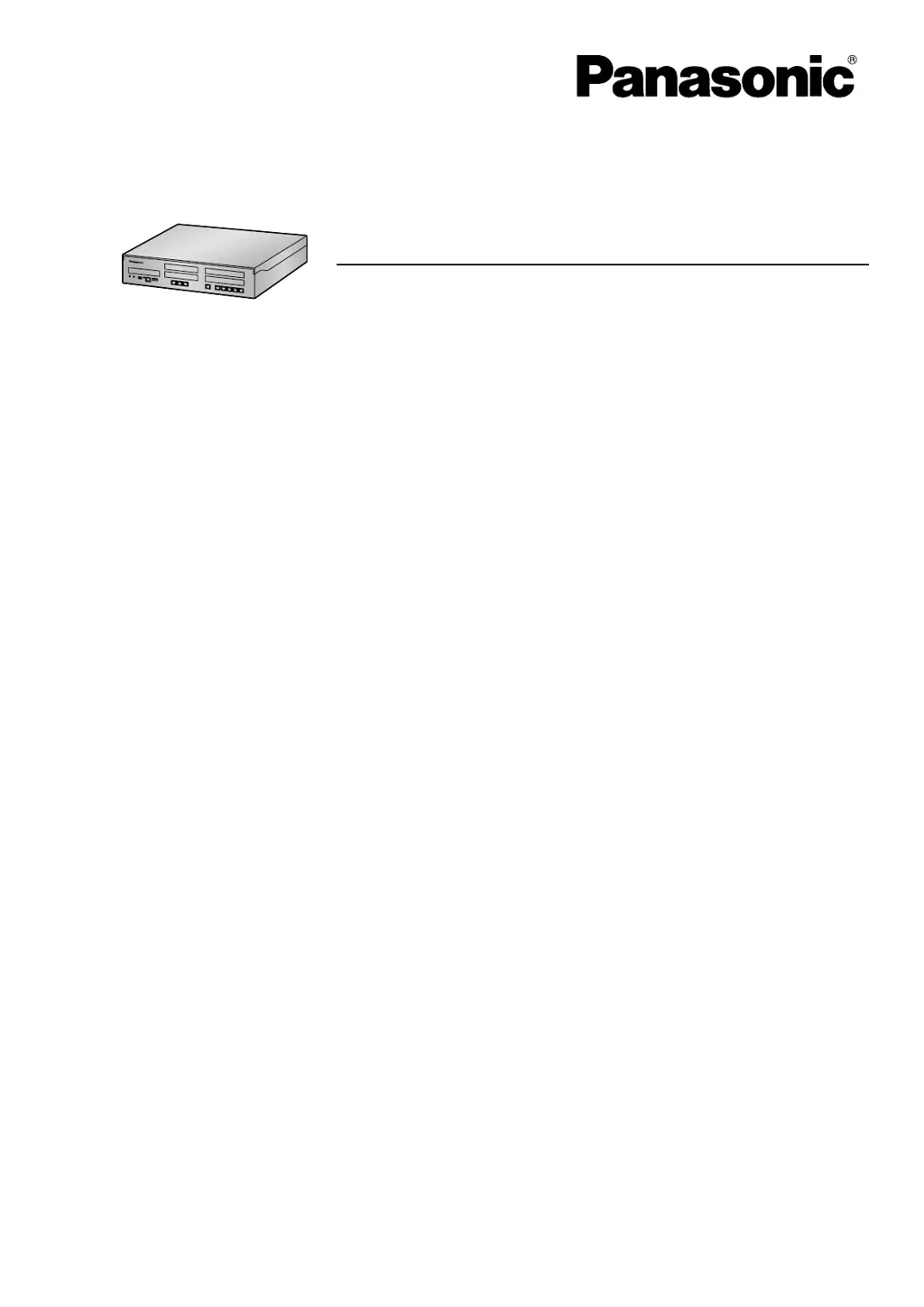
Panasonic KX-NS500 - User Manual

Panasonic KX-NS500
396 pages
Print Icon
To Next Page IconTo Next Page
Loading...
Hybrid IP-PBX
Model No. KX-NS500
User Manual
Thank you for purchasing this Panasonic product.
Please read this manual carefully before using this product and save this manual for future use.
In particular, be sure to read "1.1.1 For Your Safety (Page 14)" before using this product.
KX-NS500: PFMPR Software File Version 004.20000 or later
Manuals and supporting information are provided on the Panasonic Web site at:
http://panasonic.net/pcc/support/pbx/

Table of Contents

Other manuals for Panasonic KX-NS500

Questions and Answers

  • R
    Rachel Hamilton DDSSep 15, 2025
    How to enable ringing on parallel single line Panasonic Telephones?
    • J
      jason09Sep 15, 2025
      If the parallel single line telephones connected to your Panasonic Telephone system are not ringing, the "No ring" setting may be selected. Change the setting to enable ringing.
  • J
    Jacqueline RomeroAug 25, 2025
    How to fix a busy tone when making calls using a SIP phone with Panasonic KX-NS500 PBX?
    • Y
      yatesveronicaAug 25, 2025
      If you hear a busy tone when trying to make calls using a SIP phone on your Panasonic PBX, it indicates that the port the SIP phone is connected to is Out of Service. Change the port status from Out of Service to In Service using the Web Maintenance Console.
  • C
    Christian FryAug 25, 2025
    What does it mean when the STATUS indicator on Panasonic PBX turns red?
    • O
      orodriguezAug 26, 2025
      If the STATUS indicator on the front of your Panasonic PBX cabinet turns red, it means a major system error has occurred. Check the error log using the Web Maintenance Console.
  • M
    Matthew Taylor MDAug 26, 2025
    Why I cannot make or receive calls via an IP network on my Panasonic KX-NS500?
    • J
      jessica41Aug 26, 2025
      Several factors can cause this issue. It could be a DSP card malfunction, requiring you to replace the card. Alternatively, the mother board might be malfunctioning, necessitating its replacement (remember to turn off the PBX first). Ensure you have enough activation keys; if not, purchase additional keys from a certified dealer. Check for poor connection: use an 8-pin twisted pair cable, ensure CAT 5/CAT 5e cables are under 100m, and use a straight cable for switching hubs. Finally, verify that all network devices are on and that no unwanted firewall is blocking the IP network.
  • J
    Jeremy Meyer PhDSep 16, 2025
    Why can't I use my Bluetooth headset with my Panasonic Telephone?
    • E
      Edward WilsonSep 16, 2025
      If you are unable to have a conversation using the Bluetooth headset with your Panasonic Telephone, ensure that the headset is properly registered to the module and that it is adequately charged. Also, if you have a wired headset connected, remove it, as the wired headset takes priority.
  • B
    Bethany BruceSep 23, 2025
    Why doesn't my Panasonic Telephone SDN button work?
    • K
      Kyle ParkerSep 23, 2025
      If an SDN button on your Panasonic Telephone extension does not work, it is possible that a PDN button is not assigned on the extension corresponding to your SDN button. Create a PDN button on the desired extension.
  • G
    gary49Sep 8, 2025
    What does ERR 2004-0000 UNREGISTERED TO SERVER mean on Panasonic KX-NS500?
    • J
      James HuffmanSep 8, 2025
      If your Panasonic PBX displays the error 'ERR 2004-0000 UNREGISTERED TO SERVER' and resets for 5 seconds while starting up, check the registration status of the IP-PT.
  • E
    eatkinsonSep 8, 2025
    What does ERR 3100-0000 BLUETOOTH ERROR mean on Panasonic KX-NS500?
    • B
      Brittany BishopSep 8, 2025
      If your Panasonic PBX displays the error 'ERR 3100-0000 BLUETOOTH ERROR' and resets the Bluetooth wireless headset, it indicates a Bluetooth hardware error. Repair or replace the Bluetooth wireless headset.
  • E
    Elizabeth HensleySep 2, 2025
    Why is the LED of the Expansion Unit card is not green on my Panasonic KX-NS500?
    • D
      dpageSep 2, 2025
      This issue can arise from two primary causes: The LAN cable might not be properly connected, so check the LAN cable connections. Alternatively, there could be a failure in the stacking card, in which case you should replace the stacking EXP-M card.
  • C
    Christopher BurtonAug 31, 2025
    Why is external music distorted on my Panasonic PBX?
    • G
      Garrett WilliamsAug 31, 2025
      The distortion is likely due to an excessive input level from the external music source. Decrease the output level of the external music source by using the volume control on the music source.

Panasonic KX-NS500 Specifications

General IconGeneral
Analog ExtensionsUp to 64
VoIP SupportYes
System TypeHybrid IP-PBX
Power SupplyAC 100-240V, 50/60Hz
Operating Temperature0°C to 40°C
Humidity10% to 90% (non-condensing)
Maximum Extensions288
IP Extensions128
VoIP Channels64
SIP Trunks64
NetworkingYes, supports networking
Built-in ApplicationsCall Center
ExpandabilityYes, via expansion cards and cabinets
Supported ProtocolsSIP, H.323, MGCP
Dimensions430 x 88 x 367 mm

Related product manuals