28
Multi-unit User Operation
: Handset Registration to a Base Unit
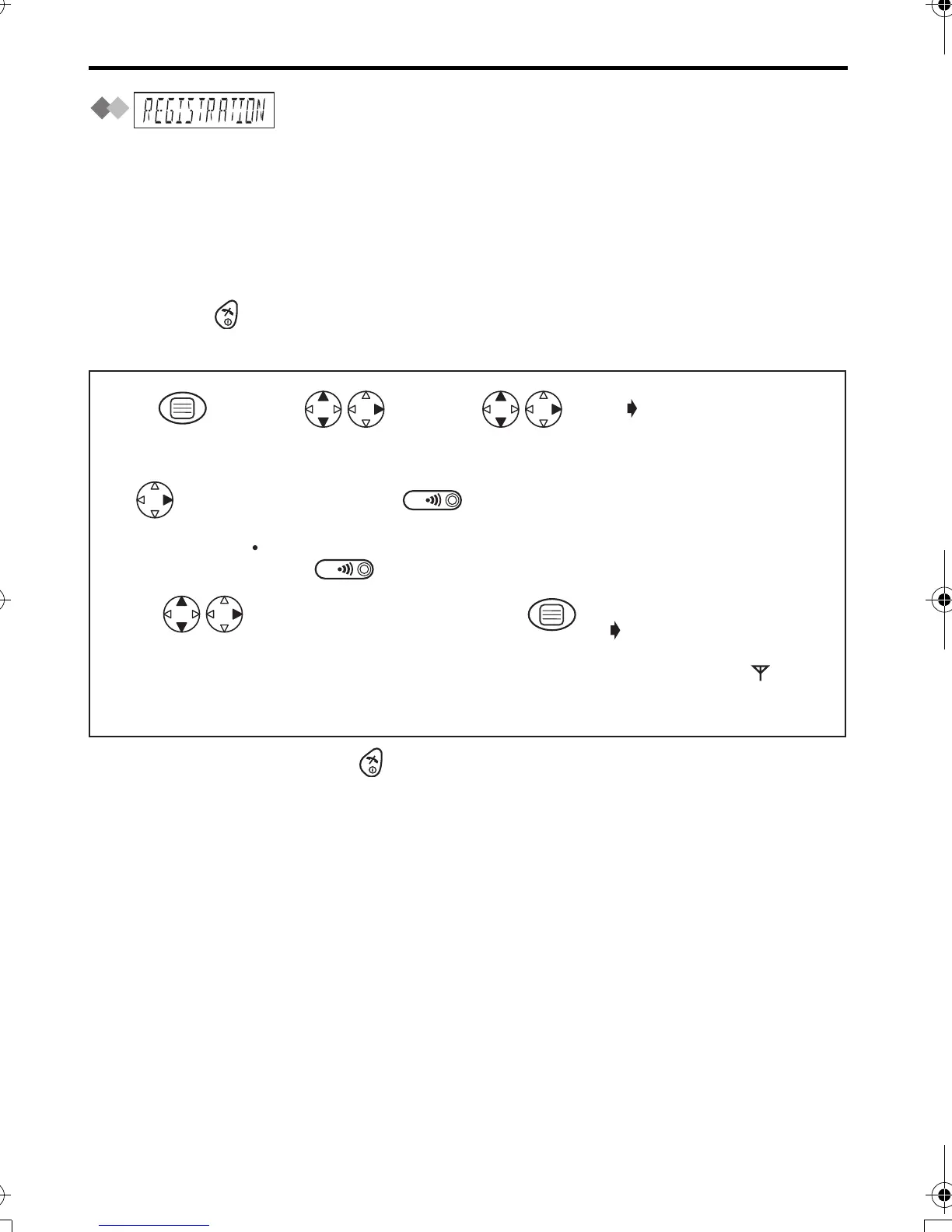
Handset Registration
The handset supplied with the base unit is already registered. If an optional handset is
purchased, it must be registered. Additional KX-A142E handsets are available to
purchase separately. Up to 6 handsets can be registered to a single base unit. Using
additional handsets allows you to have an intercom call while simultaneously conducting
a call to an outside line.
Handset must be registered within 1 minute after pressing PAGE button. If over 1
minute, press then start over again.
Charge the optional handset batteries for 7 hours before initial use.
•
To exit the operation, press any time.
*1 If a handset has been already registered to 4 base units, "MEMORY FULL" is
displayed.
Search/Select desired
base unit number
available to register
the handset.
If all registered handsets start ringing (Paging),
press to stop paging then start over again.
When a handset is
registered successfully,
a confirmation tone
sounds and " "
icon lights.
Press and hold on the Base Unit
(for about 10 seconds) until the green indicator flashes.
4-digit Base
Unit PIN after
"BS PIN"
is
displayed.
Factory preset 0000
Press OK.
4
78
5
6
Press
RIGHT.*1
Press MENU.
Search/Select
"REGISTRATION".
Search/Select
"SETTING HS".
12 3
"REGISTER HS"
420E.book Page 28 Thursday, March 20, 2003 7:41 PM












 To Next Page