40
Remote Operation
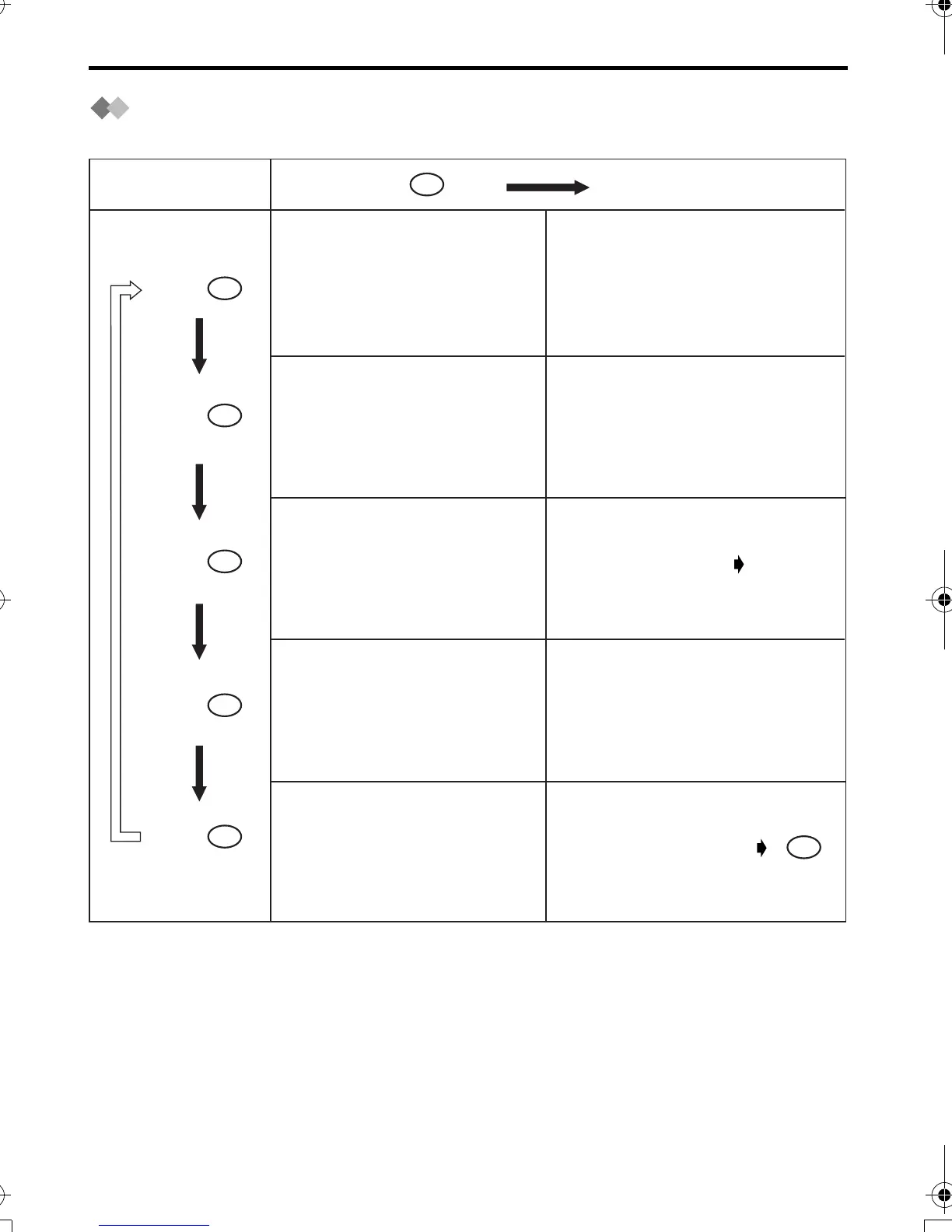
Voice Menu
The words in “ ” mean a voice guidance.
• After playback, the voice menu will start again from the beginning.
• If you hear “Memory full” after playback, erase some or all of the messages.
Press .
Press .
“Press 1 to playback
all messages.
Press 2 for other functions.”
At the end of the last message,
“End of final message” and the
remaining recording time are
announced.
“Press 1 to playback
new messages.
Press 2 for other functions.”
“Press 1 to record your
messages.
Press 2 for other functions.”
“New message playback.”
“Please leave your
message.”
Talk after you hear
this message.
Hang up
"Press 1 to erase all messages.
Press 2 for other functions.”
“No messages.”
“Press 1 to record
your greeting.
Press 2 for other functions.”
“Record greeting after
the beep.”
Talk after a long beep.
“All message playback.”
1
2
9
Press .
2
Press .
2
Press .
2
Press .
2
420E.book Page 40 Thursday, March 20, 2003 7:41 PM












 To Next Page