34
Answering System
Greeting Messages
You can choose to use one of two pre-recorded greeting messages, or you can record
your own greeting message.
All messages (greeting, incoming & memo) are stored indefinitely on a “Flash memory”
IC chip - even if a power failure occurs.
Pre-Recorded Greeting Messages
You can choose to play either:
- A pre-recorded message which allows you to select a caller’s recording time of “1
minute” or “Unlimited” (up to 20 minutes).
When the recording time is set to “1 minute” or “unlimited”.
- “Hello, we are not available now. Please leave your name, message and phone
number after the beep. We will return your call.”
OR
- A “greeting only”. If you select “greeting only” (p.36) and set the answering system
ON, the unit will answer a call with a greeting message, then hang up. It will not
record any incoming messages.
When the recording time is set to “greeting only”.
- “Hello, no one is available to take your call. Please call back later.”
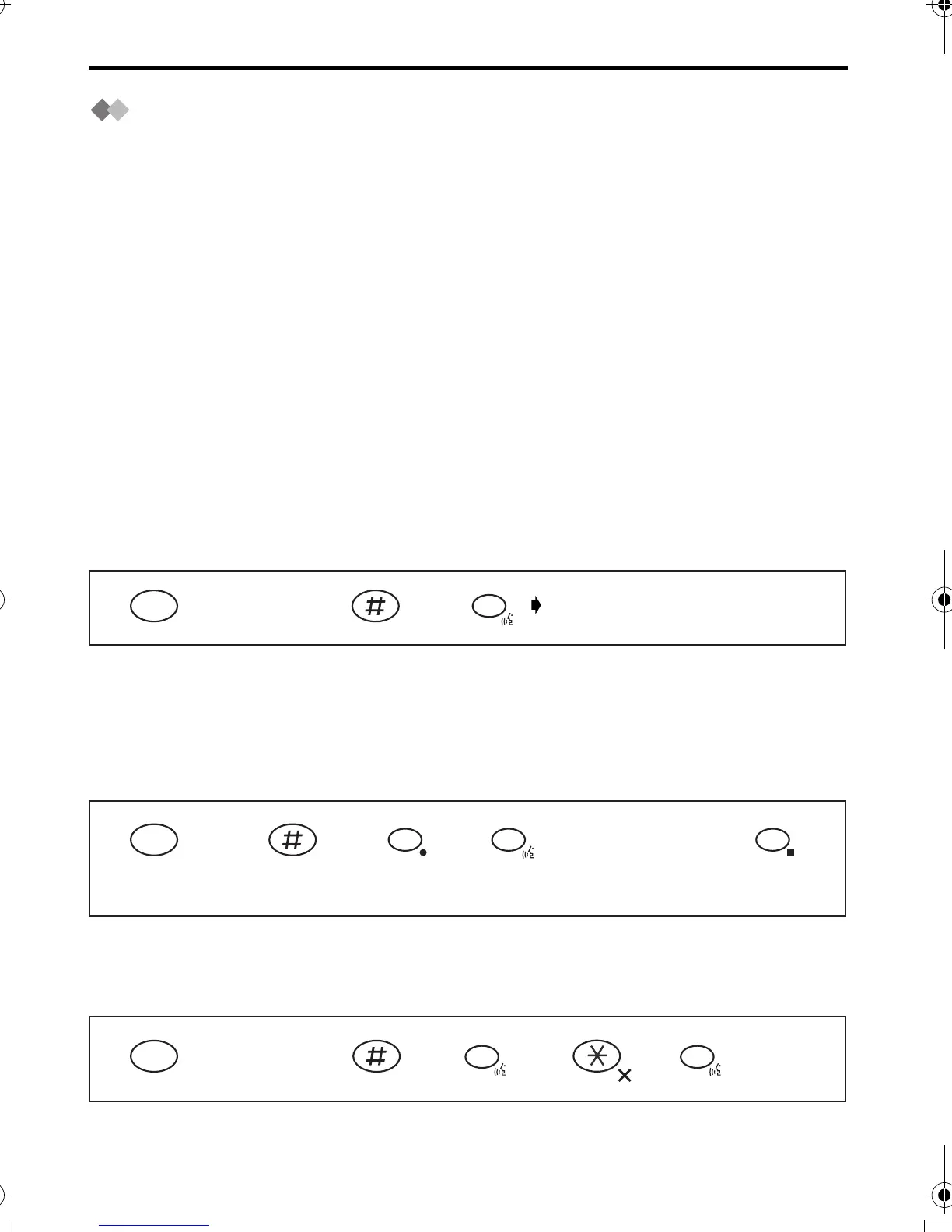
To Playback Pre-Recorded/Your Own Greeting Message
Recording Your Own Greeting Message
The total recording time is approximately 20 minutes. The greeting recording time is
limited to 2 minutes and 30 seconds.
We recommend you record a brief greeting message in order to leave more time for
recording new incoming/memo messages.
*1 The display starts to show the length of the recording time.
*2 The greeting message you selected is played.
Clearing a Greeting Message
Press
INTERCOM.
The greeting message is played.
INT
123
6
Press
INTERCOM.
Talk clearly
to the
microphone.*1
INT
123
7
45
6
6
9
*2
Press
INTERCOM.
INT
1245
6
3
6
420E.book Page 34 Thursday, March 20, 2003 7:41 PM












 To Next Page