Helpline Tel.No. :U.K. 08700 100 076 R.O.I. 01289 8333
37
Answering System
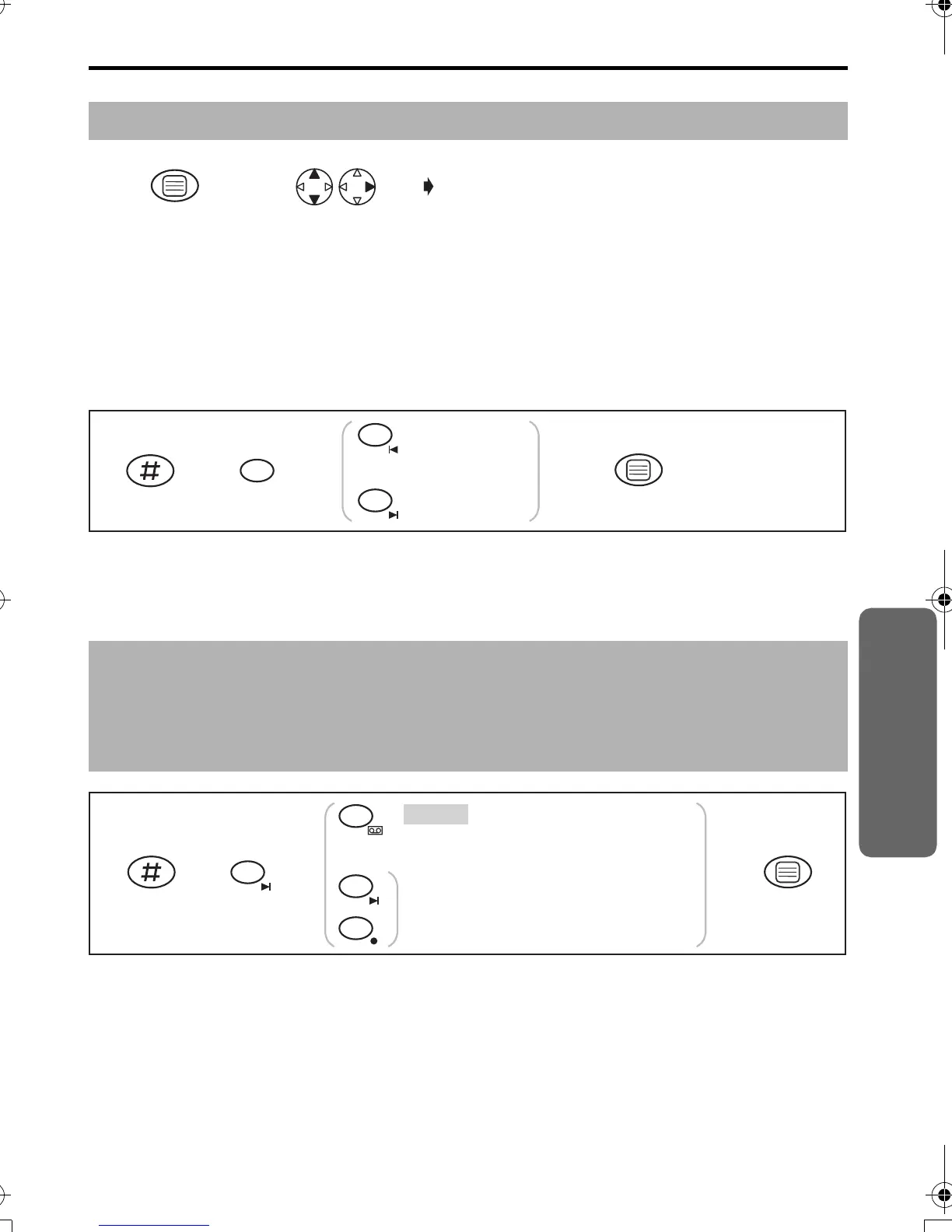
Recording Quality
It is possible to select either high quality or normal quality recording of incoming
messages. Available recording time will vary as follows:
Quality Recording Time
Normal :Approx. 20 minutes
High :Approx. 10 minutes
• The factory preset is off.
Selecting the Number of Rings
You can select the number of times the unit rings before the answering system answers
a call, from 2 to 7 or Auto (for Toll Saver*).
• The factory preset is in shade.
Before programming, please follow steps 1 to 2.
* Toll Saver (When set to “Auto”)
When you call the unit from a touch tone telephone:
If the unit answers on the 2nd ring, there is at least one new message.
If the unit answers on the 5th ring, there are no new messages.
Hang up when you hear the 3rd ring. This will save you the toll charge for the call.
Press MENU. Search/Select
"SETTING BS".
"INPUT CODE"
12
Press OK.
3456
ON (High)
OFF (Normal)
1
2
OR
8
The unit will answer
after the selected number of rings.
2
AUTO
Press OK.
35
6
2
OR
4
7
0
OFF
·
·
·
Answering System
420E.book Page 37 Thursday, March 20, 2003 7:41 PM












 To Next Page