36
Answering System
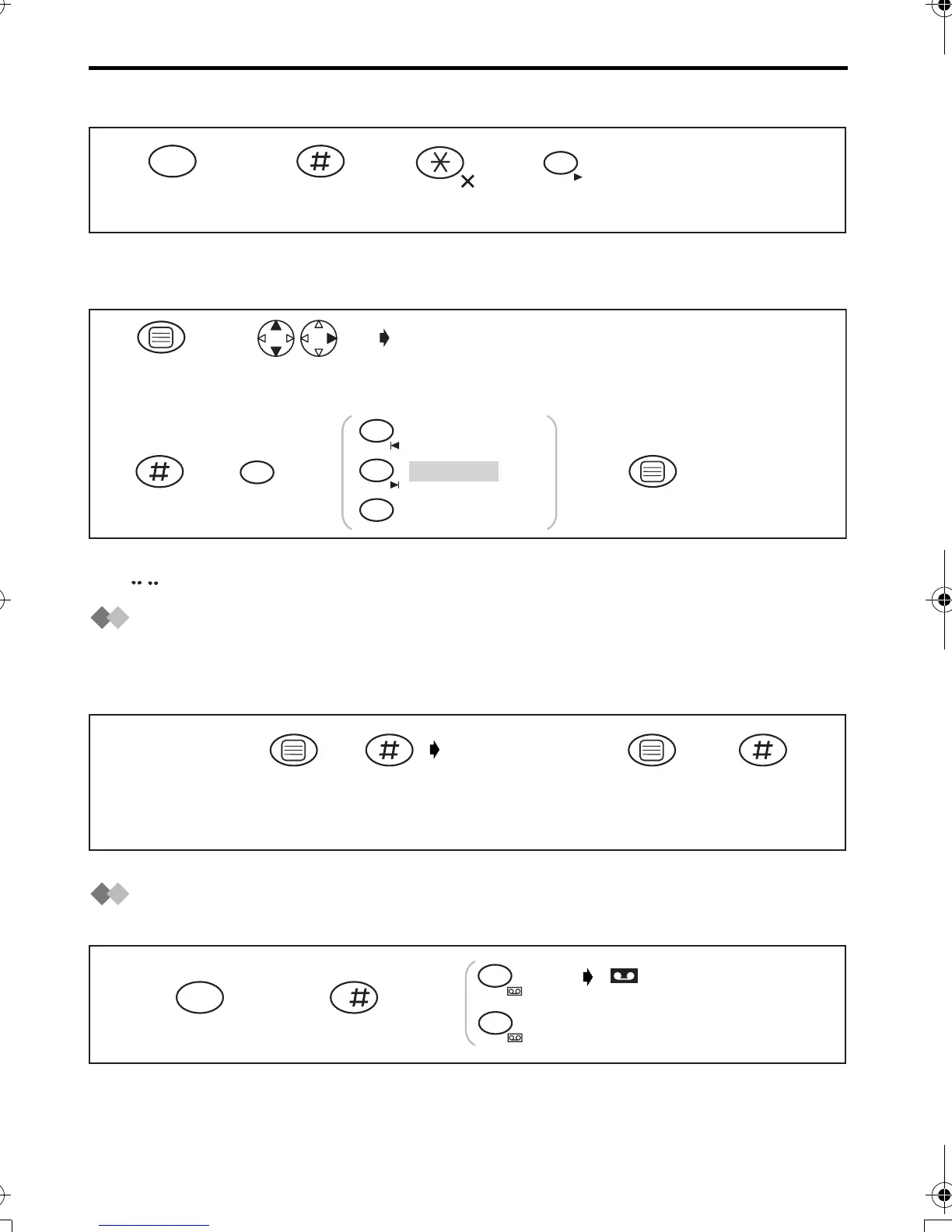
Clearing All Incoming/Memo Messages
Selecting the Caller’s Recording Time
You can select “1 minute”, “unlimited” or “greeting only” for the caller’s recording time.
•
The factory preset is in shade.
*1 "" is displayed.
Recording Your Telephone Conversation
When you record your 2-way telephone conversation, you should inform the other party
that the conversation is being recorded. During recording, a beep will sound
approximately every 15 seconds.
Answering System On/Off
When you set the answering system ON, a caller can leave her/his messages.
34
5
ALL
Press
INTERCOM.
INT
12
3
1 minute
Unlimited
Greeting only*1
1
2
3
Press OK.
6
345
Press
MENU.
Search/Select
"SETTING BS".
"INPUT CODE"
12
(During
conversation)
"RECORDING"
is displayed.
12 43
Press
MENU.
Press OK.
Press #
to end
recording.
Press INTERCOM.
INT
123
0
On
Off
8
OFF
ON
is displayed.
420E.book Page 36 Thursday, March 20, 2003 7:41 PM












 To Next Page