Helpline Tel.No. :U.K. 08700 100 076 R.O.I. 01289 8333
9
Cordless Telephone
Using the Telephone
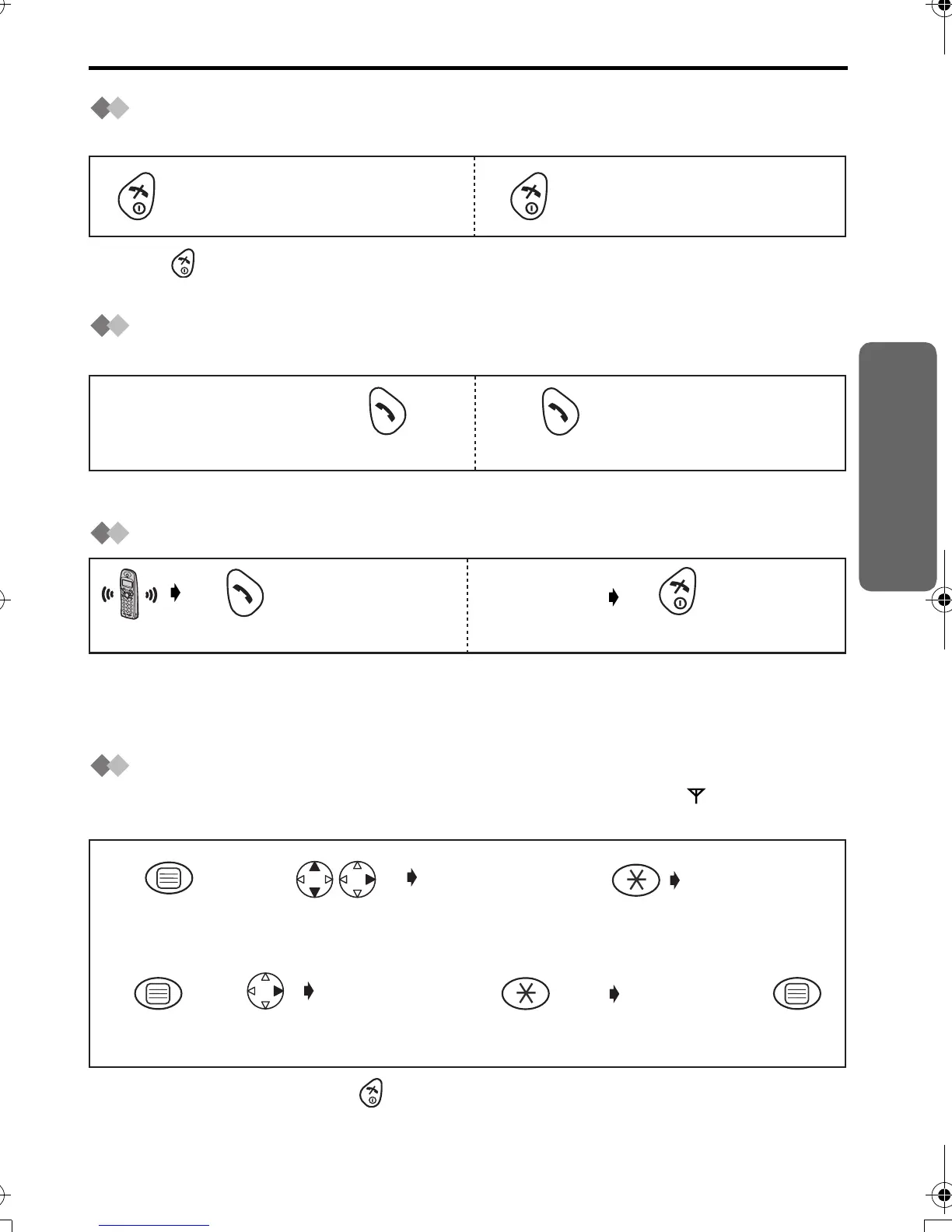
Power On/Off
Power on Power off
*1 When button is released, the display changes to the standby mode.
*2 The display goes blank.
Making a Call
Pre-dialling Post-dialling
*1 If you need correction, press CLEAR. Digit is cleared to the left, then enter numbers.
Answering a Call
Terminating a Call
• Each ringer will start ringing with lower volume then gradually increase the volume
when receiving a call.
*1 You can also answer a call by pressing any dialling button, INTERCOM,
t
or
x
.
Setting the Clock/Date
After a mains power failure the clock needs to be reset. Ensure that icon is not
flashing.
•
To exit the operation, press any time.
*1 For example, to set 7:15, enter 0715.
*2 For example, to set the 16th of February, 2003, enter 160203.
Press for more than
2 seconds. *2
Press for more than
1 second. *1
Press TALK.
Phone Number
*1
Press TALK.
Phone Number
1122
Press TALK.
*1
(During a call)
Press OFF.
"INPUT CODE"
Press MENU.
Search/Select
"SETTING BS".
Press OK.
Time
Enter time.
4-digit
(24 hour clock) *1
Date
Enter day,
month then
year. *2
1
4
Press OK.
76
2
3
twice
"INPUT CODE"
Press
RIGHT.
5
420E.book Page 9 Thursday, March 20, 2003 7:41 PM












 To Next Page