32
Intercom
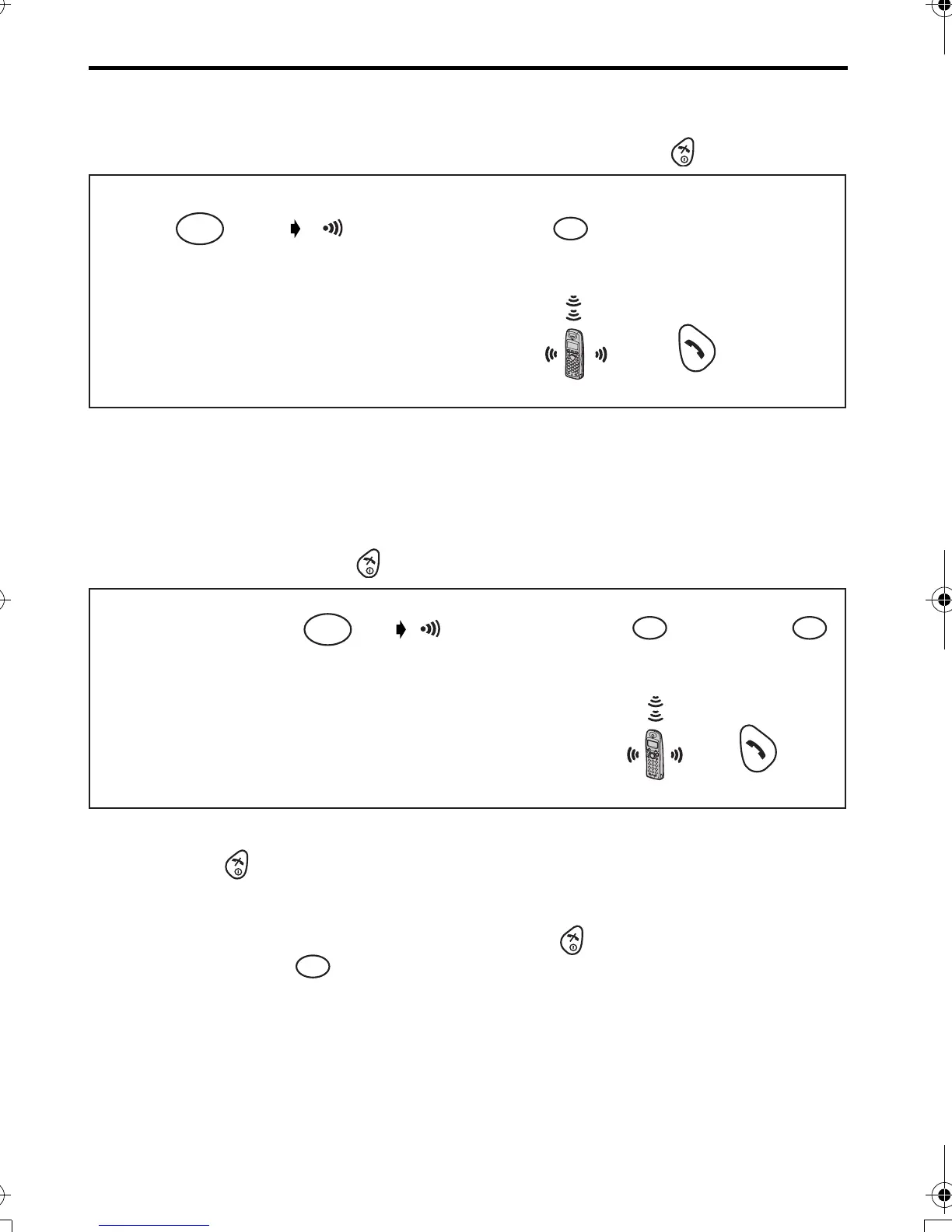
Intercom between Handsets
You can use your handsets as a 2-way intercom.
For example, when Handset 1 calls Handset 2. To hang up, press .
• Intercom calls can be conducted within the radio cell of the current base unit, but not
with units in neighbouring radio areas.
Transferring a Call to Another Handset/Conference Call
Intercom can be used during a call to transfer an external call between handsets that are
registered to the same base unit. For example, when handset 1 transfers a call to
Handset 2. To hang up, press .
*1 You can also press any dialling button, INTERCOM,
t
or
x
.
*2 If you press after pressing desired handset number, a call can be transferred to
another handset without speaking to another handset.
If the transferred call is not answered within 30 seconds, Handset 1 will ring again.
*3 When Handset 2 answers a call transferred, press to complete a call transfer or
press dialling button to establish the conference call.
Press TALK.*1
<Handset 1>
Press INTERCOM.
Press desired
Handset Number.
( on the display)
INT
<Handset 2>
2
12
3
Press TALK.*1
<Handset 1>
(During a call)
<Handset 2>
Press INTERCOM.
Press desired
Handset Number.*2
*3
( on the display)
INT
2
12
3
4
3
3
420E.book Page 32 Thursday, March 20, 2003 7:41 PM












 To Next Page