Getting Started 19
Section 3
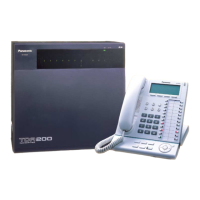
Installing in the KX-TDA100/KX-TDA200 PBX
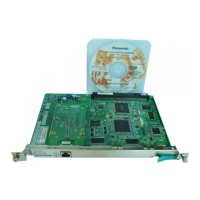
This section describes the physical installation process
of the KX-TDA0484 VoIP Gateway Card covering the
following topics: (1) installing the card in the KX-
TDA100/KX-TDA200 PBX, and (2) connecting the card
to a network device using a category 5 (CAT 5)
Ethernet cable.



 To Next Page