3.1 Installation
20 Getting Started
3.1 Installation
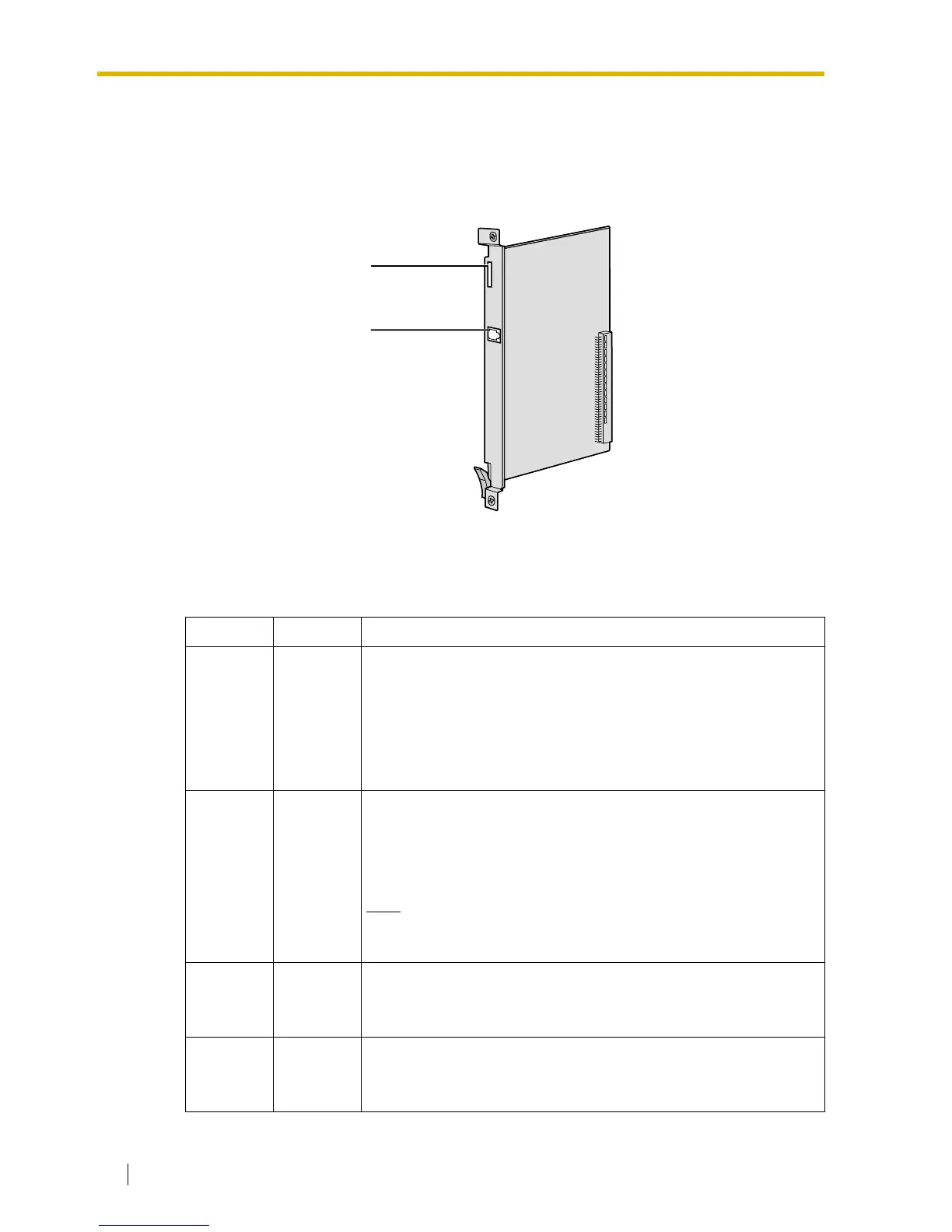
3.1.1 Names and Locations
Indication Light (LED)
When the VoIP Gateway Card is operating, each LED should show the status identified in bold-
face letters under normal conditions.
Indication Colour Description
CARD
STATUS
Green/Red
Card status indication
• OFF: Power Off
• Green ON: Normal (all ports are idle)
• Green Flashing (60 times per minute): Normal (a port is in use)
• Red ON: Fault (includes reset)
• Red Flashing (60 times per minute): Out of Service
ONLINE Green
On-line status indication
• ON: On-line mode
• OFF: Off-line mode
• Flashing: Maintenance mode
Note
If the LINK indicator is OFF, the ONLINE indicator will also be
OFF.
ALARM Red
Alarm indication
• ON: Alarm
• OFF: Normal
VoIP BUSY Green
VoIP (H.323) process indication
• OFF: VoIP process inactive
• ON: VoIP process active
LEDs
RJ45
(10BASE-T/100BASE-TX)



 To Next Page