3.2 Cable Connection
Getting Started 23
3.2 Cable Connection
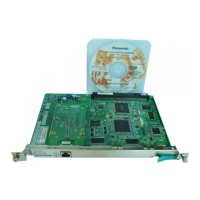
Use a category 5 (CAT 5) Ethernet cable (10BASE-T/100BASE-TX) with an RJ45 connector
to connect the VoIP Gateway Card to a network device.
When connecting the card to a switching hub, use an Ethernet straight cable; when connecting
directly to a router or PC, use an Ethernet cross cable.
Note
Use only CAT 5 Ethernet cable for connection.
3.2.1 Connection for Programming
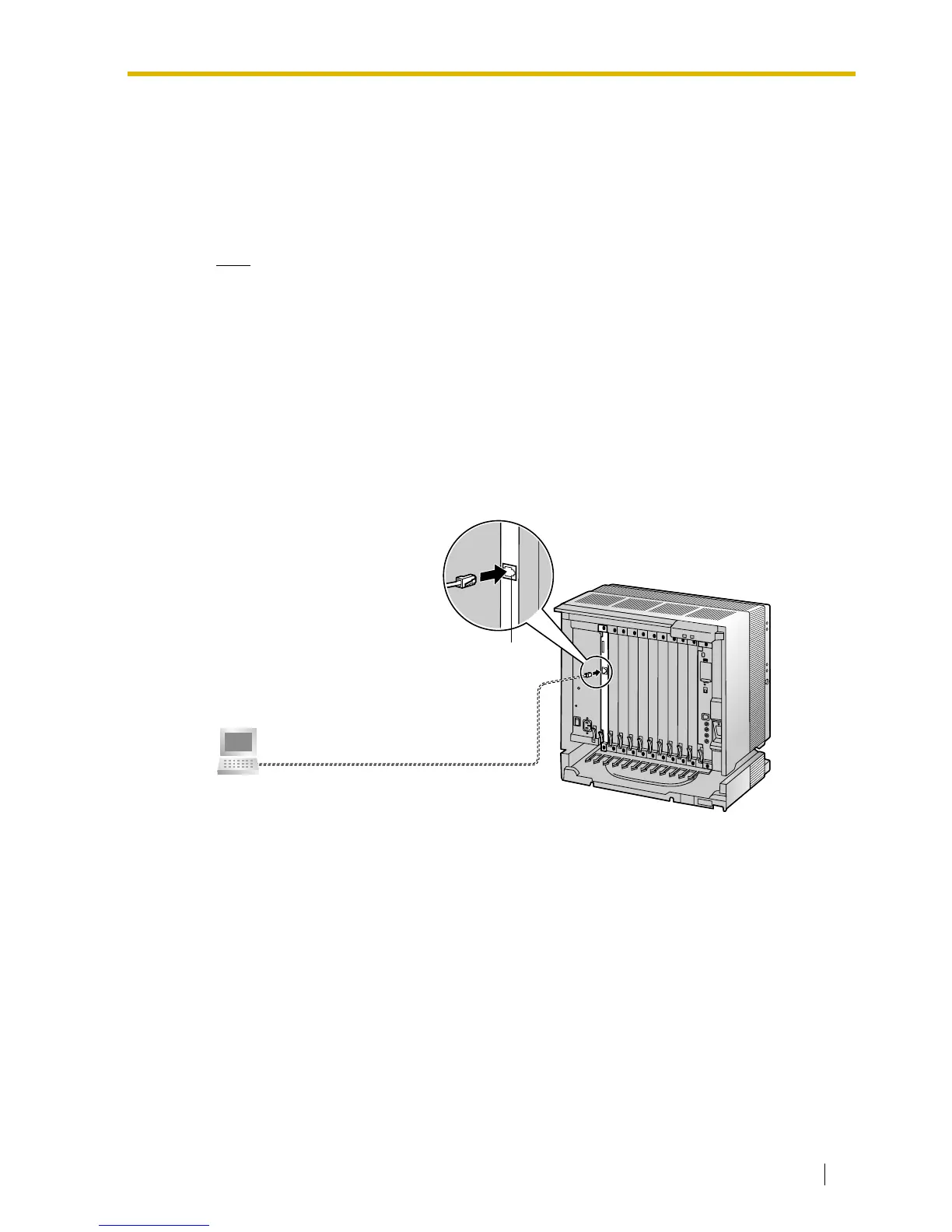
When assigning a new IP address to the VoIP Gateway Card for the first time, connect a PC
directly to the card using an Ethernet cross cable.
1. Connect the Ethernet cable to the RJ45 connector of the card.
2. Connect the other end of the cable to the PC.
Ethernet Cross Cable
PC
RJ45



 To Next Page