EasyManua.ls Logo

Panasonic KX-TG6591C - User Manual

Panasonic KX-TG6591C
56 pages
Print Icon
To Next Page IconTo Next Page
Loading...
Operating Instructions
Digital Cordless Answering System
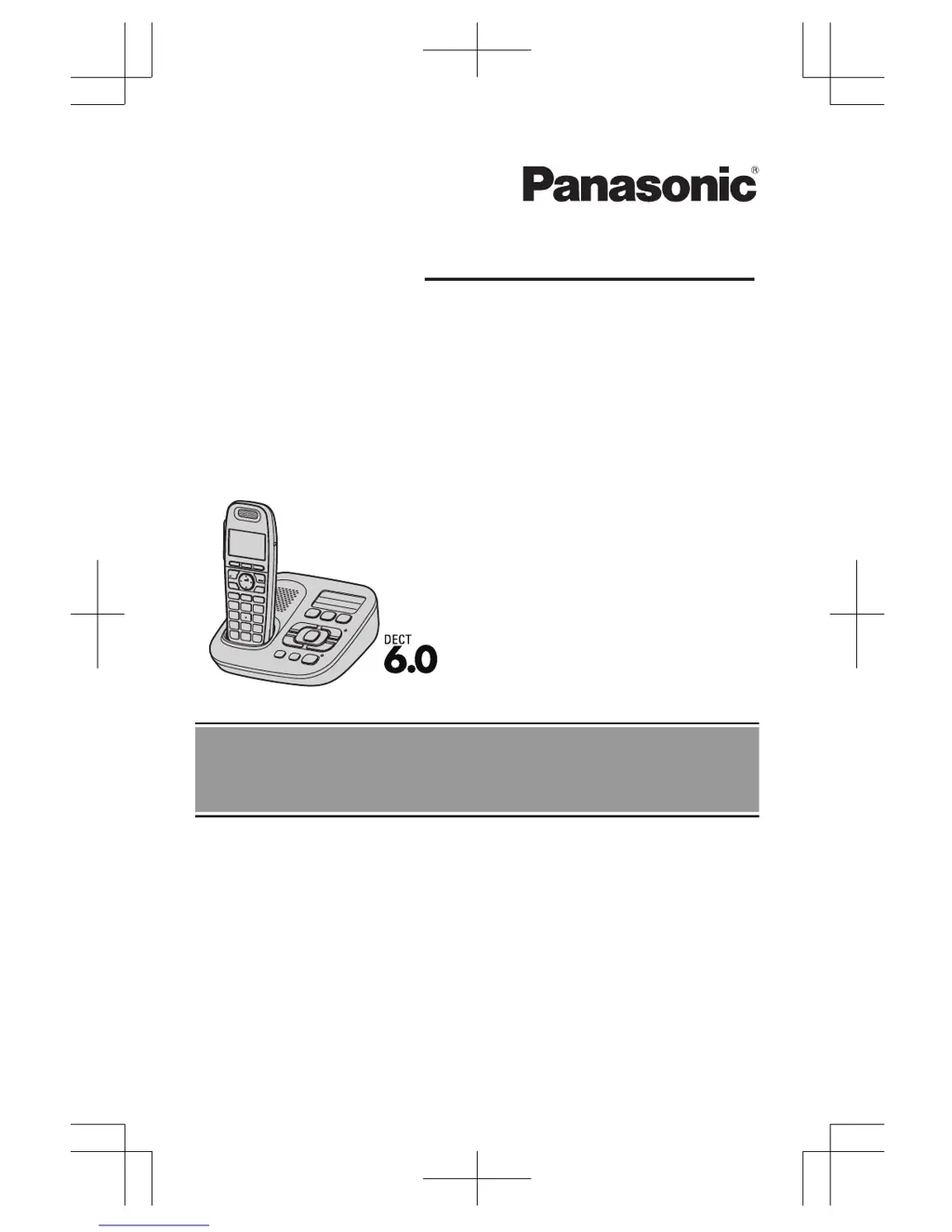
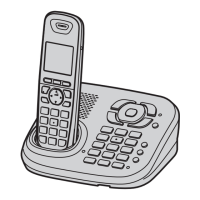
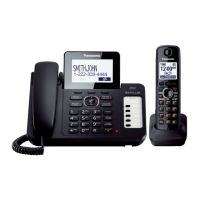
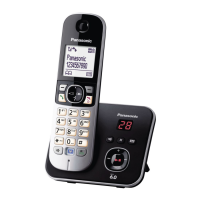
Model shown is KX-TG6591.
Model No. KX-TG6591C
KX-TG6592C
Before initial use, see “Getting
Started” on page 9.
Thank you for purchasing a Panasonic product.
Please read these operating instructions before using the unit and save
them for future reference.
This unit is compatible with Call Display. You must subscribe to the
appropriate service offered by your service provider/telephone company.
For assistance, please call 1-800-561-5505 or visit us at
www.panasonic.ca

Questions and Answers

  • K
    kgarciaSep 9, 2025
    Why is caller information not announced on my Panasonic KX-TG6591C?
    • S
      Sabrina WatsonSep 9, 2025
      If caller information is not announced, the handset or base unit’s ringer volume might be turned off. Adjust it. The Talking Call Display feature may also be turned off, so turn it on. The number of rings for the answering system could be set to “2 rings” or “Toll saver”, select a different setting. If the base unit and another handset are having an intercom call, your handset does not announce caller information.
  • A
    Alexis BurkeSep 7, 2025
    Why is caller information announced late on my Panasonic Answering Machine?
    • M
      Maureen BarrettSep 8, 2025
      Depending on your service provider/telephone company, the unit may display or announce the caller’s information at the 2nd ring or later. Also, move closer to the base unit.
  • S
    Sarah LuceroAug 22, 2025
    What to do if my Panasonic Answering Machine does not record new messages?
    • G
      Gina SimonAug 22, 2025
      If your unit does not record new messages, ensure that the answering system is turned on. Also, the message memory might be full, so erase unnecessary messages. Check if the recording time is set to “Greeting only” and change the setting if needed. If you subscribe to a Voice Mail service, messages are recorded by your service provider, not your telephone, so change the unit’s number of rings setting or contact your service provider.
  • M
    Mary ShepardSep 5, 2025
    What to do if my Panasonic KX-TG6591C handset flashes slowly?
    • D
      Denise WilkinsSep 5, 2025
      If the indicator on the handset flashes slowly, new messages have been recorded. Listen to the new messages. New Voice Mail messages may also have been recorded, so listen to those as well.
  • L
    Laura BarrSep 4, 2025
    What to do if my Panasonic Answering Machine is not working?
    • W
      wallacekaylaSep 4, 2025
      If the unit does not work, make sure the batteries are installed correctly. Fully charge the batteries. Check the connections. Unplug the base unit’s AC adaptor to reset the unit, then reconnect the adaptor and try again. The handset may not be registered to the base unit, so register the handset.
  • J
    Jonathan MoralesSep 2, 2025
    What to do if my Panasonic Answering Machine display is in the wrong language?
    • P
      pfisherSep 3, 2025
      If the display is in a language you cannot read, change the display language.
  • J
    James LopezSep 1, 2025
    Why is the Panasonic Answering Machine base unit not ringing?
    • C
      cynthiaellisonSep 1, 2025
      If the base unit does not ring, the ringer volume is likely turned off. Adjust the ringer volume.
  • B
    Brett LittleAug 31, 2025
    What to do if my Panasonic Answering Machine handset does not ring?
    • S
      sean60Aug 31, 2025
      If the handset does not ring, the ringer volume might be turned off. Adjust the ringer volume. Also, night mode could be turned on, so turn it off.
  • M
    melissaflynnAug 30, 2025
    How to fix Panasonic KX-TG6591C when I cannot make a call?
    • C
      christopherlopezAug 30, 2025
      If you cannot make a call, the dialing mode may be set incorrectly. Change the setting. The handset might also be too far from the base unit, so move closer and try again.
  • E
    Elizabeth Cortez DDSAug 28, 2025
    Why does my Panasonic Answering Machine handset not turn on?
    • S
      Sherri VanceAug 29, 2025
      If the handset does not turn on even after installing charged batteries, place the handset on the base unit or charger to turn on the handset.

Summary

Important Information

For Your Safety

Covers critical safety precautions, warnings, and medical advice.

Getting Started

Setting Up

Step-by-step guide for initial connections and battery installation.

Controls

Handset Controls

Description of handset buttons, soft keys, and navigator key functions.

Base Unit Controls

Identification of controls and indicators on the base unit.

Display Information

Explanation of icons and messages shown on the handset display.

Initial Settings

Date and Time

Step-by-step guide for setting the current date and time.

Making;Answering Calls

Making Calls

Instructions for initiating calls using the handset or speakerphone.

Answering Calls

Procedures for receiving and responding to incoming calls.

Useful Features During a Call

Describes call features like equalizer, hold, mute, and flash.

Shared Phonebook

Adding Entries

How to input names and phone numbers into the phonebook.

Speed Dial

Adding Phone Numbers to Speed Dial Keys

Assigning phone numbers to the unit's speed dial buttons.

Making a Call Using a Speed Dial Key

How to initiate calls quickly using the speed dial buttons.

Programming

Programmable Settings

Overview of customization options via display menus or direct command codes.

Special Programming

Advanced settings for alarms and night mode.

Registering a Unit

Procedures for adding or removing handsets from the base unit.

Call Display Service

Answering System

Turning Answering System On;Off

Activating and deactivating the answering system via base unit or handset.

Call Screening

Listening to callers leaving messages through the unit's speaker.

Greeting Message

Recording or using pre-recorded greetings for callers.

Listening to Messages Using the Base Unit

Accessing new and old messages via the base unit.

Erasing All Messages

Clearing all recorded messages from the system.

Listening to Messages Using the Handset

Accessing new and old messages via the handset.

Operating the Answering System

General controls for managing the answering system functions.

Remote Operation

Accessing and controlling the answering system remotely via phone.

Turning On the Answering System Remotely

Activating the answering system from an external touch-tone phone.

Answering System Settings

Customizing system behavior like ring count and recording time.

Voice Mail Service

Storing the Voice Mail (VM) Access Number

Setting up the number to access your service provider's voicemail.

Listening to Voice Mail Messages

Accessing and listening to voicemail messages.

Intercom;Locator

Useful Information

Error Messages

Common error messages displayed and their solutions.

Troubleshooting

Problem-solving advice for general use and specific functions.

Making;Answering Calls, Intercom

Troubleshooting common problems with calls and intercom functions.

Panasonic KX-TG6591C Specifications

General IconGeneral
BrandPanasonic
ModelKX-TG6591C
Answering SystemDigital
Recording Time18 minutes
Handsets Included1
DECT 6.0 TechnologyYes
Caller IDYes
Call WaitingYes
SpeakerphoneYes
IntercomYes
Ringer IDYes
Wall MountableYes
DisplayLCD
Backlit DisplayYes
Battery TypeNi-MH
Standby Time120 hours
RangeUp to 1000 feet
TypeCordless Phone
Expandable Handsets6
Phonebook Memory100 names/numbers

Related product manuals