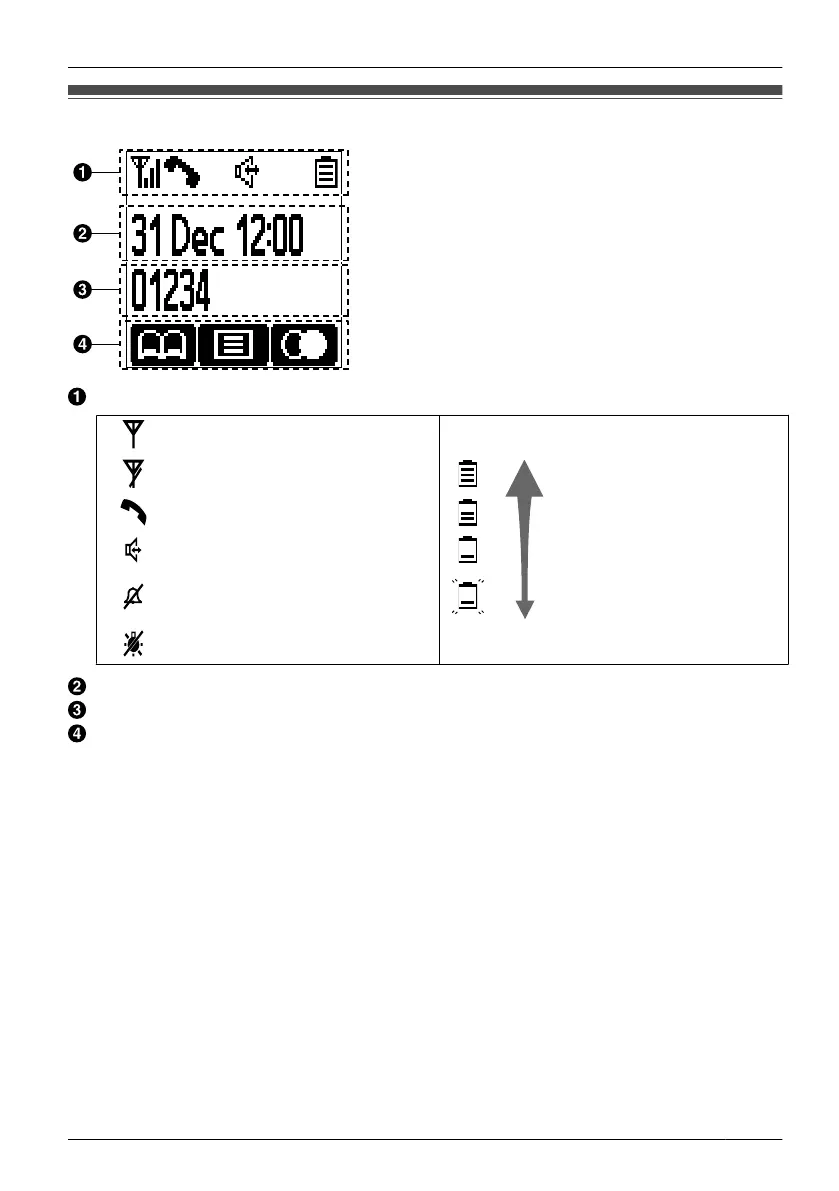
Display
Pictograph
Within range of a Cell Station (CS)
Battery Indicator
*1
Out of range Full
Off-hook status
Speakerphone Low
Ringer off Needs to be charged.
Backlight off
Date and Time Display
Extension Number
Soft Keys
For more information, see page 14.
*1 See "Battery Information" on page 51
.
• Example images of the display in this manual are samples only, and the actual screen
on your phone may vary in appearance.
13
Before Operating the Handset












 To Next Page