EasyManua.ls Logo

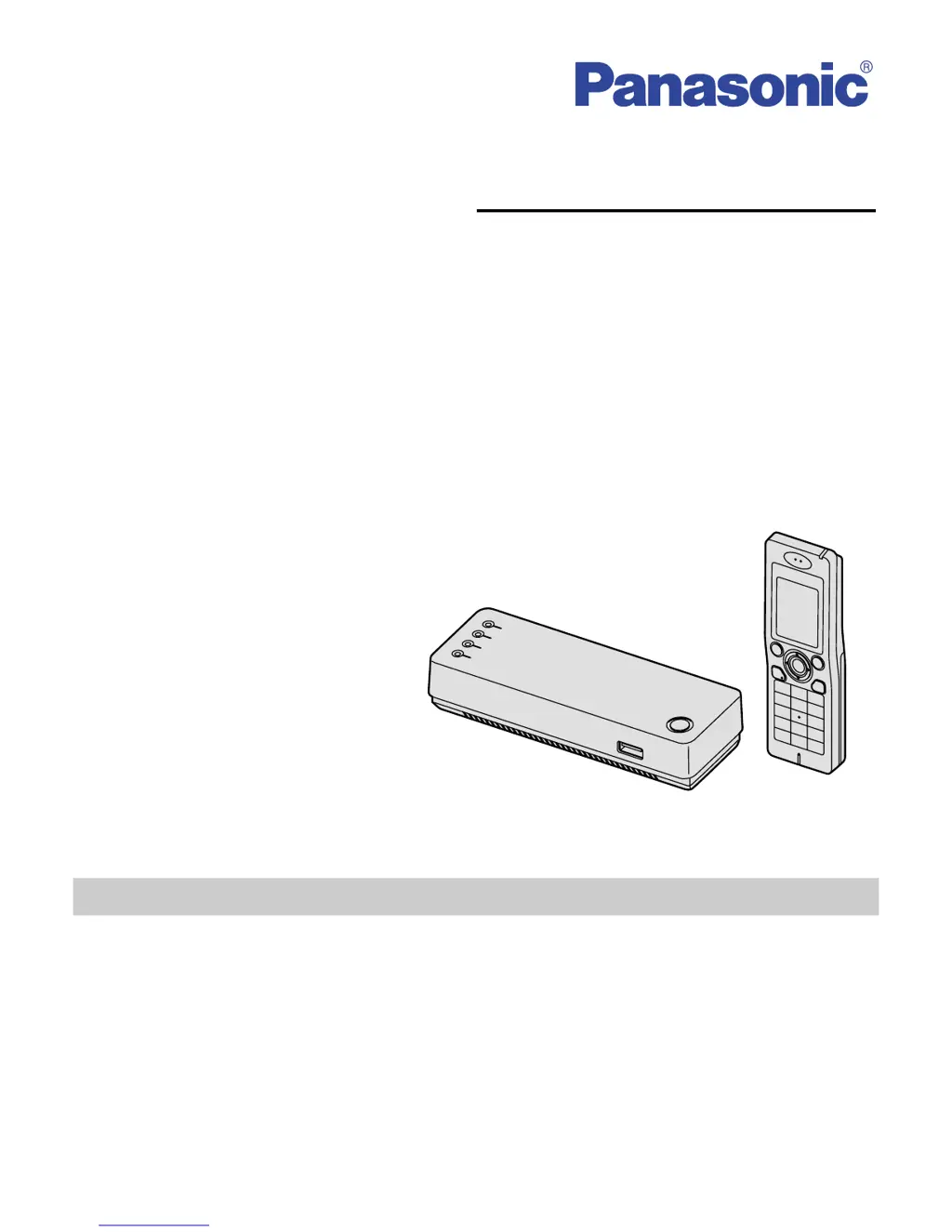
Panasonic KX-WP1050 - User Manual

Panasonic KX-WP1050
168 pages
Print Icon
To Next Page IconTo Next Page
Loading...
Please read these Operating Instructions before using the unit and save for
future reference.
Charge the handset battery for 6 hours before initial use.
Operating Instructions
Wi-Fi Phone for Skype
Executive Travel Set
Model No.
KX-WP1050
Temporary Confidential

Table of Contents

Other manuals for Panasonic KX-WP1050

Questions and Answers

  • K
    kurtgreerAug 11, 2025
    Why can't my Panasonic KX-WP1050 connect to the internet?
    • T
      Tiffany WrightAug 11, 2025
      If your Panasonic Cordless Telephone cannot connect to the internet, verify the modem connection and also check the connection between the product and the LAN. Review the information from your internet service provider regarding the internet connection. If instructed by your provider, configure the web browser proxy server. Note that if the power is cut while connected to the internet using PPPoE, it might take several minutes to reconnect. Ensure that the power supply was turned on in the correct order: modem, router, base unit, computer. When turning off the power supply, do so in the following order: modem, base unit, router (if you have one), computer.
  • M
    Mary AguirreAug 18, 2025
    What to do if initialization wizard is not displayed on Panasonic KX-WP1050?
    • W
      wwattsAug 18, 2025
      If the Initialization Wizard is not displayed, it may be due to the state of the LAN, so dialog boxes may not be displayed immediately. Check that the LAN or WIRELESS indicator lights in green, and ensure the LAN card or wireless LAN card is on. If not, verify the LAN is connected. Make sure the power supply was turned on in the proper sequence: modem, router, base unit, computer. When turning off the power supply, do so in the reverse order: modem, base unit, router (if you have one), computer.
  • C
    Curtis EdwardsAug 26, 2025
    What to do if Ethernet is connected but the LAN indicator is off on Panasonic KX-WP1050?
    • M
      Mitchell AlexanderAug 26, 2025
      If the Ethernet is connected but the LAN indicator is off, check the computer connection and ensure the computer's power is on. Also, verify that the LAN card and driver are installed on the computer. Check the modem connection and the connection between the product and the LAN. Review the internet connection information from your internet service provider. If instructed, set the web browser proxy server. If the power is cut when connected to the Internet using PPPoE, allow a few minutes for reconnection. Confirm the power supply was turned on in the following order: modem, router, base unit, computer. When turning off the power supply, do so in the following order: modem, base unit, router (if you have one), computer.
  • T
    Tanya BoothSep 2, 2025
    How to fix WAN indicator off on Panasonic KX-WP1050?
    • J
      James TurnerSep 2, 2025
      If the modem is connected but the WAN indicator is off, ensure that the modem and the Panasonic Cordless Telephone are properly connected and that the power to both the modem and the telephone are turned on.

Panasonic KX-WP1050 Specifications

General IconGeneral
DisplayLCD
Handsets supportedUp to 6
IntercomYes
SpeakerphoneYes
Phonebook entries50
Ringer IDYes
Call WaitingYes
TypeCordless Phone
RangeUp to 1000 feet
FeaturesCaller ID, Call Waiting, Speakerphone, Intercom
Number of Handsets1
Power SourceAC Adapter

Related product manuals