Base Unit Settings
For assistance, please visit http://www.panasonic.com/phonehelp 95
Setting the base unit from Top Menu
After the settings in Initialization Wizard (page 27) are successfully completed, Top Menu
will be displayed on the top page each time you log in the base unit.
1 Open your Web browser on your computer connected to the LAN (Ethernet) port on the
base unit.
2 Enter http://192.168.0.242/ (the base unit’s default IP address) or http://kx-
wpa.webpage in the address field of your browser and press ENTER key. You can
also double click the KX-WPA102 icon in My Network Places in Start menu when using
Windows XP and UPnP is enabled. See “Setting UPnP to display the shortcut” on page
153 for details.
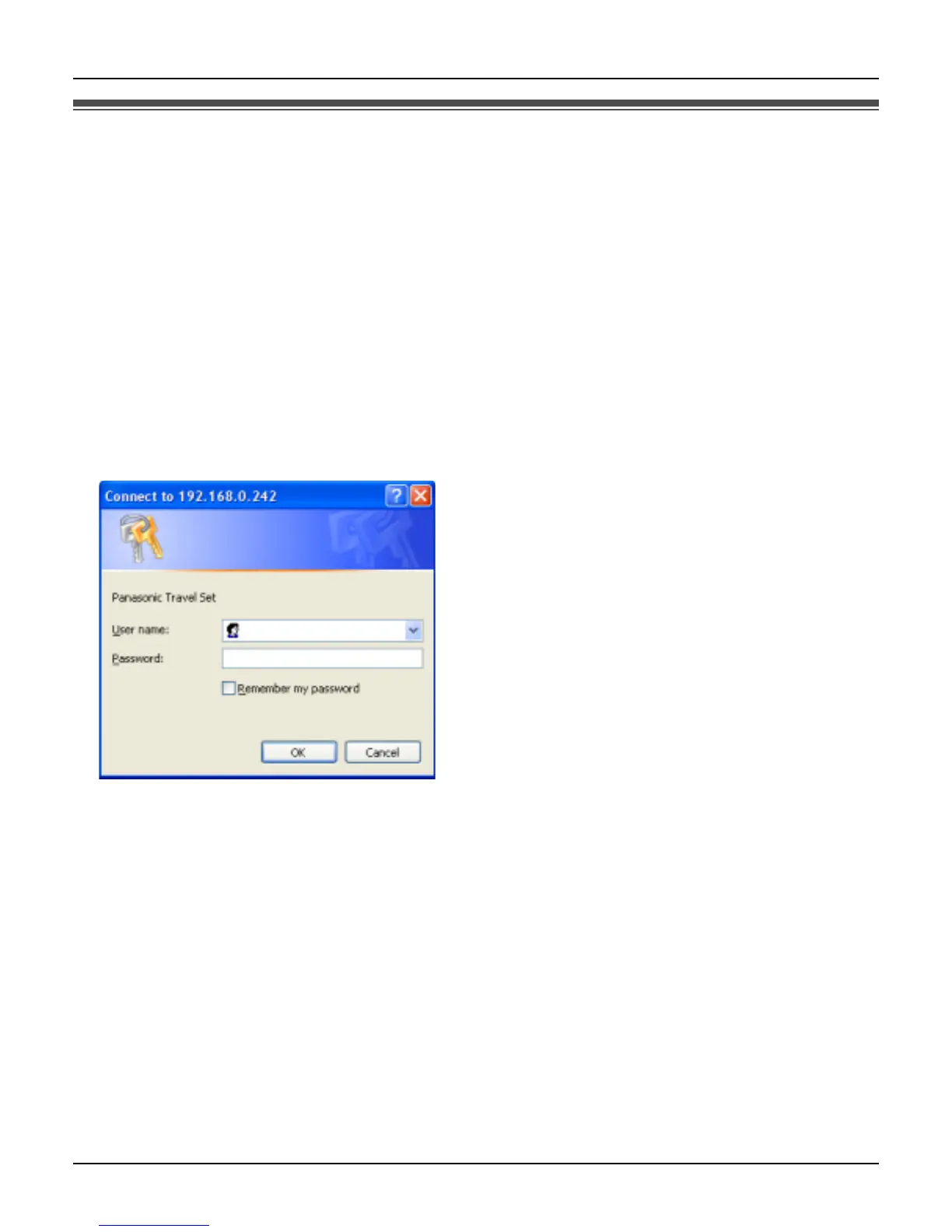
L A screen with fields for your user name and password is displayed.













 To Next Page