Handset Settings
For assistance, please visit http://www.panasonic.com/phonehelp 83
Wi-Fi network settings
Network menu allows you to set the handset to connect to wireless networks when the
handset is powered on. You need to configure network settings only when you want to use
an access point other than the KX-WPA102 base unit.
Finding wireless networks
The handset searches for networks within the area to connect to the desired network.
1 {Menu} (middle soft key)
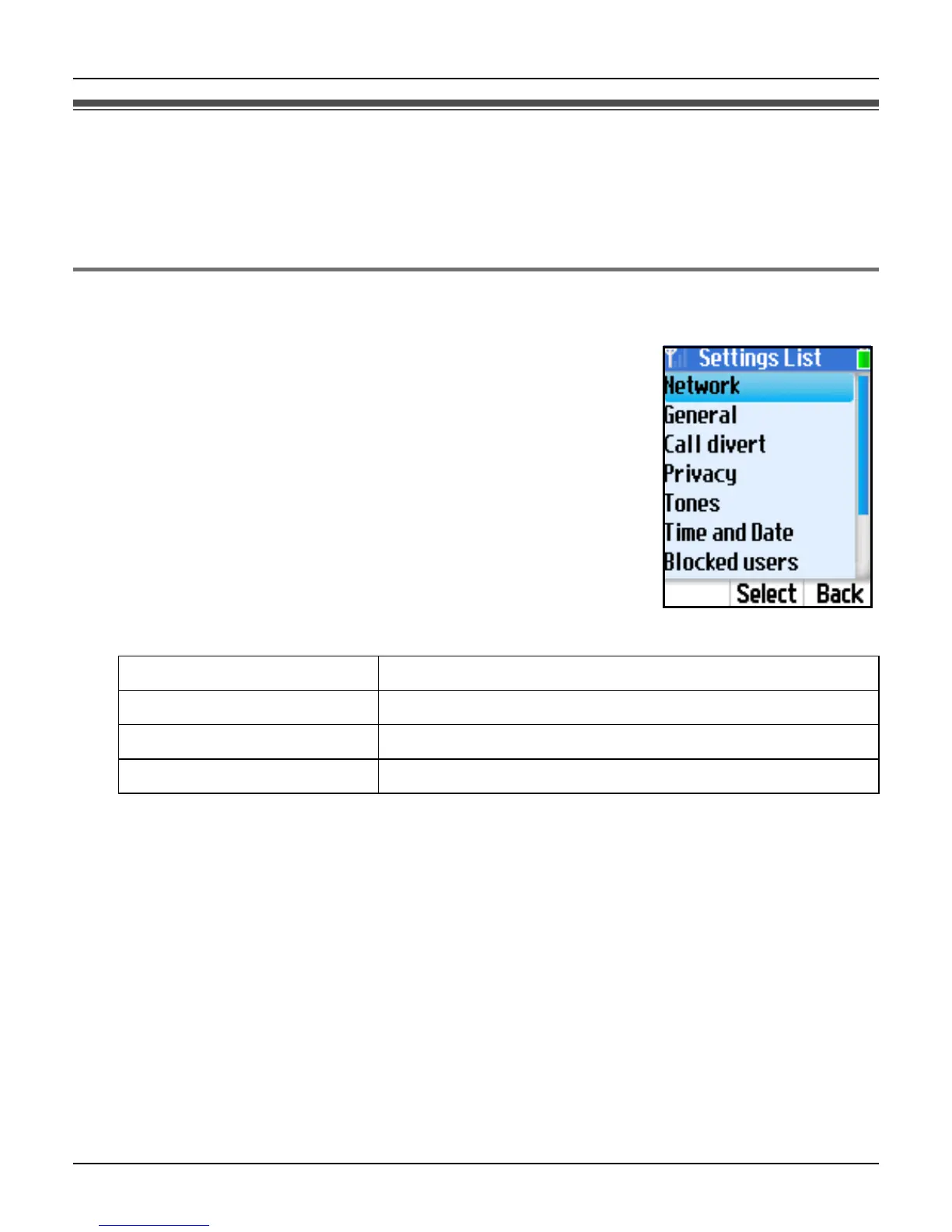
2 “Settings” i {Select}
3 “Network” i {Select}
4 “Networks in range” i {Select}
5 Select the desired network. i {Connect}
L The padlock icon indicates a secure network.
L While viewing the list, you can also press {Options} to
select the desired setting. i {Select}
Note:
L In step 1, you can also press {Options} while in Idle mode to access the list of networks
in range, then skip to step 5.
Network details Shows the selected network details.
Search again Searches for other networks in range.
Add manually Adds the network to your Preferred networks list.
Preferred networks Shows your Preferred networks list.













 To Next Page