Getting Started
50 For assistance, please visit http://www.panasonic.com/phonehelp
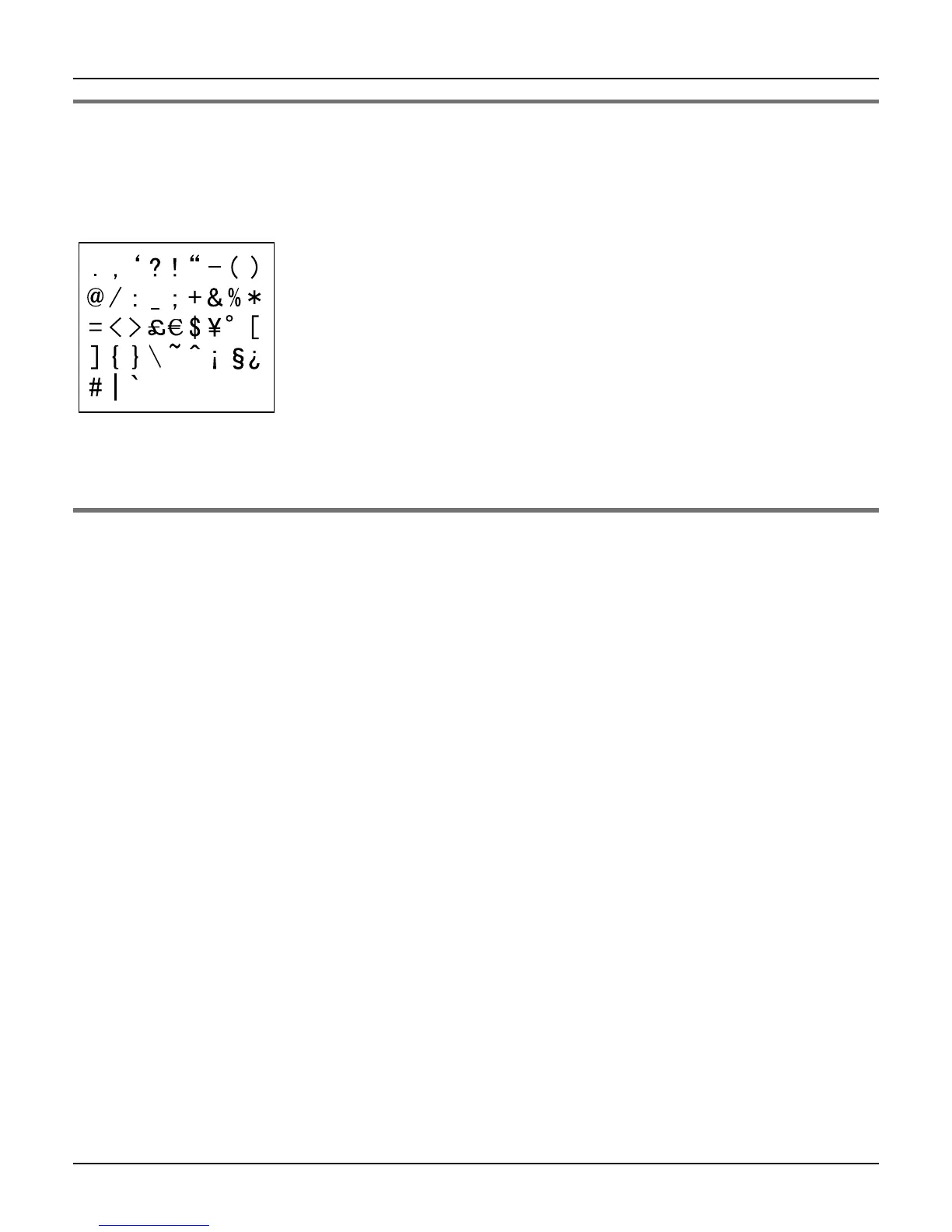
Symbol table
1 Press {Symbol} while in the data entry screen.
2 Press {^}, {V}, {<} or {>} to select the desired symbol. i {Insert}
Note:
L The available symbols differ depending on the data entry mode.
Editing/correcting a mistake
Press {<} or {>} to move the cursor to the character or number you want to erase, then
press {CLEAR}. Enter the appropriate character or number.
Note:
L Press and hold {CLEAR} to erase all characters or numbers when the cursor is
positioned after the last character or number.
L Press and hold {CLEAR} to erase all characters or numbers after the cursor if the
cursor is in the middle of the text.













 To Next Page