Personal Skype Status and Settings
For assistance, please visit http://www.panasonic.com/phonehelp 81
Personal Skype settings
Personal Skype settings allow you to define your password, and protect your privacy by
restricting incoming calls to only the specified types of calls.
Changing your password
This feature changes the password to sign in to Skype.
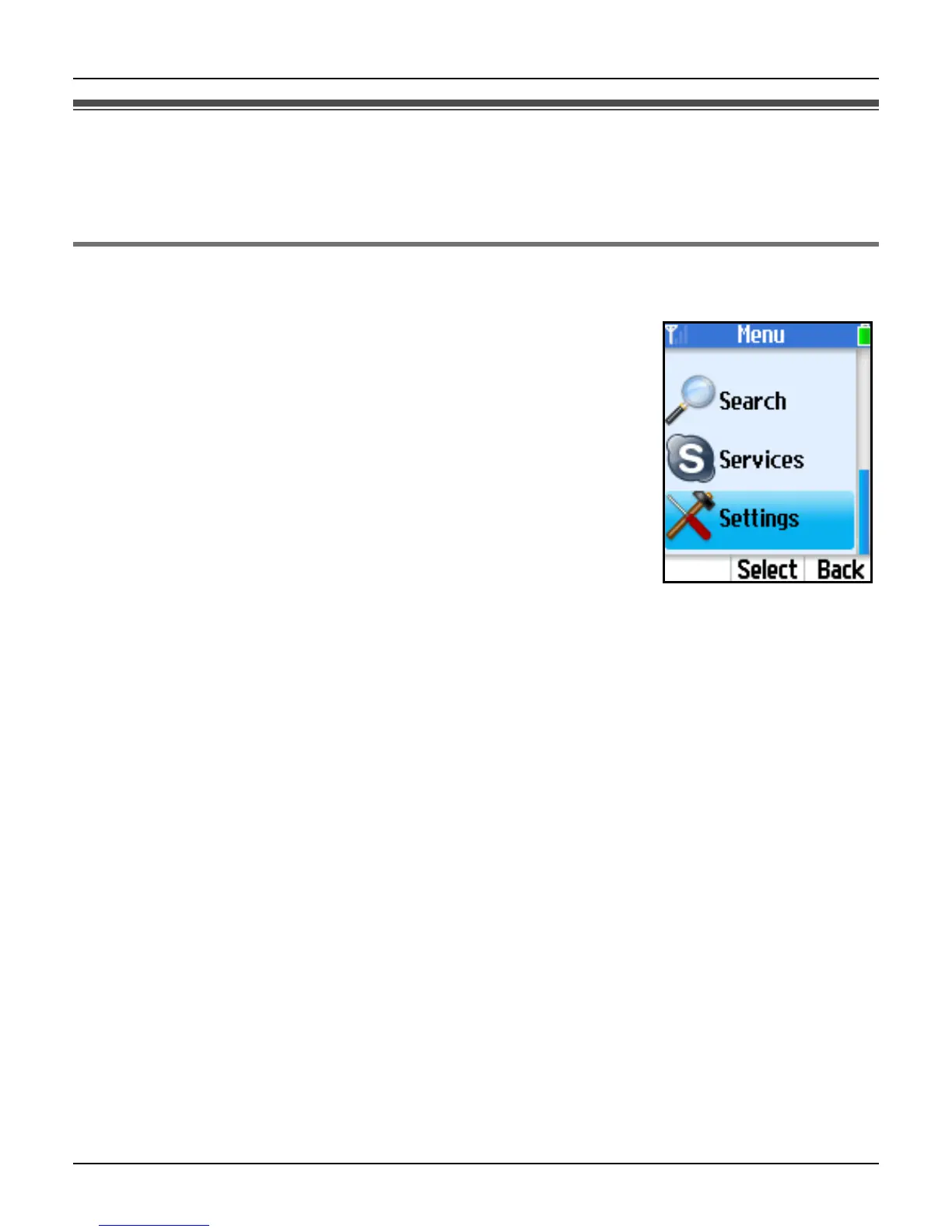
1 {Menu} (middle soft key)
2 “Settings” i {Select}
3 “General” i {Select}
4 “Change password” i {Select}
5 Enter your current password. i {OK}
6 Enter your new password. i {OK}
7 Repeat the new password. i {OK}
Important:
L Please keep your password securely.
Note:
L For text entry, see page 49 for details.













 To Next Page