Base Unit Settings
For assistance, please visit http://www.panasonic.com/phonehelp 101
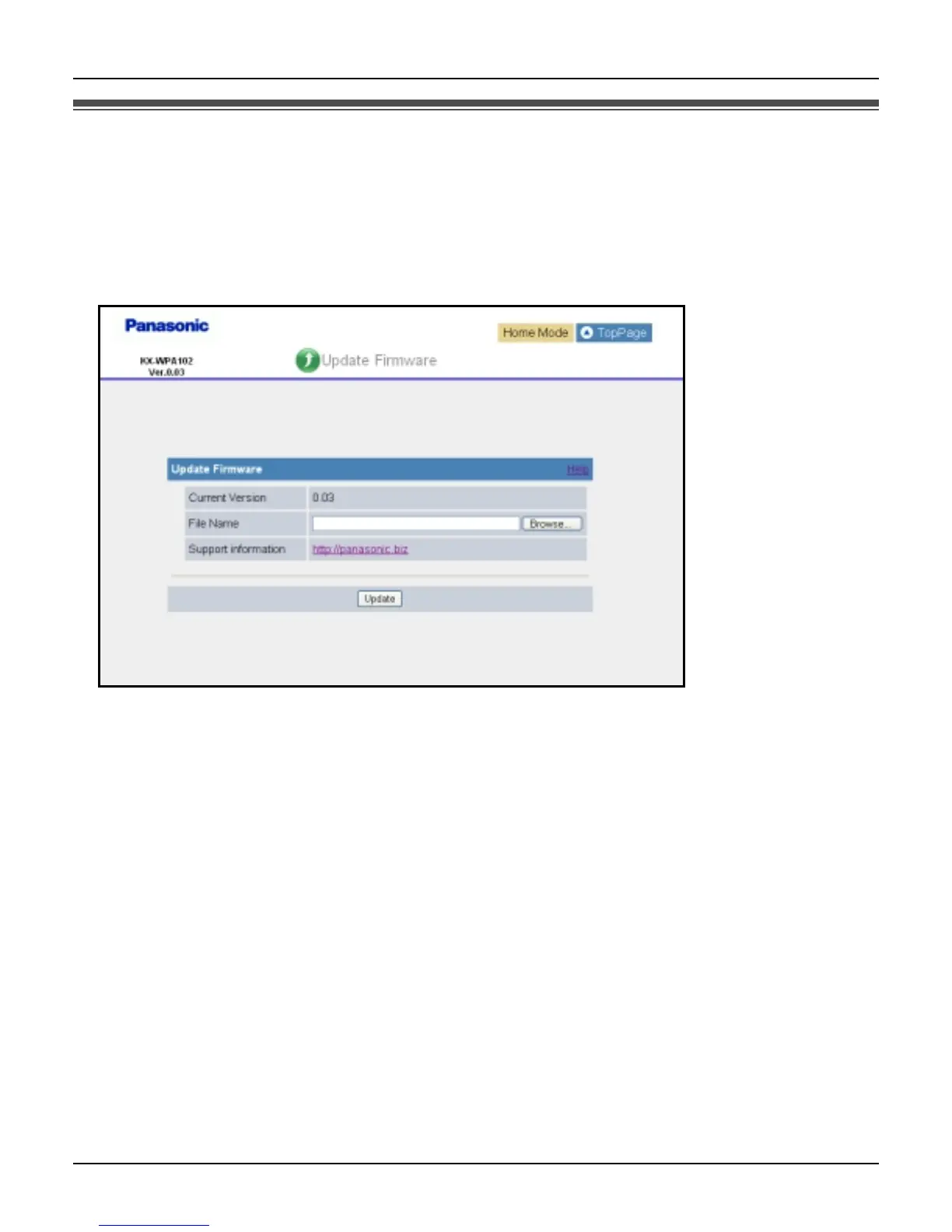
Updating the firmware
To prevent leaks of customer information, illegal operation of this product, interference or
involuntary shutdown etc., update firmware regularly. The most recent firmware file can be
found on Panasonic’s Support Website (http://panasonic.biz).
1 Click [Update Firmware] on Top Menu.
2 Check for the latest version by clicking the support information URL.
3 If the version is updated, download the updated firmware to your PC.
4 Enter the file name of the downloaded firmware under the “Update Firmware” heading.
L You can also click [Browse...] to select the firmware file name from the list.
5 Click [Update].
L The base unit automatically restarts after the firmware is updated.













 To Next Page