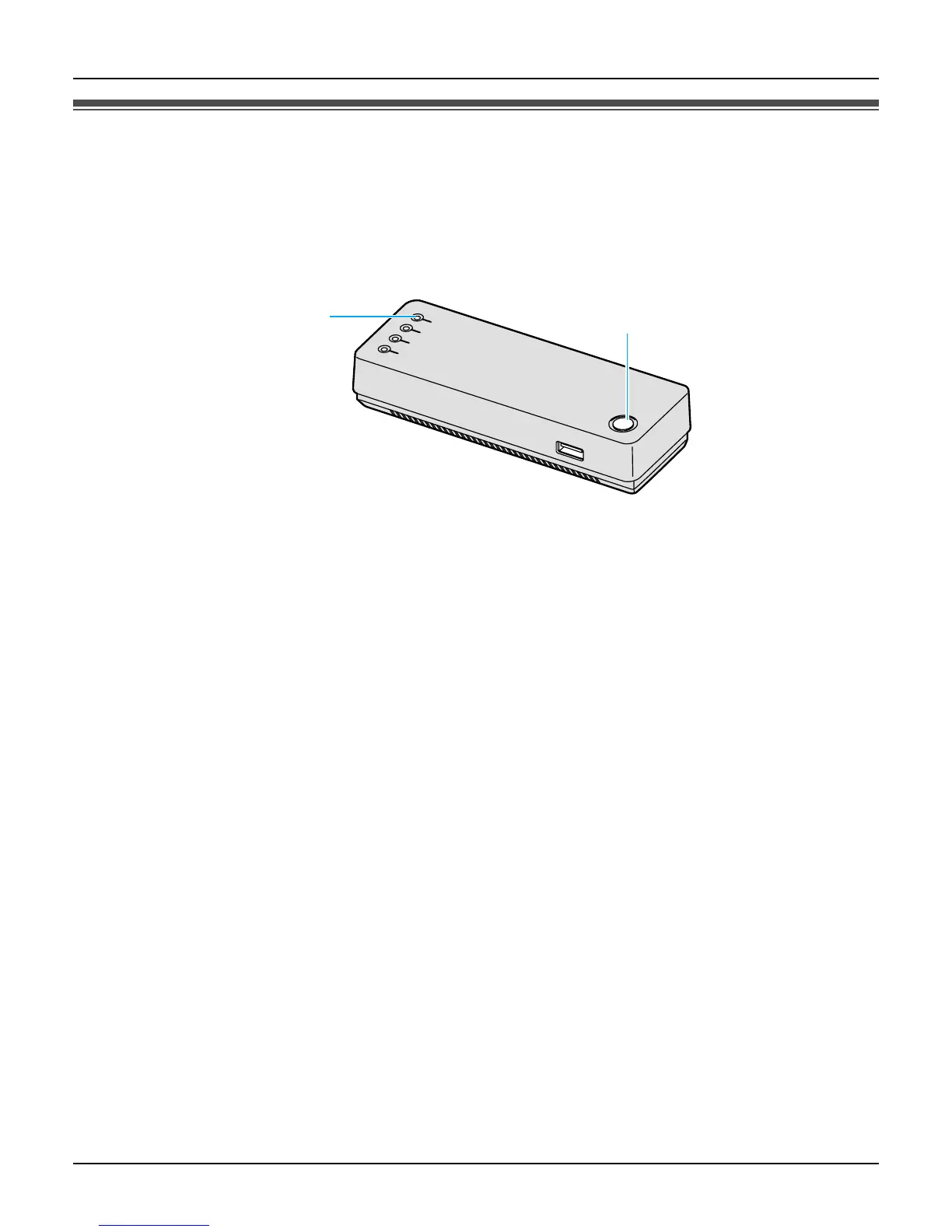
Handset Locator
For assistance, please visit http://www.panasonic.com/phonehelp 93
Registering the handset
The handset and base unit are preregistered. If for some reason the handset is not
registered to the base unit, or after you reset all the handset settings (page 87), register
the handset.
1 {Menu} (middle soft key)
2 “Settings” i {Select}
3 “Phone settings” i {Select}
4 “HS registration” i {Select}
5 Press and hold LOCATOR button on the base unit for 3 seconds. i {OK}
6 {OK}
Note:
L In step 4, select “Information” to view the network name and BSSID information of
the base unit. i {Select}
L You cannot register additional handsets to the base unit.
L While the handset is being registered, the LOCATOR indicator on the base unit is
flashing.
LOCATOR button
LOCATOR indicator













 To Next Page