Making/Answering Calls
68 For assistance, please visit http://www.panasonic.com/phonehelp
Making calls
Using the Contacts list
You can make a Skype call by selecting a Skype contact from the Skype Contacts list.
You must add Skype contacts in the Contacts list beforehand by using your handset
or PC version of Skype. See “Adding contacts” on page 62.
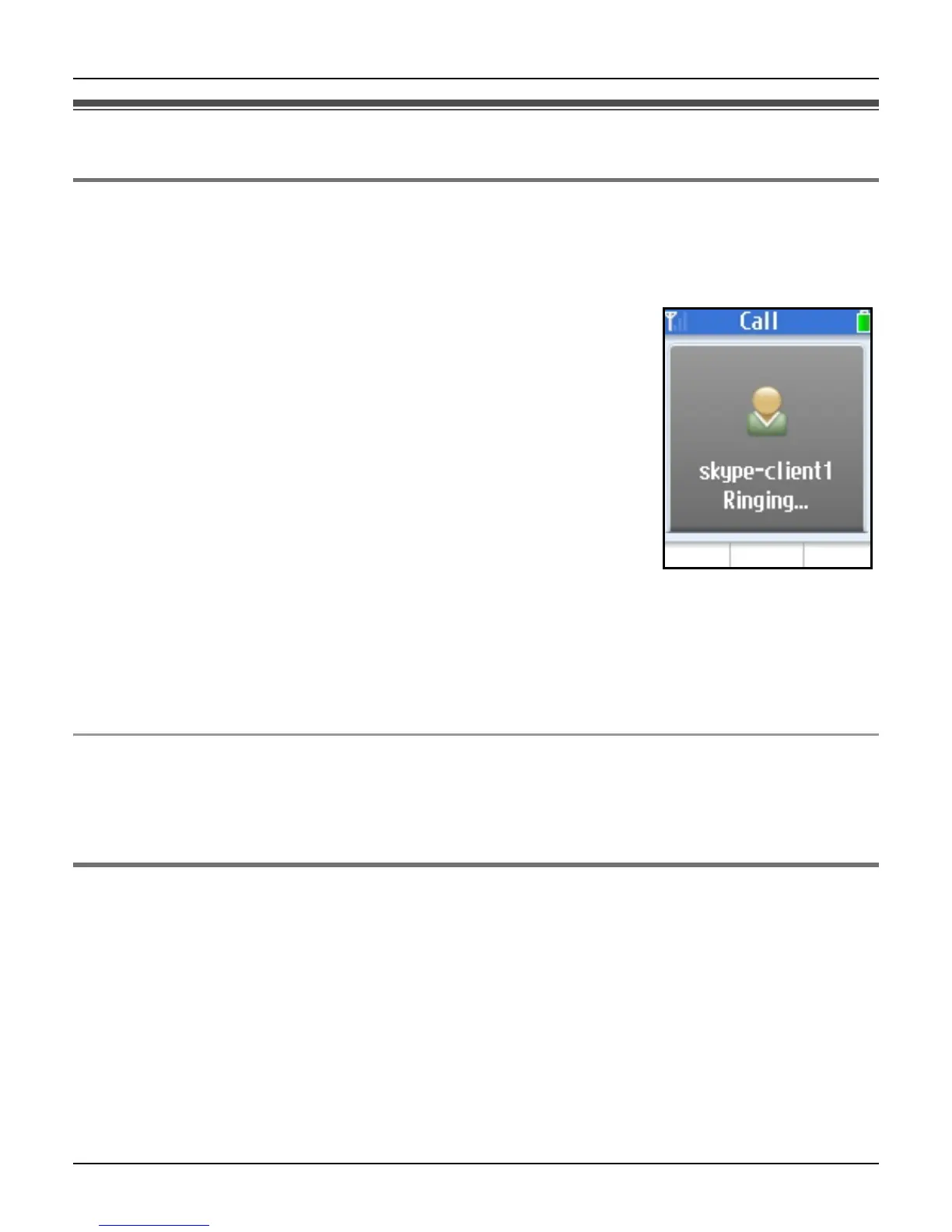
1 While in Idle mode, press {CONTACTS}.
2 Select the desired Skype contact.
L Skype contact and its current status icon (page 55) are
displayed.
3 {{}
L To make a call using the speakerphone, press {s}.
4 When you finish talking, press {}}.
Note:
L In step 1, you can also press {Menu} (middle soft key). i “Contacts” i {Select}
L In step 2, you can also search for a contact by initial. Press the dial key ({0} – {9}) that
corresponds to the first letter(s) of the contact you are searching for. When the list of
contacts is displayed, select the desired contact.
To call from the contact’s profile
You can also make a call while viewing the contact’s profile. In step 2, press {Select} to
display the contact’s profile after you select the desired Skype contact, then press {{} or
{s}.
Using History
The following are logged in History: last 50 missed calls, 20 incoming calls, 20 outgoing
calls, 100 Voicemails and 20 Authorization requests.
1 {Menu} (middle soft key)
2 “History” i {Select}
3 Select the desired list. i {Select}
4 Select the desired log.













 To Next Page