Getting Started
For assistance, please visit http://www.panasonic.com/phonehelp 59
Power screen
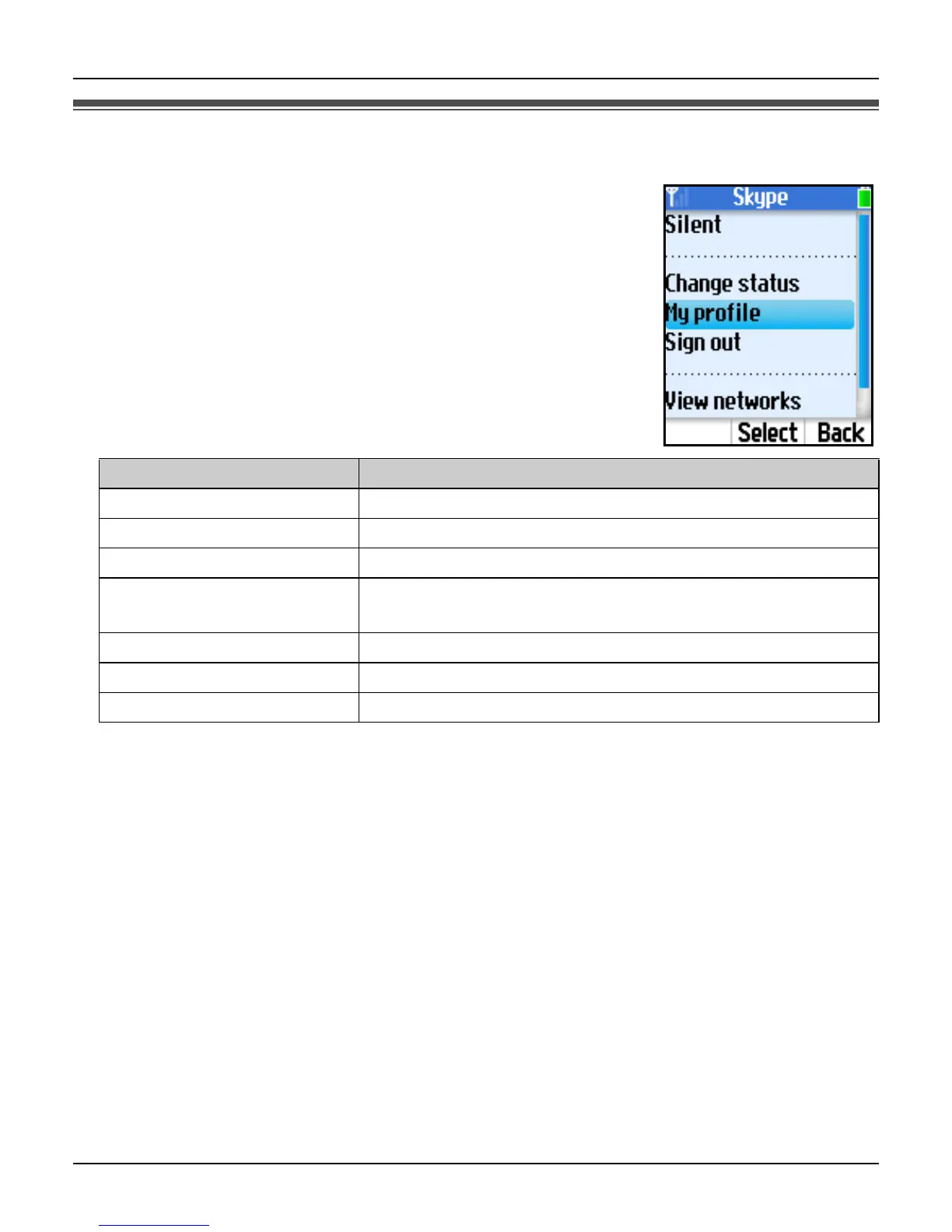
Power screen is another main menu that provides different
functions such as turning the silent mode on or off, viewing the list
of networks, changing your profile details and Skype status, etc.
Functions available in the menu depend on whether you are
signed in to Skype.
1 While in Idle mode, press {Options}.
2 Select the desired menu. i {Select}
*1 Available only when you are signed in to Skype.
Menu Description
Silent Sets the silent mode to on.
Sounds on Sets the silent mode to off.
Change status
*1
Changes your Skype online status.
My profile
*1
Changes your Skype profile details. See page 79 for
details.
Sign out
*1
Signs you out of Skype.
View networks Shows a list of networks found in the area.
Network details Shows network connection information.













 To Next Page