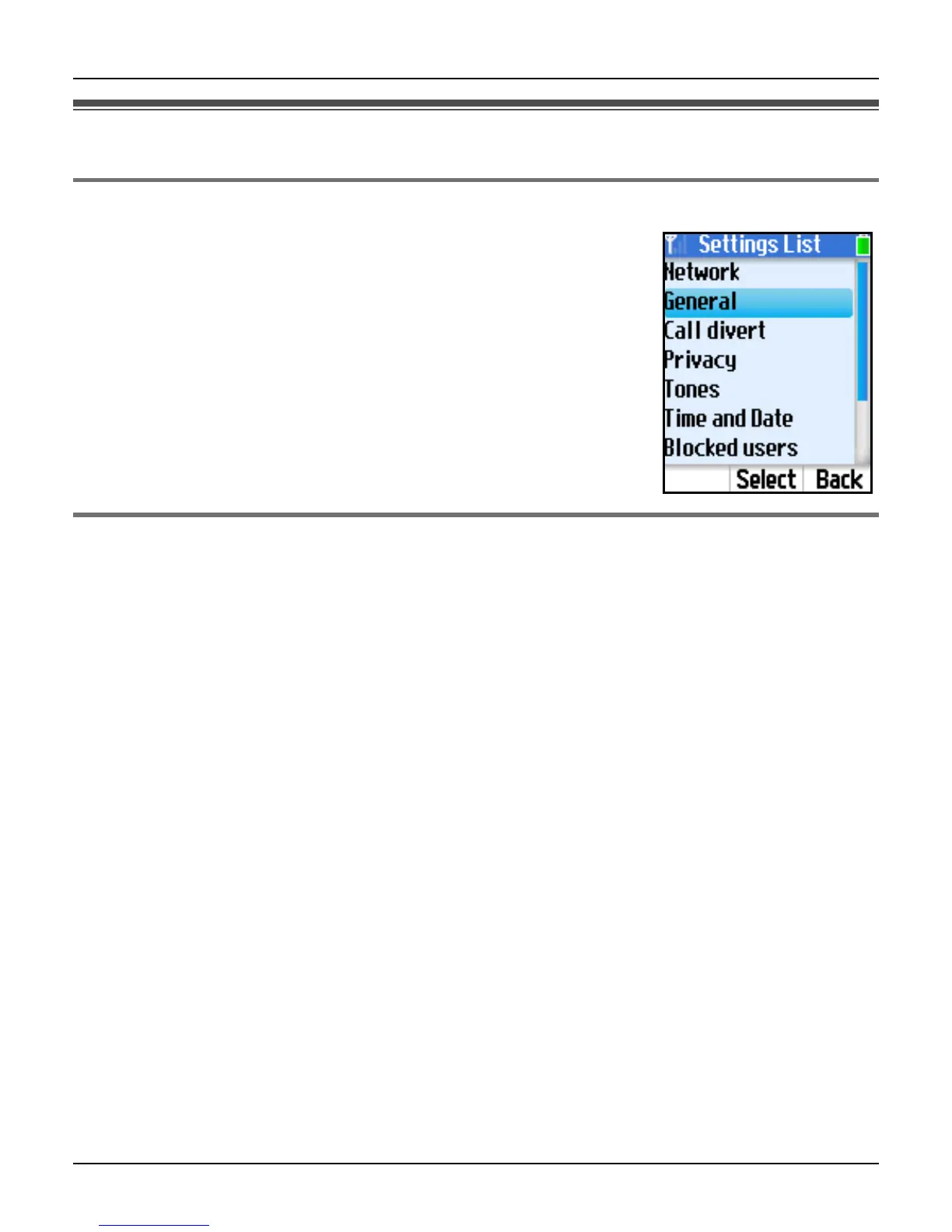
Handset Settings
For assistance, please visit http://www.panasonic.com/phonehelp 85
General settings
Auto sign in
Auto sign in allows you to sign in to Skype automatically when the
handset is starting up.
1 {Menu} (middle soft key)
2 “Settings” i {Select}
3 “General” i {Select}
4 “Auto sign in” i {Select}
5 Select “Automatically” or “Manually”. i {Select}
Updating software
This feature updates the Skype application or Panasonic firmware in the handset.
1 {Menu} (middle soft key)
2 “Settings” i {Select}
3 “General” i {Select}
4 “Software updates” i {Select}
To update the Skype application:
5 Press {OK} to update the application if a new version is available.
6 Plug the CHARGE cable into the handset and the base unit for battery charging (page
45) if the battery is not fully charged. i {OK}
7 Read and accept the Skype agreement. i {Yes}
8 {OK}
L The handset begins to restart.
To update the Panasonic firmware:
5 Start up the Web browser on your computer connected to the LAN port on the base
unit.













 To Next Page