Getting Started
20 For assistance, please visit http://www.panasonic.com/phonehelp
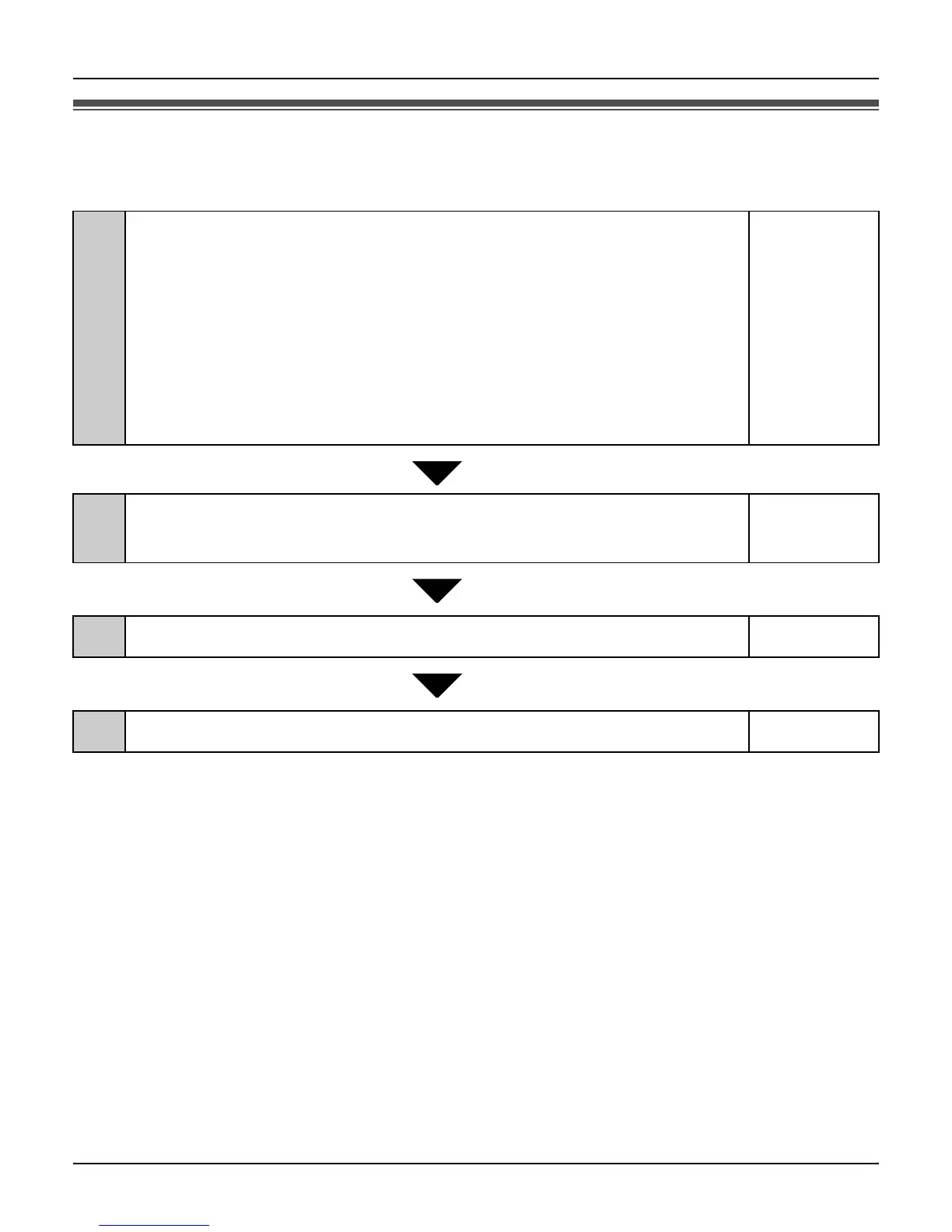
Setup flow
Follow the procedures below to start using the unit.
1
Installing the base unit
Select the appropriate setup procedure according to where and
how you use the unit.
L While you are at a hotel room page 22
L While you are at home
– AP (Bridge) mode
– Router mode
page 24
page 25
2
Setting up the base unit for the first time (Initialization
Wizard)
page 27
3
Setting up the handset
page 44
4
Powering on the handset (Signing in to Skype)
page 51













 To Next Page