Managing History
For assistance, please visit http://www.panasonic.com/phonehelp 77
History
The following events are logged in History: 50 missed calls, 20 incoming calls, 20 outgoing
calls, 100 Voicemails and 20 Authorization requests. These logged events are listed in the
chronological order, most recent first.
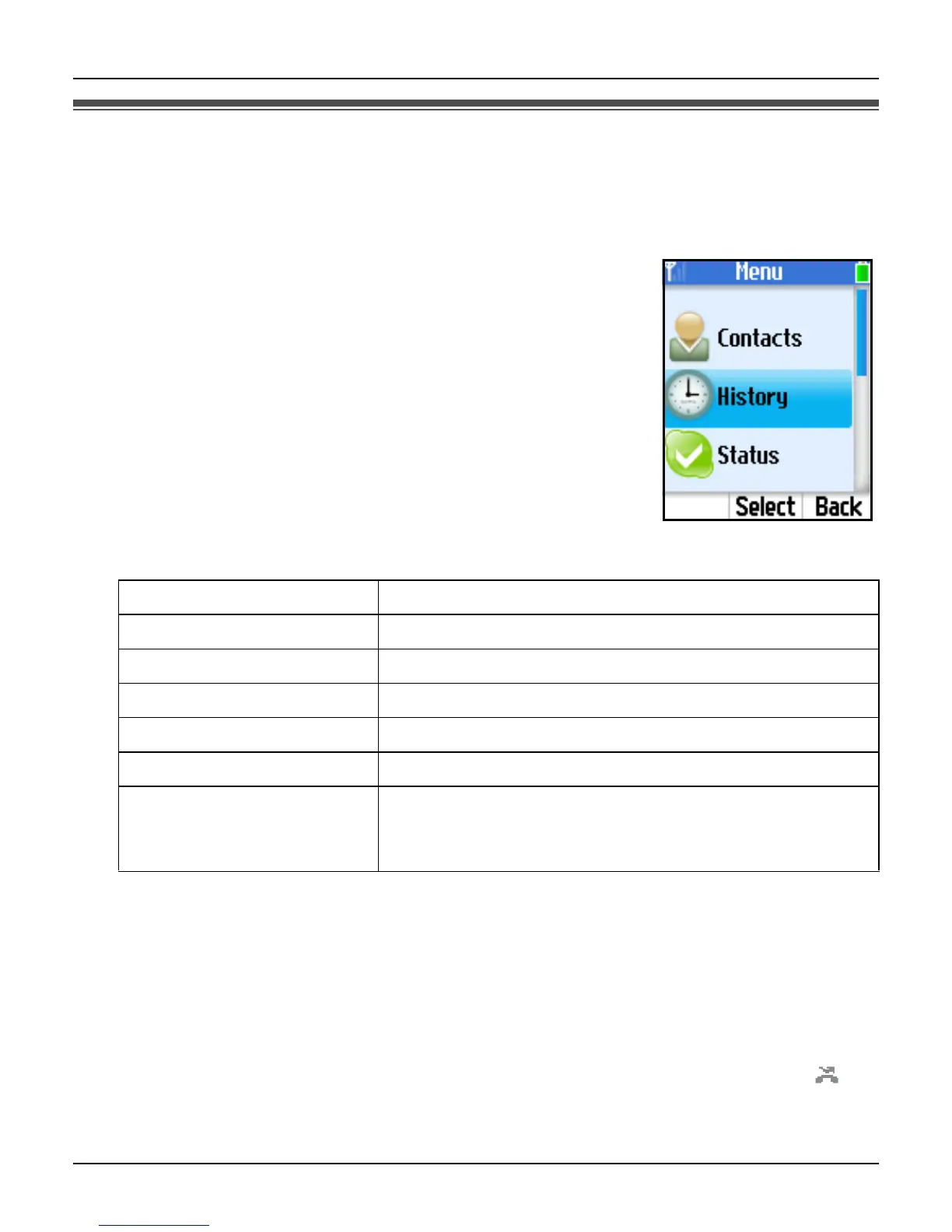
1 {Menu} (middle soft key).
2 “History” i {Select}
3 Select the desired list. i {Select}
4 Press {V} to search from the most recent log, or {^} from the
oldest.
L To view the log, press {Select}.
L To call back, press {{} or {s}.
L To access options, press {Options} and select the desired
option. i {Select}
*1 Not available for Authorization logs.
*2 Not available for Voicemail logs.
*3 Available only for Voicemail logs.
Note:
L In step 1, you can also press {{} to access Outgoing calls list. i {<} or {>} to switch
between Outgoing calls, Incoming calls and Missed calls list, then skip to step 4.
L The logs that have not been viewed are displayed with a new missed call icon “ ”.
Send Voicemail
*1
Sends Voicemail to the contact.
Delete
*1
Deletes the log.
View profile
*1
Shows the profile of the contact.
Add to contacts
*1
Adds the contact to your Contacts list.
Clear list
*1*2
Deletes the entire list.
Play
*3
Plays the Voicemail (page 73).
My greeting
*3
Plays back the Voicemail welcome message. Press
{Options} for more options: “Record new” and
“Reset to default”.













 To Next Page