Getting Started
For assistance, please visit http://www.panasonic.com/phonehelp 57
Main menu
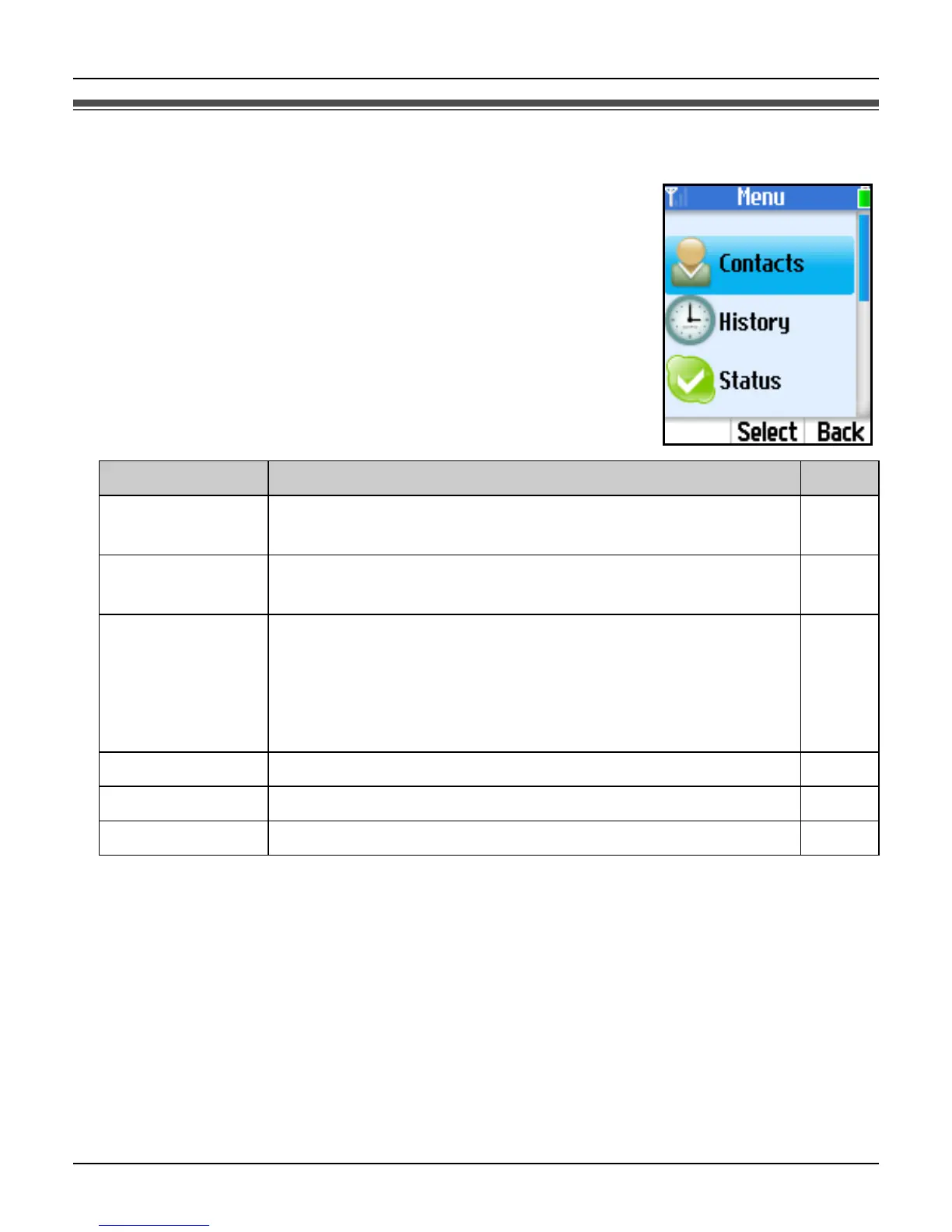
Skype’s Main menu provides 7 menus as shown below.
1 While in Idle mode, press {Menu} (middle soft key).
2 Select the desired menu. i {Select}
Menu Description Page
Contacts Lists Skype and SkypeOut contacts, and shows their
current Skype status.
61
History Lists missed calls, incoming calls, outgoing calls,
Voicemails and Authorization requests.
77
Status Defines your personal Skype settings.
Change status: Changes your Skype online status. 79
My profile: Changes your Skype profile details. 79
Sign out: Signs you out of Skype. 80
Add contact Adds Skype and SkypeOut contacts to your Contacts list. 62
Search Searches for Skype contacts over the Internet. 64
Services Shows Skype credit, SkypeIn and Voicemail information. 92













 To Next Page