Getting Started
56 For assistance, please visit http://www.panasonic.com/phonehelp
While in Contacts list:
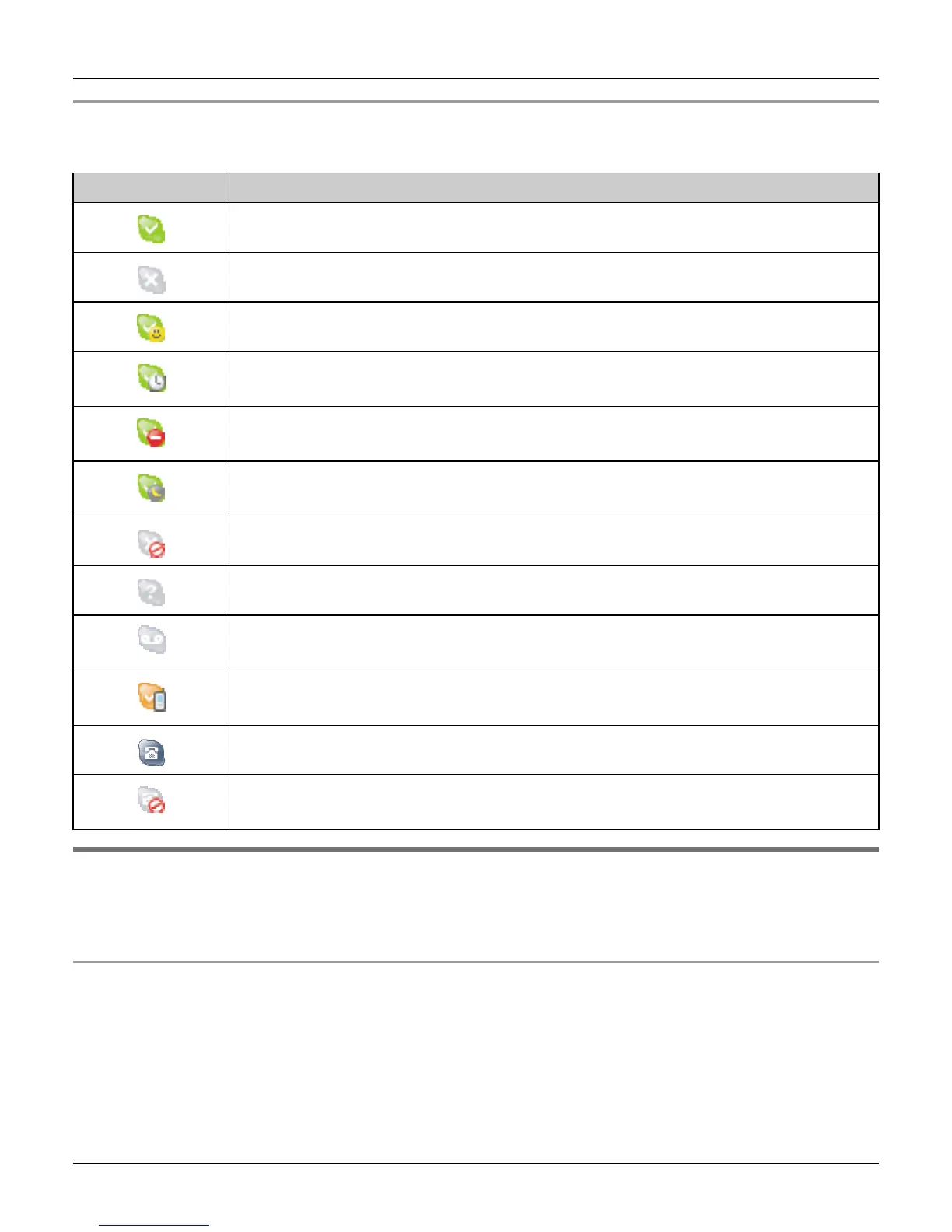
Skype status icons represent the current Skype status of the contacts in Contacts list.
Display back light
After 10 seconds of inactivity, the display back light is turned off in order to preserve the life
of the battery.
To turn on the display back light
To use the handset when the display back light is turned off, press any key to turn the
display back light on again.
Icon Status
Online: Indicates that the contact is signed in to Skype and online.
Offline: Indicates that the contact is not signed in to Skype.
Skype Me: Indicates the contact is available for calls from anyone.
Away: Indicates that the contact is signed in to Skype but currently
away.
Do Not Disturb: Indicates that the contact is signed in to Skype but
does not want to receive calls.
Not Available: Indicates that the contact is signed in to Skype but is
currently not available.
Blocked: The contact is blocked and cannot contact you.
Pending: Indicates that the contact is pending your authorization.
Offline Voicemail: Indicates that the contact is not signed in to Skype
but can receive Voicemails.
Calls Forwarded: Indicates that the calls are forwarded to a specified
number.
SkypeOut: Indicates the contact is a SkypeOut contact.
SkypeOut Blocked: Indicates the SkypeOut contact is blocked and
cannot contact you.













 To Next Page