Personal Skype Status and Settings
For assistance, please visit http://www.panasonic.com/phonehelp 79
Personal Skype status and profile
Skype status and profile features allow you to define your Skype online status and
personal profile details, and to sign out of Skype.
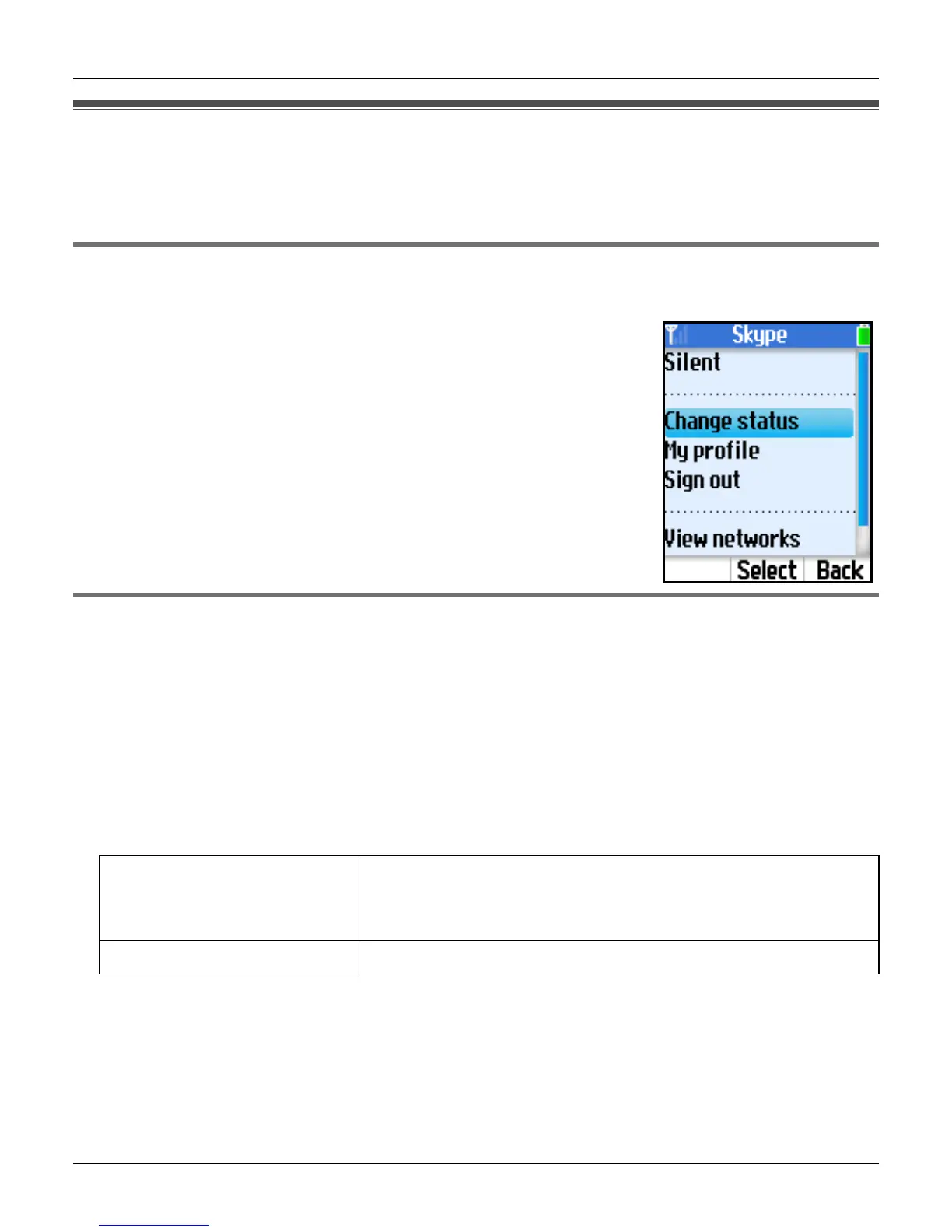
Changing your status
You can change your Skype online status to let other users know when to call you.
1 While in Idle mode, press {Options}.
2 “Change status” i {Select}
3 Select the desired Skype status. i {Select}
L See the Skype status icon list on page 55.
Note:
L In step 1, you can also press {Menu} (middle soft key). i
{Select} i “Status” i {Select}
Setting your profile
You can enter your profile data in My profile. In your public profile, you do not need to fill
in all the fields; however, your country and city information will be helpful for others to
identify you.
1 While in Idle mode, press {Options}.
2 “My profile” i {Select}
3 Select the desired setting. i {Select}
4 Fill in the fields or select the desired item of My profile information. i {OK}/{Select}
Note:
L In step 1, you can also press {Menu} (middle soft key). i {Select} i “Status” i
{Select}
L You need to sign in to Skype to access “My profile”.
Details shown to all Allows you to enter your profile details open to public.
Set your profile so that other Skype users can identify
you.
Private details Allows you to enter your private details.













 To Next Page