Getting Started
For assistance, please visit http://www.panasonic.com/phonehelp 49
Text entry
When you enter characters or numbers, use the character and symbol tables for
reference.
Character table
Press {0} – {9}, {*} or {#}. i {OK}
Note:
L To enter another character that is located on the same dial key, first press {>} to move
the cursor to the next space.
L To change the input mode, press {*} to shift through Lower case (abc), Upper case
(ABC), Numeric (123) and Hexadecimal (HEX) modes (Pressing {*} to change the
input mode is invalid when you enter telephone numbers.).
L The characters assigned to each key differ depending on the data entry mode.
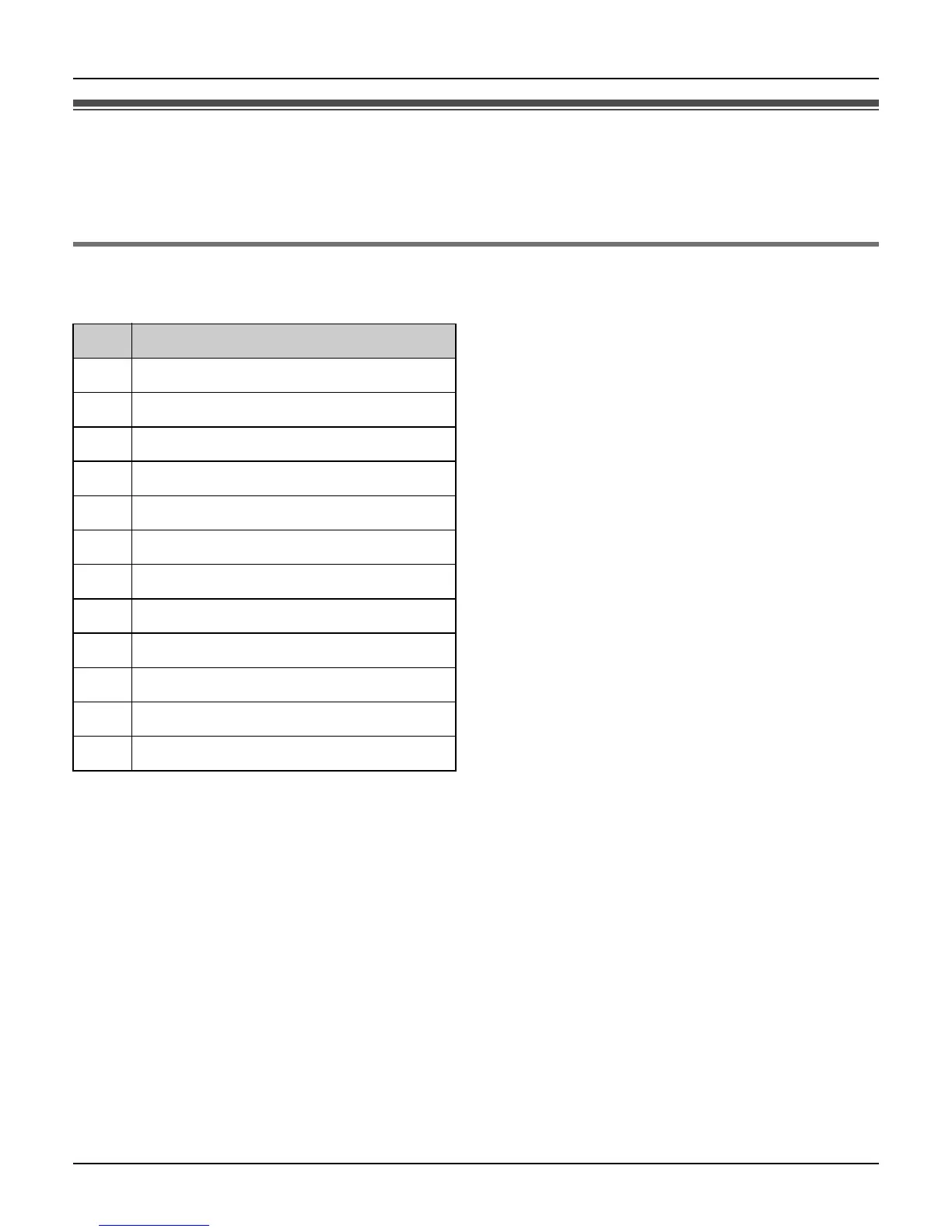
Key Character
{1} 1
{2} abcABC2
{3} def DEF3
{4} ghi GHI 4
{5} jklJKL5
{6} mn o MNO6
{7} pqr sPQRS7
{8} tuvTUV8
{9} wxyzWXYZ9
{0} Space 0 + (press and hold)
{*} Input mode change *
{#} Linefeed #













 To Next Page