Main Menu
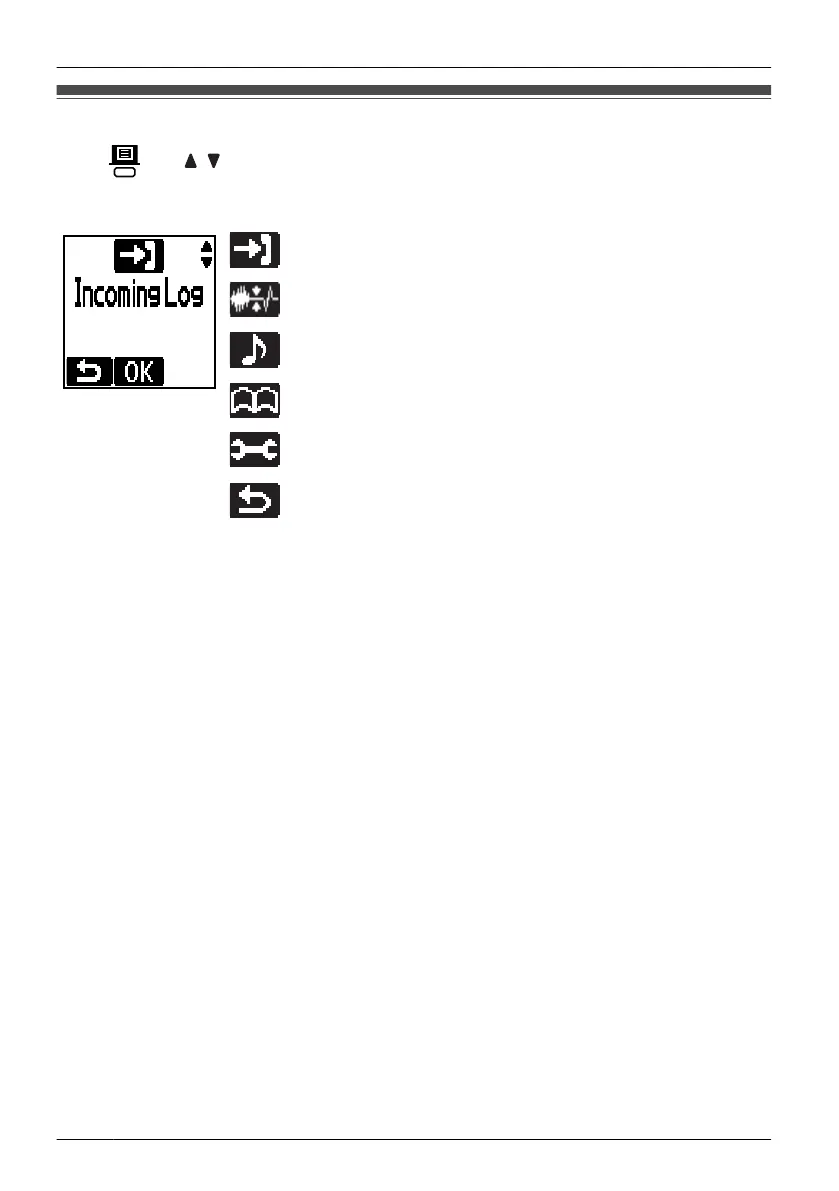
Press and / to display the main menu.
While in Standby Mode
Incoming Log:
Enters the Incoming Call Log.
Noise Reduction:
Accesses the "Noise Reduction" setting.
Incoming Option:
Accesses the "Incoming Option" settings.
New Entry:
Stores a new item in the Phonebook.
Setting Handset:
Accesses the "Setting Handset" settings.
– – – – – – –:
Goes back to standby mode.
16
Before Operating the Handset












 To Next Page