H Display
Refer to "Display" on page
13.
I Soft Keys
The handset features 3 soft keys. By pressing a soft key, you can select the feature
shown directly above it on the display.
J CANCEL
Used to end calls, or exit the Phonebook or Function mode.
K Recall/Flash
L Microphone
M Charge Contacts
N Strap Holes
Used to attach phone straps and similar items.
O Speaker
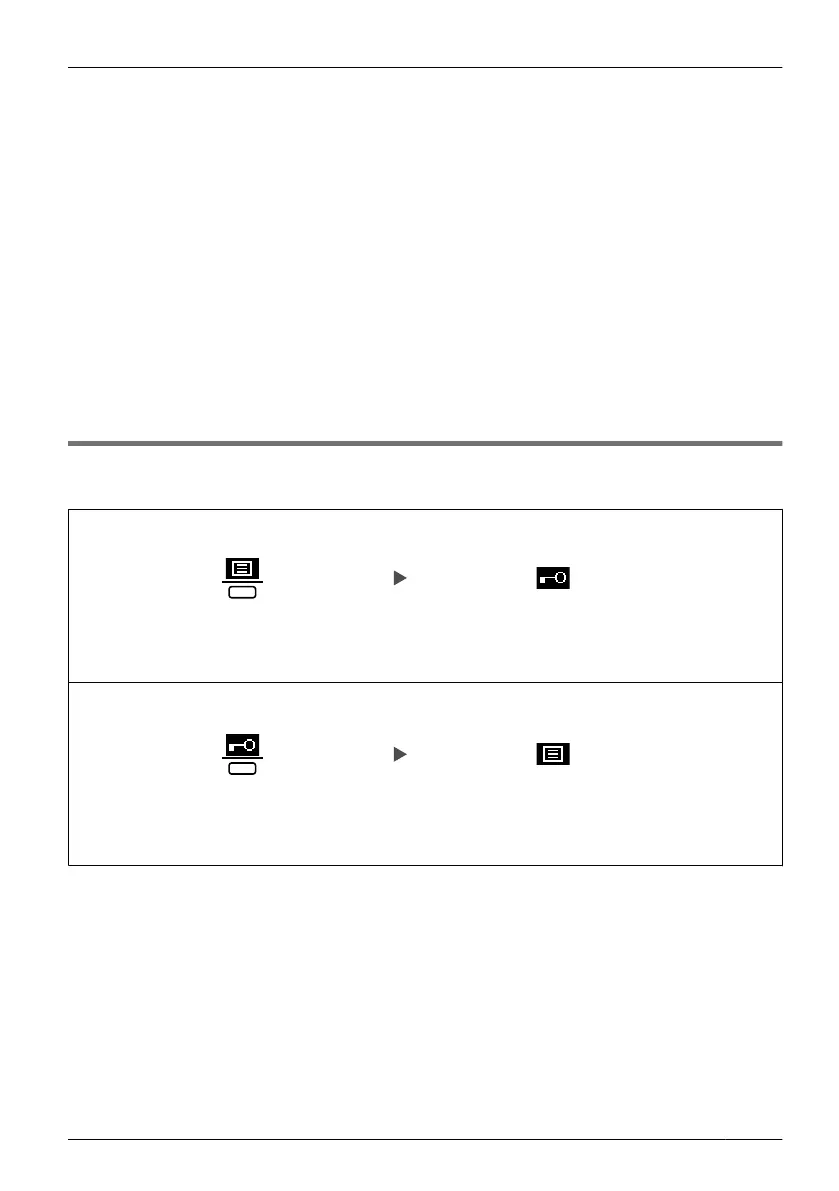
Key Lock
You can lock all keys while the handset is in standby mode.
To lock
Press the centre soft key for
more than 2 seconds to lock.
Locked.
To unlock
Press the centre soft key for
more than 2 seconds to unlock.
Unlocked.
9
Before Operating the Handset












 To Next Page