Display Option
Sub Item Description Setting Default
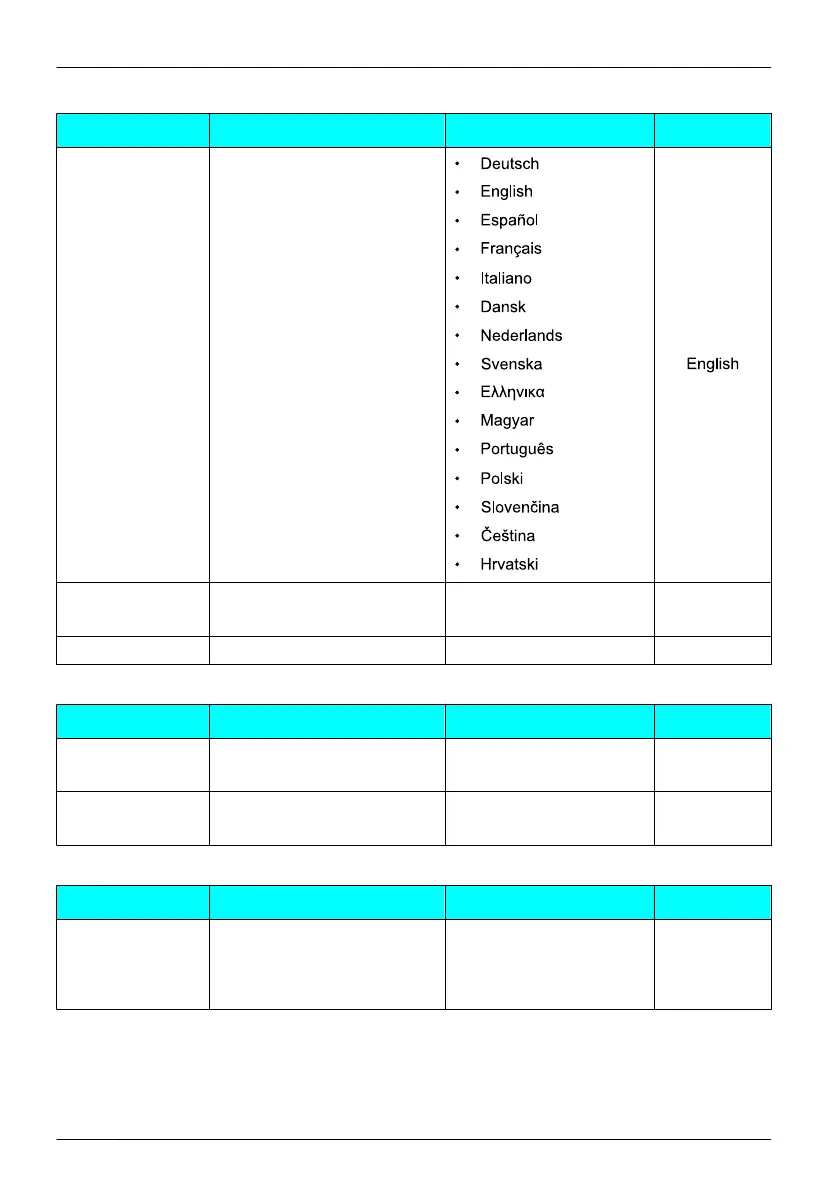
Language
Selects the display language.
Backlight
Turns on the backlight of the
LCD and keypad.
• On
On
• Off
LCD Contrast
Adjusts the LCD contrast. • Level 1-6 Level 3
Tone Option
Sub Item Description Setting Default
Key Tone
Turns the key tone on or off. • On
On
• Off
Range Alarm
Selects whether the range
alarm tone rings or not.
• On
On
• Off
System Option
Sub Item Description Setting Default
Register
Handset
Registers a handset with 1
PBX. For information about
registering the handset,
contact your dealer.
— Not stored
46
Configuring Handset Settings












 To Next Page