EasyManua.ls Logo

Panasonic NV-SD350 - Page 3

Panasonic NV-SD350
48 pages
Print Icon
To Next Page IconTo Next Page
To Previous Page IconTo Previous Page
Loading...
[
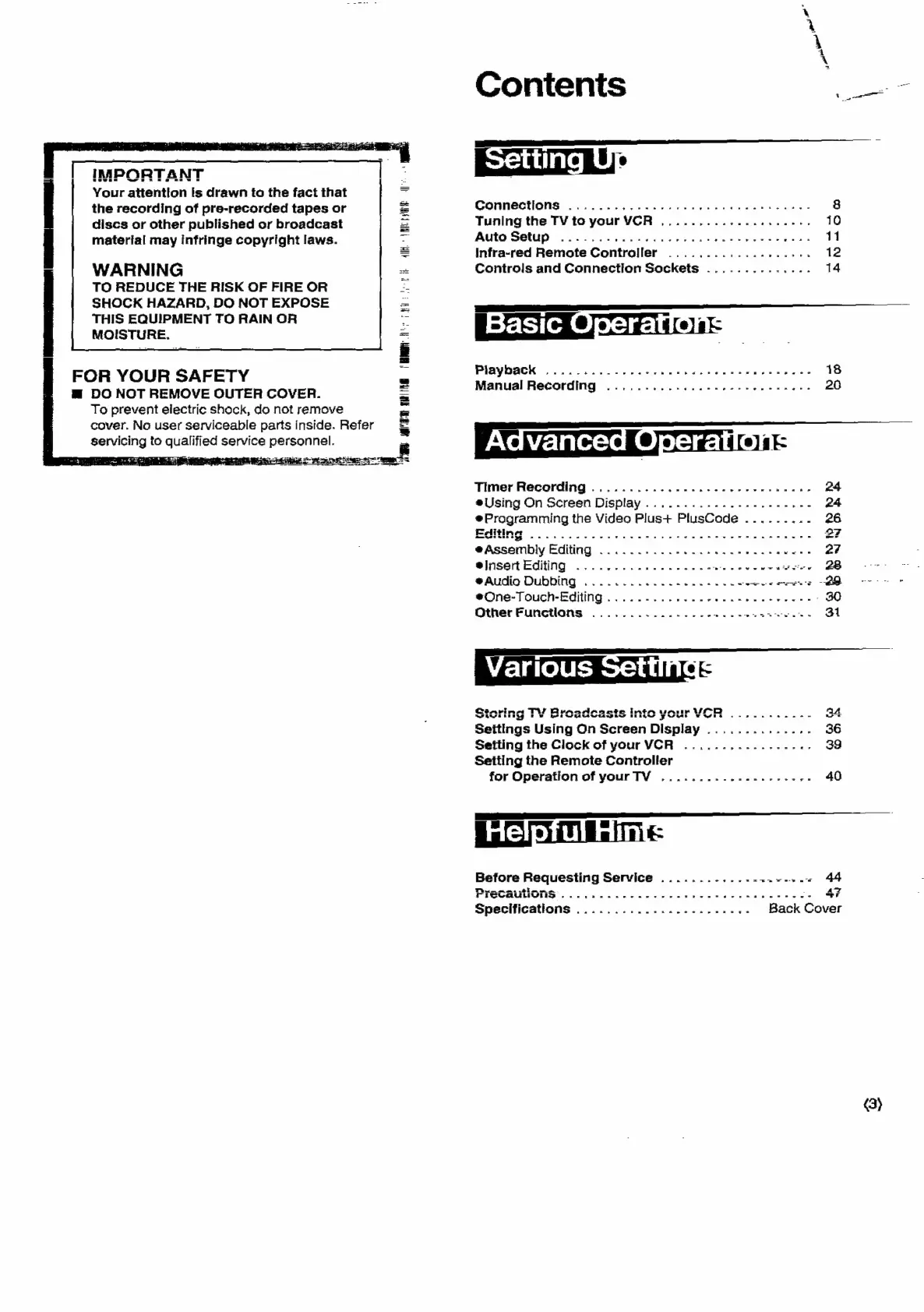
IMPORTANT
|
Your
attention
Is
drawn
to
the
fact
that
the
recording
of
pre-recorded
tapes
or
discs
or
other
published
or
broadcast
matertal
may
infringe
copyright
laws.
WARNING
TO
REDUCE
THE
RISK
OF
FIRE
OR
SHOCK
HAZARD,
DO
NOT
EXPOSE
THIS
EQUIPMENT
TO
RAIN
OR
MOISTURE,
AIK.
«1
RIF
PMH
en
ih
FOR
YOUR
SAFETY
@
DO
NOT
REMOVE
OUTER
COVER.
To
prevent
electric
shock,
do
not
remove
cover.
No
user
serviceable
parts
inside.
Refer
servicing
to
quell
ied
service
aaa
Contents
a
=
enue
Connections
.........0.
0.2.0
ce
eee
8
Tuning
the
TV
to
your
VCR
..........-.-....285.
10
Abita:
Seep
6.20
sce
ts
tbo
oe
beens
eee ces
11
Infra-red
Remote
Controller
................26,
12
Controls
and
Connection
Sockets
..............
14
=
Sle’:
ela
PIGYOOCK
(5.22256
Sako
dia't
Vee
hee
dane
sane
eees
18
Manual
Recording
...........0..000
ee
eee
ee
neee
20
Timer
Recording
...........---..--0--
eee
eens
24
eUsing
On
Screen
Display
.........--.---.---4--
24
@Programming
the
Video
Plus+
PlusCode
.........
26
RR
oo
sk
at
Siesta
garae
ee
a
ee
Bea
eS
Ca
eee
2?
eAssembly
Editing
©...
2...
ee
ewes
27
lis
ECiing:
x
.xcesheteceses
te
eda
cavt
san
averse
2B
+
@Audio
Dubbing
............-.-.-.--6-
ee
a
Ee
@One-TOuch-=Eqiing
6
.tccen
dances
caetaekesess
-
30
Other
Functlons
...............-
ee
eer
7
rirereti
eR
geste
Ce
ta
eds
ge
oe:
ae
eae
34
Seitings
Using
On
Screen
Display
..............
36
Setting
the
Clock
of
your
VCR
....
1.1.2...
eee
39
Setting
the
Remote
Controller
for
Operation
of
yourTV
...........-..-.----
40
LS
Before
Requesting
Service
...........--+.--+-~
44
PYOCEULONS
\
cic
oid
cece
cea
ease
eb
SS
-.
47
Specifications
.....................+.-
Back
Cover
3}

Related product manuals