EasyManua.ls Logo

Panasonic NV-SD350 - Before Requesting Service

Panasonic NV-SD350
48 pages
Print Icon
To Next Page IconTo Next Page
To Previous Page IconTo Previous Page
Loading...
(44)
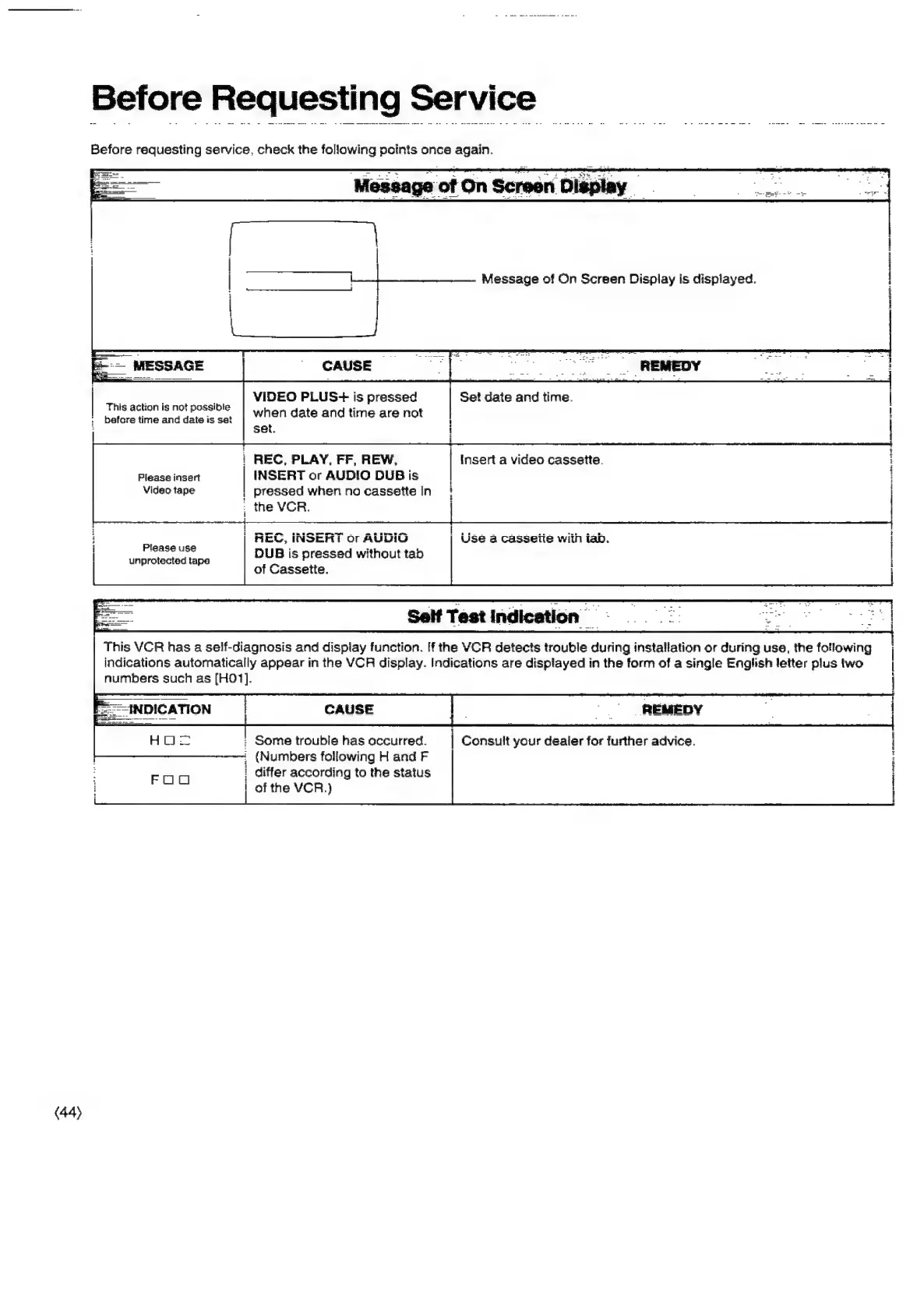
Before
Requesting
Service
Before
requesting
service.
check
the
following
points
once
again.
VIDEO
PLUS-++
is
pressed
Se!
date
and
time.
when
date
and
time
are
not
set.
This
action
is
not
possible
befcre
time
and
date
is
set
|
REC,
PLAY,
FF,
REW,
Insert
a
video
cassette.
eee
eee
ee
Tere
Please
insert
INSERT
or
AUDIO
DUB
is
Video
tape
|
pressed
when
no
cassette
In
:
the
VCR.
Pat
onl
‘eo
|
1
1
{
1
REC,
INSERT
or
AUDIG
|
Use
a
cassette
with
iab.
|
|
E
L
!
Please
use
unprotected
tape
DUB
is
pressed
without
tab
of
Cassette.
This
VCR
has
a
self-diagnosis
and
dispiay
function.
If
the
VCR
detects
trouble
during
installation
or
during
use,
the
foflowing
indications
automatically
appear
in
the
VCR
display.
Indications
are
displayed
in
the
form
of
a
single
English
letter
pilus
two
numbers
such
as
[H0O1].
:
Some
trouble
has
occurred.
|
Consult
your
dealer
for
further
advice.
j
1
:
(Numbers
following
H
and
F
i
differ
according
to
the
status
aes
|
of
the
VCR.)
|

Related product manuals